Software · 28 November, 2026
Password Managers: How to Use Software to Manage Accounts More Securely
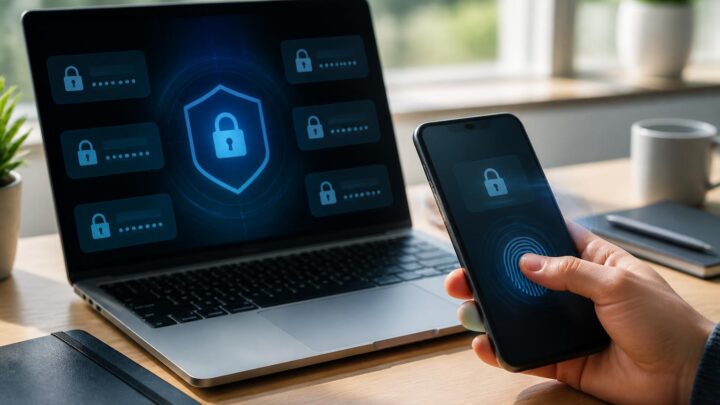
Passwords remain the familiar layer of protection for most online accounts, from email and social media to shopping services and work platforms. The problem is that the number of accounts a person has continues to grow, while remembering dozens of different character strings is nearly impossible. As a result, many people use one password for multiple services, create easily guessed variations, or save login information in insecure places.
Password managers were developed to solve this problem through software. These tools can store login information in a protected data vault, help create new passwords, and fill in information when users access websites or applications. However, they are not a solution that automatically eliminates every risk. Users still need to understand how the software works, set a sufficiently strong master password, and establish a process suited to their individual needs.
How Do Password Managers Work?
Basically, a password manager is an application designed to store sensitive information. A data entry may include a username, password, website address, security notes, or some additional fields. Users only need to remember one master password to open the data vault instead of memorizing every individual password.
Many software products provide browser extensions and applications for phones and computers. When users visit a login page, the tool can identify the corresponding service and suggest filling in the information. Some software also supports automatically saving new information after a user registers an account or changes a password. This mechanism reduces the need to copy passwords into text files, note-taking applications, or personal messages.
Data vaults are usually protected by encryption, but the specific implementation depends on each product. Some software prioritizes storing data on the device, some supports synchronization through a separate account, and some solutions combine both approaches. Therefore, before using one, users should carefully read where the data is stored, how synchronization works, whether data can be exported, and how recovery works if a device is lost.
Practical Benefits in Daily Use
Creating a Separate Password for Each Account
The most important benefit of a password manager is that it makes it easy for users to create different passwords for each service. When they do not have to remember every character string themselves, users can choose passwords that are long, difficult to guess, and unrelated to their names, dates of birth, phone numbers, or publicly available information. If a service suffers an incident that exposes login information, using a unique password limits the possibility that attackers will use the same information to try to access other accounts.
Password generators generally allow users to adjust the length, character types, and combination method. Users do not necessarily have to choose each character themselves, but they should still check the service’s requirements before generating a password. Some websites have their own rules regarding length or accepted characters. Saving the new password immediately after creating it also helps prevent a situation in which a user changes a password and then cannot log in later.
Reducing the Habit of Saving Passwords Carelessly
In practice, many login details are saved in screenshots, exposed notebooks, text files on computers, or conversations with oneself. These methods are convenient in the short term but difficult to control when a device is shared, lost, or accessed without authorization. A centralized password vault helps users know where their information is stored and allows them to review and update it through a clearer process.
Search functionality is also valuable for people who manage many accounts. Instead of trying different email addresses or old passwords one by one, users can find the relevant entry in the data vault. Notes such as recovery questions, customer numbers, or instructions for contacting support can also be stored separately, provided that users consider the sensitivity of each piece of information.
Supporting Synchronization Across Devices
Users now commonly switch between computers, phones, and tablets. If a password manager supports synchronization, login information can be updated on authenticated devices. This feature is convenient, but it also requires users to carefully manage the list of devices allowed to access the data. When selling, lending, or stopping use of a device, users should sign out, delete local data if necessary, and revoke the appropriate access rights.
Criteria to Consider Before Choosing Software
A password manager should not be chosen solely because of an attractive interface or advertisements emphasizing convenience. The first criterion is how the software protects the data vault. Users need clear information about encryption, authentication mechanisms, synchronization methods, and account recovery procedures. If a provider is too vague about these matters, that is a sign to exercise caution.
The ability to export data also deserves attention. A good tool should allow users to transfer their data to a suitable format when they need to change software, but exporting a password vault must be done carefully because the exported file may contain sensitive information. This file should not be left in the downloads folder for too long, sent by email, or uploaded to a storage service without a necessary reason.
Compatibility with operating systems and browsers directly affects the user experience. If the tool does not work reliably on a primary device, users may return to the habit of saving passwords manually. Check in advance which platforms are needed, whether automatic filling is supported, how multiple accounts on the same website are handled, and whether the application can be locked after a period of inactivity.
For families or small groups, sharing features should also be considered separately. Sharing a password by sending it in plain text through a message is not always appropriate. Some software allows users to share a data entry without exposing their entire personal vault, but users still need to clearly determine which accounts may be shared, who has editing rights, and when access should be revoked.
The Master Password and Additional Authentication
A password manager creates a central point of protection: the master password. If this password is too short, easy to guess, or used elsewhere, the entire data vault may be placed at risk. The master password should be sufficiently long, difficult to associate with personal information, and never have been used for any other service.
Users may choose a long passphrase made up of several words that are not directly related to one another, as long as the method is compatible with the software’s requirements and can be remembered consistently. The master password should not be stored in the password vault itself or written down somewhere that others can easily see. If users are afraid of forgetting it, they should develop a separate memorization method rather than creating multiple unprotected digital copies.
If the software supports multifactor authentication, it should be enabled for the vault-management account. An additional authentication layer does not replace the master password, but it helps reduce the risk when login information is exposed. Users need to prepare a valid backup method, such as recovery codes kept securely, so they do not lock themselves out of their data when they lose a phone or change devices.
A Safe and Easy-to-Maintain Usage Process
Getting started with a password manager does not necessarily mean transferring every account at once. Users can make a list of important services such as their primary email, banking, work, and data-storage accounts. They can then change each password, save it in the software, and test whether they can log in on their usual devices. Working through accounts in groups helps identify synchronization errors or compatibility problems early.
During the data-import process, users should remove duplicate entries, accounts that are no longer in use, and information of unclear origin. Important accounts should have an active recovery address and up-to-date authentication methods. If a service has changed its website address, update the corresponding entry so that the automatic-fill feature does not operate on a fake website with a similar name.
Regular review should also become an ongoing habit. Users can check old passwords, accounts that are no longer in use, currently logged-in devices, and shared entries. When unusual activity is detected, change the password through the official website, check login sessions, and contact the service’s support channel if necessary. Do not handle the issue by clicking suspicious links in emails or messages.
Limitations That Cannot Be Ignored
Software cannot protect users from every form of fraud. If users log in to a fake website and confirm the filling of their information themselves, the data can still be stolen. Automatic filling can sometimes help identify the correct website address, but users should still examine the domain name, secure connection, and context of the page before entering information.
A device infected with malware presents another risk. A compromised computer may record keystrokes, take screenshots, or interfere with the browser. Therefore, a password manager should be viewed as one part of an overall protection system, alongside software updates, device locks, appropriate network use, and caution with attachments.
In addition, relying on a single tool can cause inconvenience if the service experiences an outage or the user loses access. Learn in advance how to access the data offline, how to recover it, and how to contact support. A properly created backup can be useful, but it must be encrypted or tightly protected; an unprotected copy can sometimes become the easiest target to exploit.
Conclusion
Password managers help turn account protection from a difficult-to-remember task into a more organized process. These tools support the creation of unique passwords, reduce the careless storage of information, enable synchronization across devices, and make it easier to review accounts. However, their effectiveness depends not only on the software but also on the master password, additional authentication, the condition of the device, and the ability to recognize suspicious websites.
Users should begin with a solution that provides clear security information, suits the devices they use, and allows them to control their data. After setup, they should maintain the habits of updating information, reviewing access rights, and handling backups carefully. When used correctly, a password manager does not make security more complicated; instead, it helps ensure that important principles are practiced consistently in everyday digital life.
相关文章

Task Management Software: Turning To-Do Lists into a Clear Workflow
In many teams, the problem is not a lack of people to do the work, but the fact that work is scattered across too many places. One task appears in a meeting, another request sits in an email inbox, a few changes are discussed through a messaging app, while actual progress is updated only when
阅读更多
PDF Software for Everyday Work: Read, Annotate, and Process Documents More Efficiently
PDF has become a familiar format in education, office work, and online transactions. Contracts, quotations, instruction manuals, forms, invoices, and résumés are often shared in this format because their layout remains relatively consistent across different devices. However, users’ practical needs go beyond simply opening and reading files. Many people need to quickly find a passage,
阅读更多
Personal Data Backup Software: Building a Layer of Protection Before Disaster Strikes
Personal data often disappears not because users do not value it, but because backups are postponed for too long. Family photos, work documents, academic records, electronic invoices, or project files may be stored on a computer for years without a reliable backup. By the time a drive fails, a device is stolen, or a security
阅读更多
Task Management Software for Small Teams: Choosing the Right Tool for Smooth Operations
In a small team, work often begins with quick conversations, scattered messages, and a few personal notes. This approach may still work when there are not many tasks, but its limitations quickly become apparent when the team is handling multiple projects at the same time, has people working remotely, or needs to coordinate with clients.
阅读更多
Password Managers: How to Build Safe and Organized Login Habits
Passwords remain a familiar part of digital life, from email accounts, social media, and online banking to work and shopping services. The problem is that the number of accounts continues to grow, while each person’s ability to remember them is limited. When logging in frequently, many people choose to use one password for multiple services,
阅读更多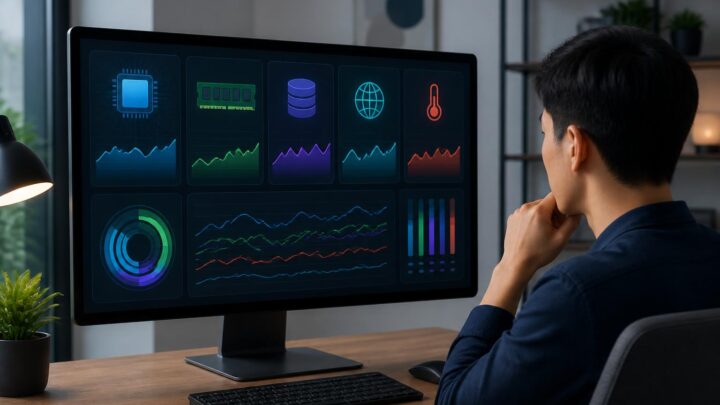
Computer Performance Monitoring Software: Reading Data Correctly to Troubleshoot Problems Early
Computers do not usually fail suddenly with absolutely no warning. An application opening more slowly, delayed window switching, a fan running continuously, or an unstable network connection can all indicate that a problem is developing. However, relying only on impressions makes it very easy for users to misdiagnose the issue. A slow computer may be
阅读更多