Building a Sustainable Business Email System: From Domain Names to Operational Processes

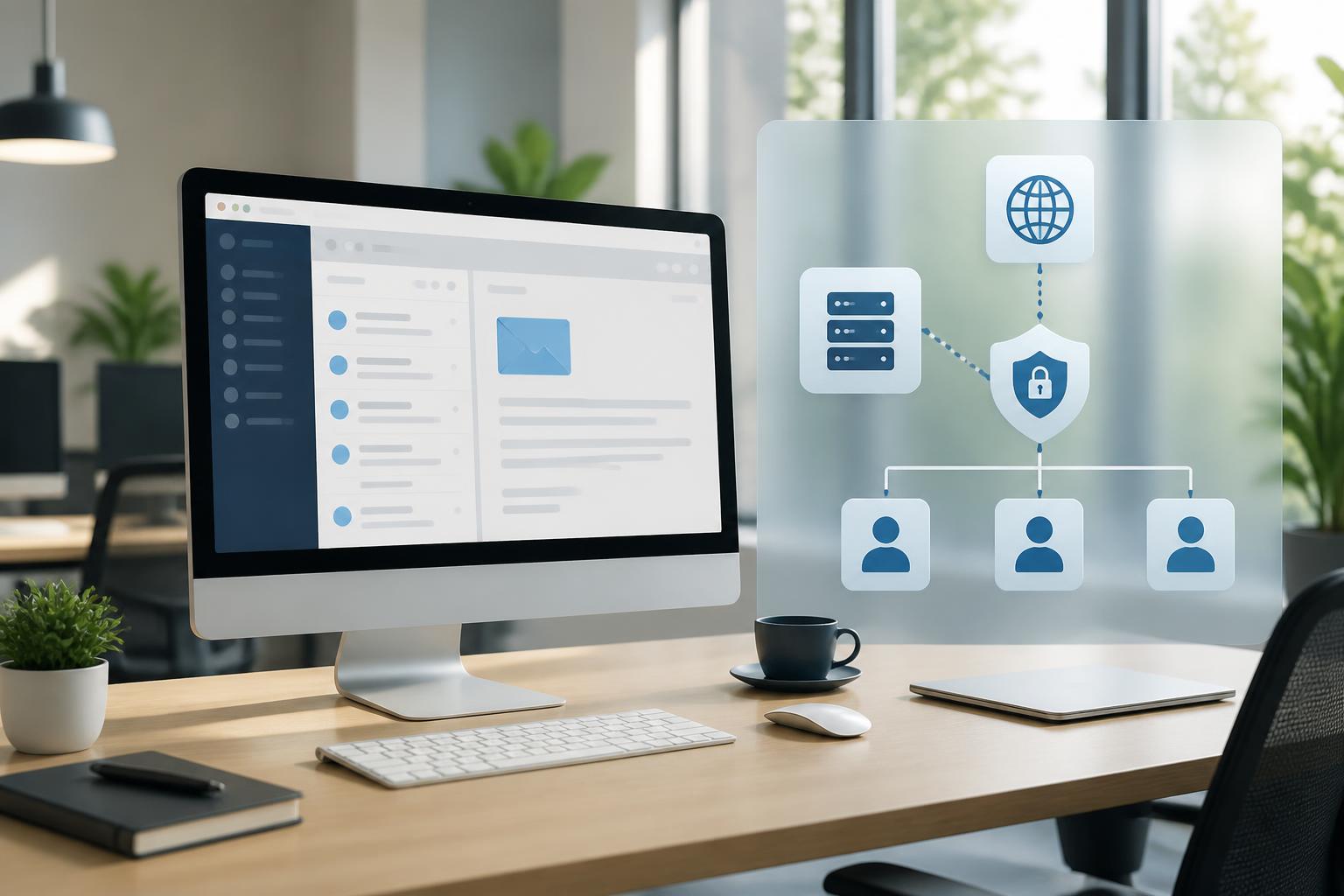
Business email is an operational infrastructure, not just an inbox
In many businesses, email is often set up very quickly as soon as the website or domain is completed. A few accounts are created using employees’ names, a shared address is used by the sales department, while the configuration details behind the scenes are hardly documented. This approach may meet initial needs, but its limitations will soon become apparent as the number of employees grows, customers send more requests, or an employee leaves the company.
Business email serves several roles at the same time. It is a channel for internal communication, a means of contacting customers, a place to receive notifications from online services, and sometimes an authentication factor for account recovery. Therefore, an email incident does not merely delay a few messages. It can disrupt communication, cause the business to miss important requests, or create risks when an old account still retains access.
Building a sustainable email system should be viewed as a comprehensive operational challenge. Domains must be managed clearly, mailboxes need specific purposes, access permissions must match roles, and the system must be capable of recovery when errors occur. When these elements are standardized, businesses can significantly reduce their dependence on a single individual or a single provider.
Start with the address and domain structure
Before creating accounts, a business should agree on address-naming rules. A simple, predictable, and consistent structure will help customers identify the sender while also helping administrators find accounts more quickly. Addresses for individuals can use a first-name.last-name or last-name.first-name format, while departments should use functional names such as sales, support, recruitment, or accounting.
Functional addresses and personal addresses should not be mixed together. A mailbox named after a department often needs to be handled by several people, while a personal mailbox is tied to the responsibilities of a specific employee. If one account is shared by too many people, it will be difficult for the business to determine who read, replied to, or deleted a message. Conversely, if every request is sent to a personal address, the process can easily be interrupted when the person responsible is on leave or changes positions.
Businesses should also clearly determine the primary domain used for communication and any secondary domains, if applicable. Using too many domains without a clear reason can confuse customers and complicate configuration. If a separate domain is needed for a campaign, recruitment, or a specific service, its purpose should be documented along with the person responsible for managing it.
Assign permissions by role instead of sharing passwords
Password sharing is one of the most common yet least secure practices in business email operations. This often occurs with shared mailboxes, where multiple employees need to process messages together. However, when passwords are sent through group chats or stored in unprotected documents, the business loses the ability to control who has access.
A more appropriate solution is to use shared mailboxes, distribution groups, or delegation mechanisms, depending on the email platform. Each employee still signs in with an individual account, while permissions to view, send, or manage messages are assigned according to role. When an employee leaves the business, the administrator only needs to revoke that account’s permissions instead of changing the password and notifying the entire group again.
Access permissions should also be divided into different levels. Someone who needs to read and reply to messages does not necessarily need permission to permanently delete them or change mailbox settings. Technical staff may need administrative privileges, but these privileges should not be broadly granted to all users. The appropriate principle is that each account should have only the permissions necessary to complete its work.
Set up authentication layers for the domain
The ability to send and receive email depends not only on the mail server but also on how the domain proves the identity of the sender. Three mechanisms commonly mentioned in this process are SPF, DKIM, and DMARC. They have different roles but share the goal of limiting domain spoofing and improving the reliability of outgoing messages.
SPF allows a domain to publish the servers or services authorized to send email on its behalf. DKIM adds a digital signature to messages, giving the receiving server a basis for checking whether the content and sending source have been unusually altered. DMARC uses the results of relevant authentication mechanisms to determine how to handle messages that do not meet requirements, while also helping domain owners monitor sending sources.
These records should not be configured by mechanically copying them from just any document. Businesses need to make a list of all services that send messages using their domain, such as the primary email system, contact forms, customer-care software, or notification-sending platforms. If a legitimate sending source is overlooked, messages from that system may encounter problems after the policy is tightened.
Implementation should begin with observation and testing. Once there is sufficiently clear data about the sending sources, the business can gradually apply stricter policies. Each change should be documented so the team knows which record was updated, when it was updated, and which service was involved. This is a way to reduce the risk of turning a security change into a widespread sending and receiving incident.
Manage the employee account lifecycle
A stable email system needs processes for all three stages: creating accounts, changing permissions, and closing accounts. When a new employee joins, the responsible department should determine which account needs to be issued, which groups the employee should join, which devices are permitted, and which security rules must be followed. These steps can be presented in a short checklist to avoid relying on each person’s memory.
When an employee changes departments, access permissions should be reviewed rather than left unchanged. Someone who previously worked in sales may no longer need to view that department’s data after moving to another position. Retaining old permissions for a long time creates a difficult-to-detect area of risk, especially when the business has many systems linked to email.
When an employee leaves, locking the account is only the first step. The business needs to determine which messages must be handed over, which addresses need to be forwarded for a short period, and which services are using that account to sign in. All messages should not be forwarded indefinitely, as this can create privacy and accountability issues. A more appropriate approach is to prepare a handover record, limit the duration, and retain only the information genuinely needed for work.
Reduce the risk of lost messages during use
Not every email problem originates from a server error. Many messages are missed because filtering rules are too aggressive, the mailbox is full, the recipient does not check spam, or contact addresses are not categorized. Businesses should agree on how to handle important types of messages, such as support requests, payment notifications, job applications, or complaint responses.
For shared mailboxes, someone should be responsible for checking them regularly, and there should be an agreed processing-status convention. A message that has been read but not resolved should not be considered complete. Employees can use labels, folders, or suitable task-management tools to distinguish new messages, messages awaiting a response, and closed messages. The goal is not to create a complicated system but to ensure that every request has someone responsible for it.
Businesses should also periodically review automatic forwarding rules, filters, and delegation permissions. Configurations that were once useful may become unnecessary after processes change. An old forwarding address or a filter with incorrect conditions could cause important messages to be moved into a folder that no one monitors.
Back up data and prepare for recovery
Email is operational data, so businesses should not assume that the service provider will handle every data-loss situation on their behalf. Recovery capability depends on the platform’s policies, retention period, how users delete messages, and the scope of support included in the service plan. These factors should be carefully reviewed before making a choice, rather than checking only mailbox capacity.
Businesses should determine which types of data need to be retained long term, which data can be deleted according to a retention period, and who has the authority to request recovery. If separate backups are made, they must be protected with appropriate access permissions and tested to ensure they can be opened. A backup file that exists but cannot be read or has no clearly managed password will not help when an incident occurs.
The recovery process should also be rehearsed on a small scale. The team can select a test mailbox to verify the recovery of messages, contacts, or necessary configurations. This will help the business discover unclear points early, such as processing time, the approving person, or data that is outside the backup scope.
Measure quality through operational indicators
There is no need to turn the email system into a project with an excessive number of metrics, but businesses should monitor several basic indicators. These may include the number of bounced messages, recurring error notifications, mailbox capacity, accounts that are no longer in use, and frequently occurring support requests. Regular observation helps distinguish an isolated error from a systemic problem.
When a message does not reach the recipient, the person responsible should record the time, sending address, receiving address, and related error notification. They should not quickly conclude that the cause lies on one side. The error may originate from domain configuration, sending limits, the destination mailbox, the message content, or an intermediary service. Complete records will make the investigation faster and more accurate.
Whenever the provider, domain, notification-sending platform, or security policy changes, the business should update its operational documentation. The documentation does not need to be long, but it must state who manages the domain, who has email administration privileges, which services are sending messages, and the contact process when an incident occurs. This is the foundation that allows the system to continue operating even when the original person responsible no longer works at the business.
Standardize email so it supports long-term growth
A good business email system does not necessarily need to have the most features. More important is that it fits the organization’s scale, is easy to manage, and has clear processes for handling change. From address naming, permission assignment, and domain authentication to backups and account handovers, every part contributes to the overall reliability of communication operations.
A business can begin with a small review: make a list of existing accounts, identify accounts that are no longer used, check administrative permissions, reconcile the services that send messages, and document the process for handling an employee’s departure. After that, important changes should be implemented step by step, with testing beforehand and a rollback plan in case errors arise.
When email is viewed as infrastructure rather than a secondary utility, the business becomes more proactive in responding to changes in personnel, technology, and operational scale. This proactivity not only helps messages reach the right people at the right time but also creates a professional, secure, and sustainable foundation for communication over the long term.