



IT Asset Management Software: A Platform for Controlling Devices and Their Lifecycle

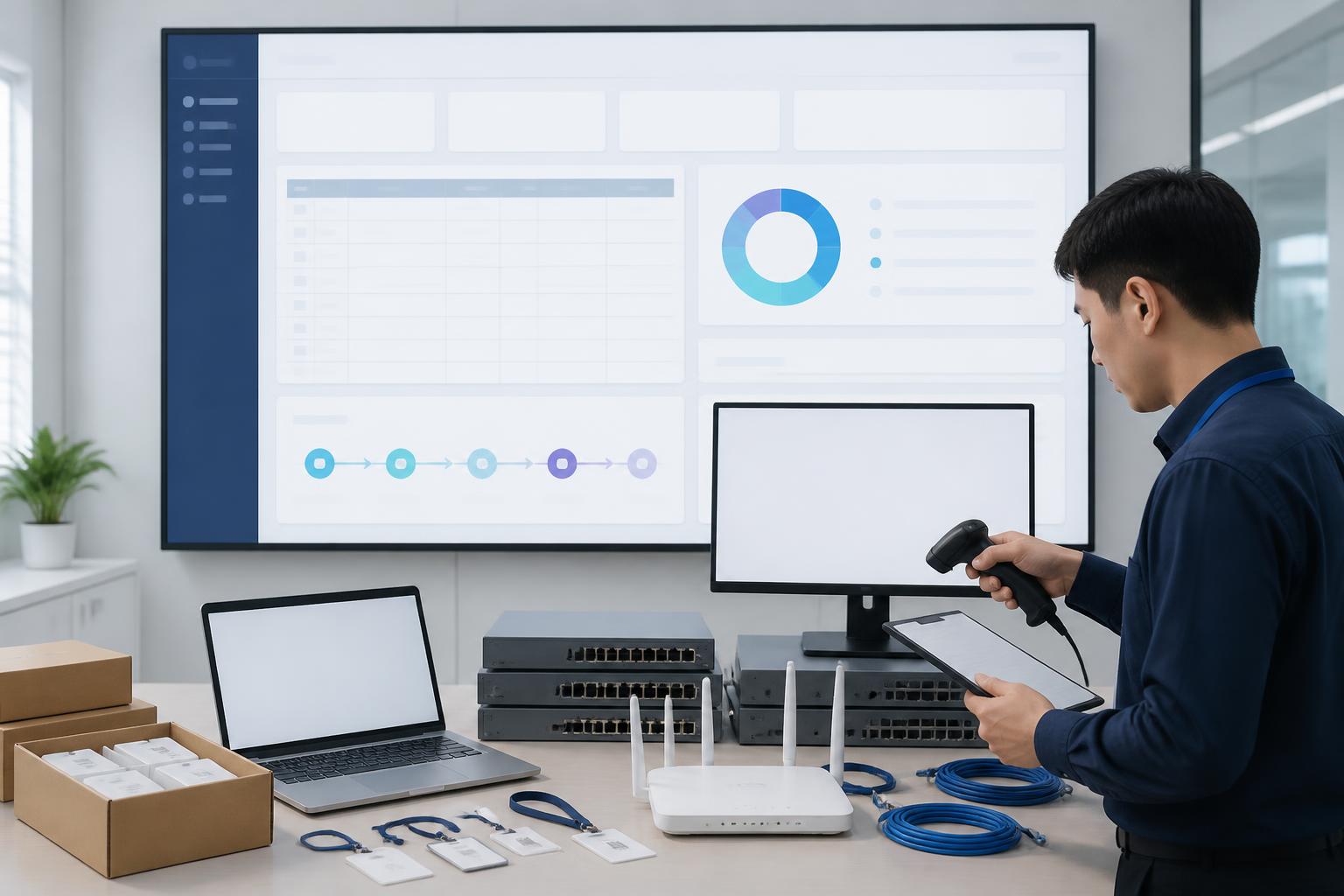
As the number of computers, servers, network devices, software licenses, and work accounts increases, managing technology assets with spreadsheets or scattered notes quickly reveals its limitations. A device may be transferred from one department to another without updating its user. A software license nearing expiration may be discovered only when an employee can no longer continue working. These seemingly minor details, if not recorded consistently, create gaps in operations, budgeting, and security.
IT asset management software is designed to address this problem through a centralized data system. The tool not only stores a list of devices but also tracks their status, location, person responsible, allocation history, maintenance, recovery, and disposal. When implemented properly, the software helps the technology department clearly understand what the business owns, how those assets are being used, and what action needs to be taken next.
Why Spreadsheets Struggle to Meet the Requirements of Technology Asset Management
Spreadsheets remain useful when a business has few devices and uncomplicated processes. However, the data is often kept in one or a few files managed by a single person. When multiple people update the files, the risk of incorrect entry, overwriting, or creating different versions increases. A single unsynchronized change to a device name can cause the support department to spend additional time verifying information.
The greater difficulty lies in the fact that spreadsheets usually describe an asset at a single point in time rather than reflecting its entire lifecycle. A data row may indicate which employee a computer belongs to, but not how many times it has been repaired, which components have been replaced, how much warranty remains, or why it was transferred. When an inventory check is needed or a budget is being prepared, the responsible staff member must search for emails, handover records, and invoices in multiple locations.
Manual methods also easily create blind spots when employees leave, change departments, or work remotely. A device may not have been recovered, related access rights may not have been reviewed, while the information in the asset list still retains its old status. IT asset management software does not automatically replace internal processes, but it helps connect these steps to clearer data and responsibilities.
Data That Needs to Be Managed in a Unified System
A suitable system should allow businesses to classify multiple asset groups rather than focusing only on computers. Physical assets may include workstations, laptops, monitors, printers, storage devices, network devices, and servers. Digital assets may include software licenses, domain names, security certificates, service accounts, or subscription packages currently in use.
For each asset, the business should define a minimum set of information, including an identification code, device type, supplier, purchase date, reference value, warranty period, location, user, and current status. Depending on its needs, the system may also store the serial number, hardware configuration, repair history, handover documents, and links to support requests.
The important point is not to collect as many data fields as possible. Data has value only when it is updated regularly and serves a specific decision. If a form is too long, employees may skip it or fill it out merely for the sake of completion. Therefore, businesses should begin with information that is genuinely necessary for inventory checks, support, security, and replacement planning, and only expand later once the process has stabilized.
Core Functions of IT Asset Management Software
Asset Catalog and Centralized Records
The foundational function of the software is to create a single catalog for all assets. Administrators can search by device type, department, location, user, or status. A centralized record means the support department does not have to ask multiple people for information before handling an incident, while also limiting the situation in which the same device appears under several different names.
Businesses should also pay attention to authorization capabilities. Employees may be allowed to view only the assets they use, department heads may be allowed to view their unit’s data, while administrators have permission to update information and export reports. Appropriate access controls help reduce the risk of accidentally modifying data and limit unnecessary access to sensitive information.
Allocation, Handover, and Recovery Management
The handover process is often where many disputes arise if information is unclear. The software can record the allocation time, the person handing over the asset, the recipient, the condition of the device, and the accompanying accessories. When an asset is transferred, the history of the change is retained instead of deleting the old information.
When an employee leaves or changes positions, the recovery process can be linked to the list of assets currently under that person’s responsibility. Human resources, the direct manager, and the technology team have a basis for coordinating to confirm that the device has been returned, the data has been handled according to policy, and the asset has been moved to a status such as awaiting allocation, repair, or disposal.
Maintenance and Device Condition Tracking
Devices do not have only two statuses: in use or not in use. A practical system should distinguish statuses such as ready for allocation, in use, under repair, temporarily suspended, lost, awaiting disposal, or disposed of. Maintenance history helps the business identify which devices frequently experience problems and consider whether to continue repairing them or replace them.
Warranty milestones, inspection schedules, and maintenance deadlines can be configured to generate reminders. As a result, the responsible department can shift from reacting after a breakdown to more proactive monitoring. However, notifications are useful only when assigned to the right person and given a specific processing deadline. A system that generates too many alerts without a process for receiving them will quickly be ignored.
Software License and Digital Asset Management
Software costs are often underestimated because they have no physical form. A business may simultaneously use multiple service packages, administrator accounts, per-user licenses, or per-device licenses. Without a unified catalog, renewals may be delayed, the number of accounts may exceed actual needs, and access rights belonging to former employees may remain active.
IT asset management software should allow businesses to track the purchase date, expiration date, number of licenses, using unit, and person responsible for each service. This data supports periodic reviews, the removal of access rights that are no longer necessary, and budget preparation. It is also an important part of security governance, because uncontrolled accounts and licenses can become weak points in the system.
Value for Operations and Security
The first benefit of the system is reduced time spent searching for information. When receiving a support request, a technician can quickly view the device, its basic configuration, repair history, and responsible person. This does not eliminate the need for physical inspection, but it allows the diagnostic process to begin with more reliable data.
The next benefit is improved inventory capabilities. Instead of checking only based on intuition or waiting until the end of the year, a business can conduct reconciliation exercises by department, location, or asset group. Differences between the data in the system and the actual condition need to be recorded, their causes categorized, and handled according to a process. Inventory checking therefore becomes a data improvement activity, not merely the counting of devices.
From a security perspective, the asset catalog is the foundation for knowing what needs to be protected. It is difficult for a business to assess the risk of a device if it does not know where the device is, who uses it, or what resources it is connected to. When asset data is combined with software update processes, account management, and procedures for handling employees leaving the organization, the ability to detect anomalies also improves.
The system also supports more well-founded budgeting. Instead of replacing devices based on impressions, the business can examine their age, repair costs, warranty status, and suitability for work requirements. Decisions to purchase new equipment, upgrade, or reallocate assets will be based on usage history rather than solely on individual proposals from each department.
How to Choose Suitable Software
Before considering the interface or number of features, the business needs to describe its current processes. Who records an asset when it is newly purchased? Who approves its allocation? Who confirms its recovery? What data is mandatory in the handover record? The answers will help determine which steps the software needs to support and prevent the purchase of a system that is too complex for the organization’s operational capacity.
Scalability also needs to be assessed. A suitable tool should support additional users, locations, asset types, and processes without forcing the business to rebuild all its data. The ability to import data from old spreadsheets, export reports, and connect with the internal support system may be more important than showcase features that are rarely used.
Businesses should examine how the software handles access rights, change logs, backups, user authentication, and data when an account is locked. If an online platform is used, its storage policy, data export capabilities, and the provider’s responsibilities should be reviewed carefully. If it is deployed within private infrastructure, the internal team must account for updates, monitoring, and recovery in the event of an incident.
The experience on mobile devices is also worth considering for organizations with multiple offices or employees who frequently travel. The ability to scan identification codes can shorten inventory-checking time, but a code is meaningful only when it is durably attached, readable, and correctly linked to the record. Technology supports the process; it cannot compensate for inaccurate initial data.
Implementation Roadmap to Prevent the Software from Becoming an Outdated Data Repository
The initial phase should limit the scope to one asset group and a few representative departments. The business needs to clean up its existing list, remove duplicate records, verify devices with unknown users, and standardize naming conventions. If all unverified data is uploaded to the system, the software will only make the discrepancies appear more professionally presented.
After establishing the baseline data, the business needs to issue update rules. Every event, such as a new purchase, allocation, transfer, repair, loss, or disposal, must have someone responsible for recording it. Forms should be concise, use easy-to-understand language, and be connected to the work employees are performing. Administrators also need to periodically review records that have not been updated for a long time.
The next step is connecting the system with related processes, such as support requests, onboarding new employees, and offboarding procedures. The level of integration does not necessarily need to be complex from the start. Simply ensuring that important information is sent to the right place at the right time and that someone is responsible for handling it can already help the business reduce many repetitive tasks.
Finally, data quality and usage effectiveness need to be measured using practical criteria. The business can track the percentage of assets with identified users, the number of records missing mandatory information, the time required to complete a handover, or the number of assets that have not been reconciled. These metrics are not intended to create additional procedures; they help identify which processes are causing discrepancies so they can be adjusted.
Mistakes to Avoid
A common mistake is to treat the software as an automatic solution to every problem. Without rules on data ownership and when updates must be made, the system will quickly lose its reliability. Another mistake is collecting too much information from the outset, making employees reluctant to use the system and administrators struggle to maintain it.
Businesses should also not assign all responsibility to the technology department. This department may administer the platform, but human resources, finance, procurement, and the units using the assets all have roles in the device lifecycle. A clear coordination mechanism will help the data reflect actual operations more accurately.
Finally, the post-implementation evaluation phase should not be overlooked. User feedback indicates which steps are creating obstacles, while inventory results show whether the data actually matches the current situation. IT asset management software creates long-term value only when it is regarded as part of operational discipline rather than a procurement project completed on the day of installation.
In a work environment increasingly dependent on devices and digital services, the ability to clearly understand the assets a business owns is an important condition for stable operations. A suitable platform helps the business connect purchasing, allocation, support, security, and replacement data within the same lifecycle. Starting with a clear catalog, simple processes, and specific responsibilities will be more effective than pursuing a feature-rich system that is not updated regularly.













