



Handling 404 Errors on a Website: From a Small Warning Sign to the Challenge of Retaining Users

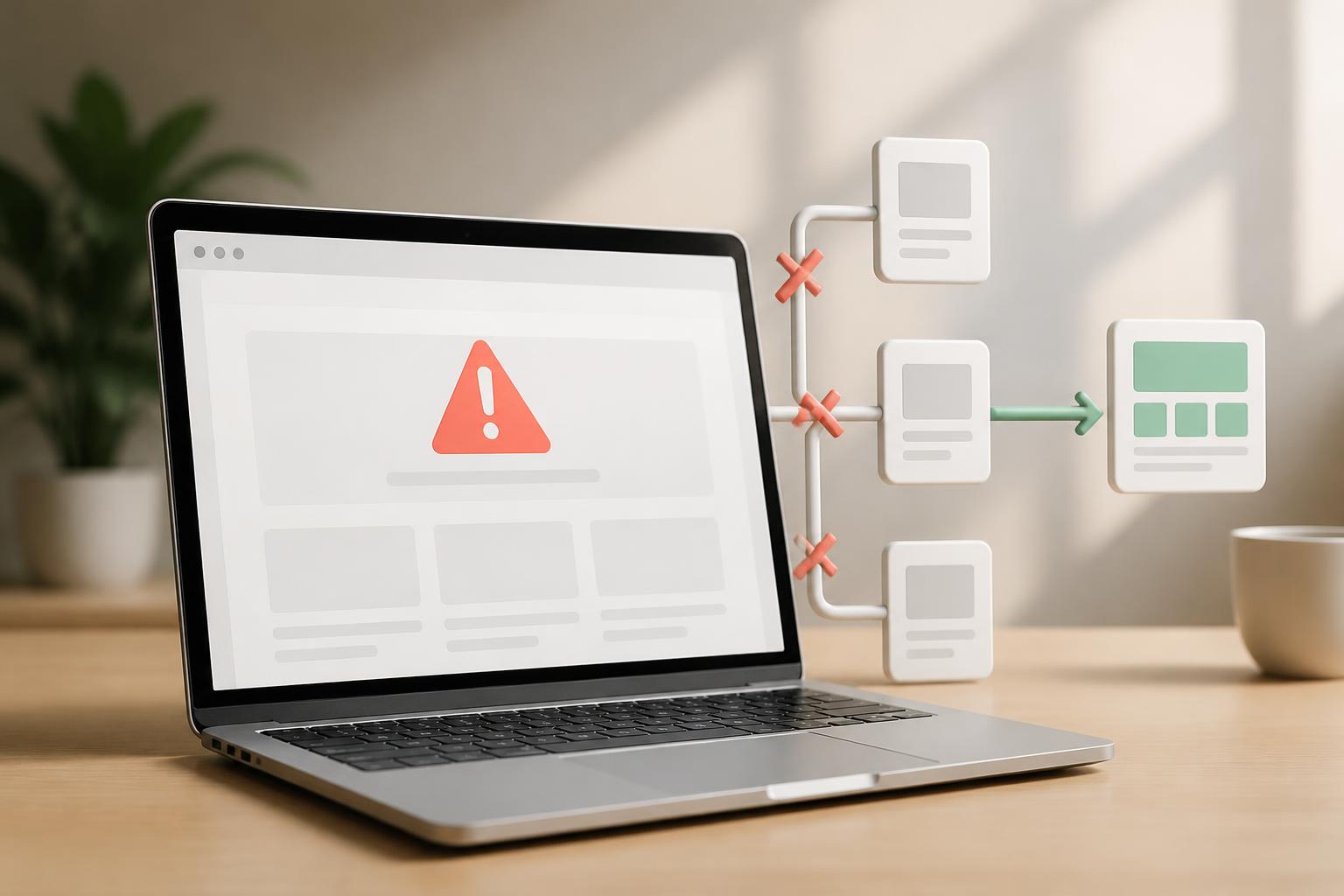
During website operation, 404 errors are among the most common problems. Users may encounter a 404 page when they visit a link that has been deleted, enter an incorrect URL, or follow a website link that points to an address that no longer exists. From a technical perspective, this is a response indicating that the server cannot find the requested resource. For visitors, however, a 404 error is usually experienced more simply: they cannot reach the content they are looking for.
A few naturally occurring 404 pages are not necessarily a serious problem. Changes to a website’s structure, discontinued products, merged articles, or users entering an incorrect address can all create this situation. The problem begins when errors appear on important links, persist for a long time, or provide no guidance on what to do next. At that point, an error that seems minor can disrupt the browsing journey, reduce trust, and waste the effort invested in content, advertising, or search optimization.
Why do 404 errors need attention?
An error page often appears precisely when users are trying to access specific information. They may have just clicked a link from a search engine, social media, an email, an advertisement, or a related article. If the destination page only displays a brief notice that the content does not exist without offering alternatives, users must go back, search on their own, or leave the website. Not everyone is willing to take several additional steps to continue.
For e-commerce websites, a 404 error on a product page, category page, or support content can interrupt the research and purchasing process. For corporate websites, an error on a service page or contact form can cause an opportunity for communication to be missed. On content-publishing websites, broken links reduce continuity between articles and make it harder for older content to continue generating value.
404 errors are also related to SEO, but they should not be viewed mechanically, as though every 404 error immediately harms rankings. What matters is the URL’s origin, the role of the broken page, and the experience the website provides. An old URL that is no longer relevant may need to be handled differently from a URL receiving substantial traffic or referring links. The goal is not to eliminate every 404 response at any cost, but to ensure that users and search engines receive appropriate signals.
Common causes
The first cause is that content has been deleted while links pointing to it remain. This often happens after a website cleans up old articles, stops selling a product, or changes its categories. If the deletion process is not accompanied by a review of related pages, many internal links can become broken paths.
The second cause is changing a URL without setting up an appropriate redirect. An article may be retitled, a product may be moved to another category, or the URL structure may be adjusted during a website redesign. The new URL works, but the old URL may still appear in search results, social media posts, old emails, or other websites.
Errors can also result from mistakes when entering a URL. A single extra character, a missing hyphen, or a difference in spelling can be enough to prevent the server from finding the corresponding page. In addition, links generated automatically by a content management system, links in source code, or links between language versions may break after an update.
In some cases, the resource still exists, but the website is using incorrect server rules, routing configurations, or access-control mechanisms. In such situations, simply changing the content displayed on the 404 page will not resolve the root cause. The administrator needs to determine whether the URL genuinely does not exist or whether the system is processing an existing page incorrectly.
Classify URLs before deciding how to handle them
Not every 404 URL should be redirected to the homepage. This approach can confuse users because they expect specific content but are instead taken to a very general page. In many cases, redirecting everything to the homepage also fails to convey the relationship between the old address and the replacement content.
If the old URL has equivalent content at a new address, redirecting users to the appropriate replacement page is usually a reasonable choice. For example, a product replaced by a newer version or an article moved to another address can direct users to an active page. The relevance between the two pages should be prioritized, because visitors need to continue with the same topic they originally chose.
If the old content no longer exists but there is a group of related content, the website can use a category or topic page as the destination. Conversely, when there is no reliable replacement content, returning a clear 404 response may still be the correct approach. What matters is that the error page helps users understand the situation and know what to do next, rather than making them feel that the website has been abandoned.
Designing a more useful 404 page
A good 404 page should begin with an easy-to-understand message and avoid overly technical descriptions. Users need to know that the address they accessed could not be found, but they do not necessarily need to read details about response codes or server configurations. After the notice, the page should provide practical options such as a link to the homepage, a search box, the main categories, or content of interest.
The 404 page’s design should be consistent with the rest of the website in terms of colors, layout, and navigation. Consistency helps users recognize that they are still on the correct website instead of thinking they have been taken to an unsafe address or a completely different page. However, visual elements should not overshadow functionality. A simple illustration can create a friendly impression, but clear guidance and reasonable loading speed remain more important.
Businesses should also consider including practically valuable links on the 404 page. E-commerce websites can direct users to popular product categories; service websites can introduce the main service groups; and content websites can display articles on the same topic. These options need to be updated over time to avoid sending users to outdated pages or continuing to create new errors.
Checking and troubleshooting process
Handling the issue should begin by collecting a list of broken URLs and determining where they came from. Data can be cross-checked from the website management system, traffic analytics tools, server logs, broken-link reports, or user feedback. Each source provides a different perspective. A URL may have received no recent visits but still be linked from an important page, while another URL may receive substantial traffic even though it resulted only from a mistyped address.
Once the list has been compiled, the URLs should be classified by importance. URLs linked from the homepage, menus, product pages, service pages, high-traffic articles, or active campaigns should be prioritized. Next come old URLs with clearly suitable replacement content. Addresses that no longer have value and have no corresponding content can continue returning a 404 response, but it is important to ensure that they no longer appear in primary navigation.
For incorrect internal links, the best solution is to fix the source link directly. Redirects should not be used to conceal a broken internal link when it can be updated. For old URLs that still receive visitors or are referenced externally, redirecting them to related content can help preserve the browsing journey. After each change, the old address, the new address, and the links leading to them should all be checked again.
This process should not be performed only once after a website experiences a problem. Websites are constantly changing, so link checking should be included in a regular maintenance schedule, especially after restructuring categories, moving servers, changing domains, switching content management systems, or publishing a large amount of content. Regular monitoring helps detect problems while their scope is still small and reduces the risk of users encountering errors on important pages.
Mistakes to avoid
A common mistake is redirecting every broken URL to the homepage without considering the user’s intent. This can create an irrelevant experience and force visitors to start searching from the beginning. Another mistake is creating a visually attractive 404 page without a search bar, navigation links, or content suggestions. Design has value only when it supports the user’s purpose.
Websites should also not leave large numbers of broken links in place simply because users might be able to search for the content themselves. Every additional step increases the likelihood that they will abandon the process. Conversely, trying to replace a URL with unrelated content is not a sustainable solution either. Handling 404 errors well requires a balance between accuracy, user experience, and the purpose of each page.
Conclusion
404 errors are an unavoidable part of a website’s life cycle, but how a website responds to them is within the administrator’s control. Rather than viewing 404s solely as a technical indicator, businesses should treat them as touchpoints that need to be designed and monitored like every other part of the digital experience.
An effective process needs to combine three tasks: identifying the cause, classifying the level of importance, and guiding users to an appropriate option. When internal links are maintained, old URLs are handled deliberately, and the 404 page provides a clear path forward, the website can reduce unnecessary disruptions. More importantly, every visit still has a chance to continue instead of ending immediately at a page-not-found notice.


