



Digital Document Management Software: Turning a Chaotic File Repository into a System That Is Easy to Search and Use

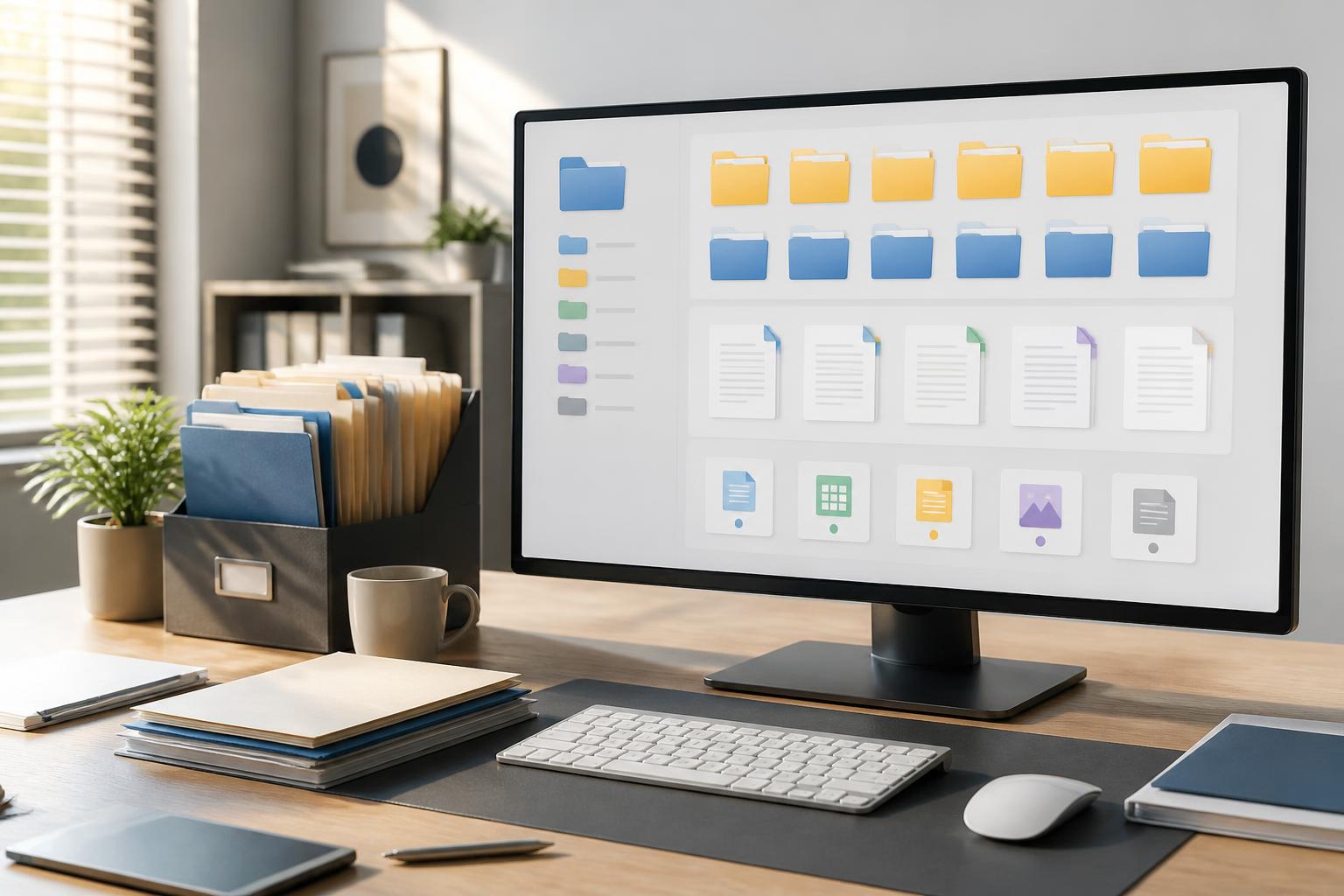
In many organizations, digital documents appear before there is even a clear policy for how they should be stored. One person creates a spreadsheet on a personal computer, another sends an update by email, while a team shares documents in a common folder. After some time, the same content may exist under multiple names, in multiple versions, and in multiple locations. The problem is not a lack of storage capacity, but that users do not know which version they need to open or how to find it.
Digital document management software is designed to solve this problem. Unlike an ordinary file storage folder, a specialized tool usually combines organization, search, collaboration, edit history tracking, and access permissions. When deployed properly, the software not only keeps the document repository more orderly but also makes workflows more transparent and less dependent on the memory of individuals.
Why is simple file storage becoming increasingly difficult to control?
Folders and file names remain essential components of every operating system, but they begin to reveal their limitations as the number of documents grows. A folder structure may be easy to understand when it is first created, but it quickly becomes complicated when multiple people add content. Documents may be classified by department, project, time period, customer, or record type. If there is no agreement on the primary criterion, users often create new folders to address immediate situations, causing the entire system to become inconsistent.
File names are another source of confusion. Naming conventions such as “new version,” “final version,” “the final version,” or “revised version” do not accurately indicate the document’s current status. When a file is downloaded, edited, and then sent back through multiple channels, the recipient has to compare the files manually to determine what content has changed. Errors can occur even when everyone is well-intentioned and working carefully.
Another difficulty concerns access permissions. Internal documents should not always be open to all members. Some records are intended only for the responsible team, while other documents can be shared more widely. If permissions are granted manually and not reviewed periodically, access for people who have moved to another team or are no longer involved in a project may fail to be revoked.
What does digital document management software provide?
The core function of this type of software is to create a centralized space for documents, but its practical value lies in the information associated with each file. In addition to the main content, the system can store the creator’s name, update time, responsible team, processing status, document type, and related keywords. This data helps users search in multiple ways instead of relying solely on their memory of where the file is located.
Search by content and attributes
A useful search tool should allow filtering by name, format, update time, creator, or folder. For some types of documents, the system can also search for keywords that appear within the content. This capability is particularly valuable when users remember a phrase from a document but not the file name.
However, search cannot completely replace organization. If documents are added without clear titles, appropriate keywords, or descriptive information, the results may still be too broad. Therefore, the software should be used together with a simple metadata convention. Agreeing on just a few important fields, such as project, owner, status, and review deadline, can significantly improve retrievability.
Version control
Version control records changes to a document instead of creating a series of disconnected copies. Users can see who made an update, when the change occurred, and, when necessary, restore an earlier version. This approach is especially useful for contracts, internal procedures, technical documents, or content edited by multiple people.
It is important for version history to be easy for ordinary users to understand. If the system merely stores a difficult-to-read sequence of changes, employees may still download documents and rename them according to their old habits. The interface should clearly show the current version, the person responsible, and the approval status, while avoiding the creation of unnecessary additional steps.
Permissions and sharing
Document management software typically allows permissions to be granted to individuals, groups, or roles. Granting permissions by group is often easier to maintain when an organization has many people working together, because permissions can change with the organizational structure rather than requiring each account to be adjusted individually. Regardless of the model used, the appropriate principle remains to grant only the access necessary for the work.
Sharing links also require consideration. A link that does not require authentication may be convenient in some situations, but it reduces control over who receives it. For sensitive documents, it is preferable to use links with expiration dates, login requirements, or restrictions on editing rights. Administrators should also maintain a list of active links so they can revoke them when they are no longer needed.
Criteria for choosing suitable software
No single tool is suitable for every organization size and operating model. Small businesses may prioritize a simple interface, predictable costs, and fast sharing capabilities. Teams with strict approval processes, on the other hand, may need activity logs, detailed roles, and the ability to retain records throughout their lifecycle. Therefore, the selection process should begin with actual workflows rather than a long list of features.
First, it is necessary to identify the types of documents that will be managed. Office documents, designs, images, videos, and scanned records may have different requirements for storage capacity, previews, and editing permissions. If most of the content consists of scanned documents, optical character recognition may be important. If the team frequently works with large files, upload and download speeds and the limits of each service plan should be considered.
Integration capabilities also deserve evaluation. The software can be more effective when it connects with email, communication tools, work calendars, or the workflow management platform already in use. However, integration is valuable only when it reduces repetitive actions and does not create another difficult-to-control storage location. Each connection should have a clear purpose, such as automatically placing records in the correct folder or sending a notification when a document is approved.
Data export capabilities are a criterion that is often overlooked. A good system should allow an organization to retrieve documents and related information when changing providers, changing its operating model, or needing offline storage. Users should investigate export formats and how folder structures, version histories, and access permissions are preserved before moving the entire document repository to a platform.
How to implement it so users actually adopt it
A common implementation failure with document management software is transferring all legacy data into the system without organizing it first. As a result, the new storage location quickly repeats the disorder of the old one. A safer approach is to begin with a clearly defined group of documents, such as the records of an active project or a frequently used process.
At the initial stage, the responsible team should agree on a structure that is sufficient for the purpose. Too many folder levels should be avoided if users have to go through multiple steps to reach a document. Folder and file names should consistently convey their content, but the convention should also be concise enough for everyone to remember. Fields such as status, person responsible, or deadline can be managed through metadata rather than packing all the information into the file name.
Cleaning up old data should also follow clear principles. Duplicate documents, drafts that no longer have value, and files with no identifiable owner should not be automatically transferred to the new system. For documents that may not yet be safe to delete, they can be moved to a temporary storage area, assigned to someone responsible for reviewing them, and given a date for reconsideration.
User training does not necessarily have to consist of lengthy sessions. A short document explaining how to name files, search, share, and manage versions is often more useful than a general list of features. The administrative team should also collect feedback during the first few weeks to adjust the structure and remove obstructive steps. If the process is too complicated, users will return to email or personal folders as soon as they face time pressure.
Risks that need to be managed
Putting documents on a centralized platform does not mean that all risks automatically disappear. User accounts still need to be protected with strong passwords, additional authentication where appropriate, and a clear process for revoking access. Downloads, external sharing, and changes to permissions should be monitored at a level appropriate to the sensitivity of the data.
It is also necessary to distinguish document management from data backup. A software system’s version history and recycle bin may support recovery in some situations, but they should not automatically be considered a complete backup strategy. Organizations need a separate plan for situations involving loss of access, system errors, or large-scale accidental deletion. These two layers of protection complement each other but cannot replace one another.
Another risk is dependence on a single individual who understands the system well. If only one person knows the folder structure, permission rules, and document-handling procedures, the organization will face difficulties when that person is absent. Governance procedures should be documented, administrative rights should be assigned appropriately, and periodic reviews should include participants from multiple relevant departments.
Long-term value lies in habits and processes
Digital document management software cannot transform a disorganized file repository into an effective system on its own. The tool only delivers its full value when accompanied by easy-to-understand conventions, clear responsibilities, and consistent updating habits. The goal is not to create a structure that is perfect on paper, but to help users quickly know where a document is located, which version is reliable, and who is responsible for its content.
When selected and implemented deliberately, the software can reduce search time, limit accidental edits to the wrong version, and support more transparent collaboration. More importantly, the organization’s knowledge is no longer held on personal computers or in the inboxes of a few people. It becomes an asset that can be accessed, reviewed, and continuously developed over time.


