



Personal Document Management Software: Organizing Your Information Repository to Find Exactly What You Need

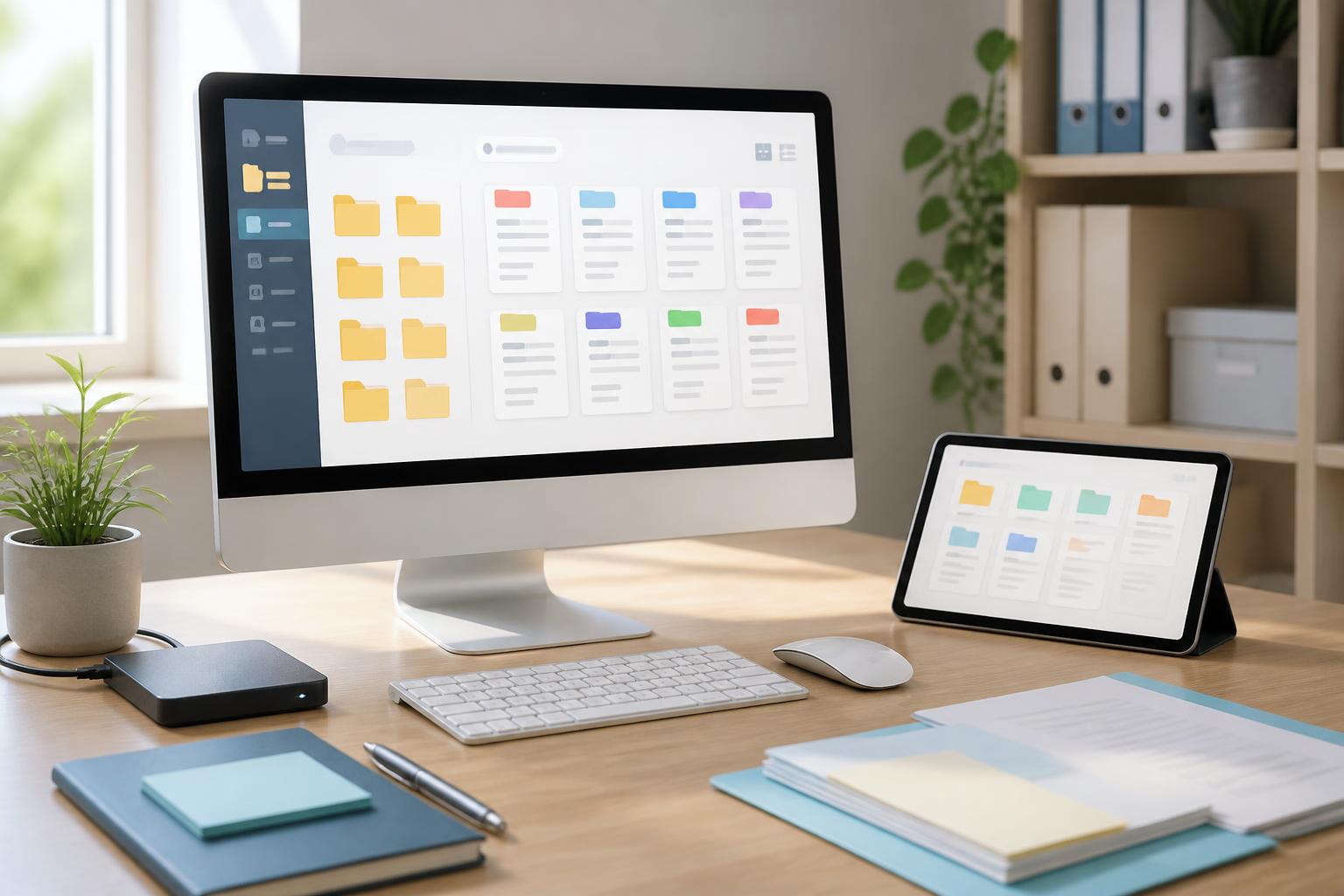
In the course of studying and working, people often accumulate a large volume of documents in many different forms: text files, spreadsheets, presentations, photos, PDFs, reference links, and short notes. The problem is not a lack of storage space, but that information is becoming increasingly difficult to find again. A document may have been downloaded to a computer, sent by email, saved in a messaging app, or stored on a cloud service that the user no longer clearly remembers.
Personal document management software was created to bridge the gap between storing information and using it. The right tool does more than gather files in one place; it also supports classification, searching, note-taking, version tracking, and the development of consistent document-handling habits. When implemented appropriately, such a system helps users rely less on memory while reducing the creation of unnecessary duplicate copies.
Document management is more than creating additional folders
The most common way to organize files is to create folders by year, project, or topic. This method is still useful, but it quickly reveals its limitations when a document relates to several different groups. For example, a guide may belong to a project, relate to a client, and also be a document that needs to be consulted regularly. If it is placed in only one folder, users must remember exactly where it was saved in order to find it again.
Modern document management software often adds layers of information alongside the storage location. Users can attach labels, add descriptions, record update dates, mark levels of importance, or link documents to a specific task. As a result, searching no longer depends entirely on the file name. A few keywords in the content or notes may also lead to the exact document needed.
The important point is that a tool will not automatically create a good system if users do not have clear conventions. Adding too many folders, labels, and information fields can make the storage process burdensome. An effective system needs to be detailed enough to retrieve information, but simple enough for users to maintain every day.
Functions that should be prioritized
Search by name and content
Search capability is at the heart of document management software. At a minimum, the tool should allow searches by file name, file type, update time, and folder. For readable text documents or PDFs, searching within the content provides even greater value. Users do not need to remember the exact file name and can still locate a document through a phrase that appeared in it.
However, search results are useful only when they are presented clearly. A long list of files with similar names is not very helpful without information about their location, modification time, or version. Therefore, it is preferable to choose software that displays previews, file information, and related results on the same screen.
Labels and brief descriptions
Labels help describe a document from multiple perspectives that traditional folders cannot easily accommodate. Users can distinguish documents by status, such as in progress, completed, or requiring review. For reference materials, labels can reflect the topic, source of use, or level of priority.
Even so, the number of labels should be controlled. An excessively long set of labels will make users spend more time choosing and make it easy to create labels with similar meanings. For example, using the labels “new project,” “project in progress,” and “current project” at the same time may cause confusion if they are not specifically defined. Short, consistent conventions are often more valuable than a multilayered system that is difficult to remember.
Version tracking and change history
For documents that are edited frequently, saving multiple copies can cause confusion. Users may sometimes open an old file, continue editing it, and then accidentally send it to someone else. Version management helps distinguish the current version from previous ones while also providing an opportunity to restore content when it has been changed unintentionally.
Not every document needs every version to be saved. For temporary files or content with a short life cycle, keeping too many versions can make the data repository difficult to manage. Users should determine which types of documents need a complete history, which only need the latest version retained, and which can be deleted after completion.
Synchronization and access across multiple devices
Synchronization allows documents to be used in the appropriate place, such as when switching from a computer to a phone or working from another location. However, synchronization does not mean absolute backup. If a file is deleted or overwritten, that change may be transmitted to other devices depending on the software’s mechanism.
Before choosing a tool, users should check how the software handles lost connections, version conflicts, and accidental deletions. The ability to work offline is also worth considering for documents that need to be opened when the network connection is unstable. An application with a beautiful interface but complete dependence on a continuous connection may not be suitable for every usage habit.
Building a simple storage process
Software is effective only when accompanied by an easy-to-repeat process. You can start with four steps: receive the document, determine its value, name it, and save it in an appropriate location. New documents do not necessarily need to be classified in great detail immediately. A temporary area for unprocessed files helps users avoid interrupting work in progress.
Afterward, it is advisable to set aside a fixed period of time to review the temporary area. Files that need to be kept long term can be renamed according to consistent conventions, supplemented with labels, and moved into the main repository. Duplicate files, downloads that are no longer valuable, or documents whose period of use has ended should be deleted or moved to a separate archive.
Naming rules also deserve attention. A good file name should indicate the main content, project, or necessary time frame without being too long. Confusing symbols and default names generated by applications often make future searches more difficult. More importantly, the rules must be applied consistently. A perfect naming method used for only a few days will be less effective than a simple rule maintained over a long period.
Risks to consider
Personal document repositories often contain sensitive information such as identification documents, contracts, financial data, or work-related content. Therefore, software selection should not be based solely on storage capacity and interface. Users need to consider the login method, access permissions, the ability to lock the application, and options for exporting data when they want to switch to another tool.
One safety principle is not to place all important data in a single location. High-value documents should have a copy on another medium or service, and users should periodically check whether that copy can actually be opened. Backups are meaningful only when the data can be restored when needed.
Caution should also be exercised with extensions or features that automatically process documents. Automatically recognizing content, extracting information, or suggesting labels can save time, but users still need to know where the data is processed and who can access it. For private documents, convenience should not be placed above control over information.
Choosing a tool based on actual needs
People who only need to store reference materials can start with an application that supports folders, search, and basic synchronization. Those who frequently write, conduct research, or manage multiple projects will need additional features such as labels, links between notes, version history, and the ability to preview multiple formats. Meanwhile, people who work in teams should pay attention to editing permissions, sharing, and activity history.
Software should not be chosen based on the longest list of features. Every function has a certain learning cost, setup cost, and maintenance requirement. A sufficient, stable tool that suits the devices currently in use often produces better results than a complex system that is rarely opened.
Before moving an entire data repository, users can test the tool with a representative group of documents. Check its search capability, synchronization speed, handling of duplicates, data export process, and restoration of deleted files. This testing phase helps reveal practical inconveniences that product introductions often cannot fully demonstrate.
Turning a document repository into an information asset
The value of document management software lies not in the number of files stored, but in its ability to turn information into something that can be reused. When a document has a clear name, a suitable location, a brief description, and a connection to a specific task, it becomes part of a knowledge system rather than merely a file sitting inactive in memory.
This system also needs to be reviewed over time. Folders that are no longer used, labels with overlapping meanings, and documents that have lost their value should be dealt with so that the information repository does not grow uncontrollably. Reviews do not need to happen too frequently, but they should become a periodic habit tied to the work schedule or the completion of a project.
Ultimately, software is only a means. An easy-to-search document repository is built through small, repeated decisions: save things in the right place, use purposeful names, add notes when needed, delete unnecessary copies, and keep backups of important data. When these steps are standardized, users not only save time searching but also gain a more sustainable information foundation for learning, work, and personal plans.


