



Task Management Software: Turning To-Do Lists into Controllable Workflows

To-do lists often start out very simply. A few lines of notes in a notebook, a reminder app, or a group chat may be enough when there is not much work to manage. However, as the number of tasks grows, multiple tasks arise at the same time, and more people become involved, scattered lists quickly reveal their limitations. Workers may find it difficult to know which tasks should take priority, managers may struggle to track progress, and interdependent tasks may be overlooked.
That is why task management software is being used more widely in both personal work and team activities. The value of such a tool does not lie in creating a large number of cards, boards, or notifications, but in its ability to turn intentions into a clear process. Each task needs context, an owner, a deadline, and an appropriate status. When this information is placed within the same system, tracking and adjustment become more proactive.
What problems does task management software solve?
The most common problem is not a lack of places to record tasks, but having too many places to record them. A task may appear in an email, a message, a meeting, a document, or a team member’s memory. If it is not turned into a specific action item, the information can easily get lost among newly arising work. Task management software creates a central place where tasks can be recorded, categorized, and updated in a consistent way.
For individuals, the software helps separate tasks that need to be done from the thoughts they would otherwise have to keep in mind. Users can see upcoming tasks, pending tasks, and delayed tasks instead of constantly trying to remember them. For teams, the tool helps answer practical questions such as who is responsible, whether the work has started, what the next step is, and which tasks depend on other tasks.
Task management should be distinguished from simply tracking time. An app with a stopwatch may show how long was spent on an activity, but it does not necessarily help determine whether that activity was the right priority. By contrast, task management software focuses on the life cycle of a task, from the moment it is received until it is completed, handed over, or canceled.
Components that should be included in an easy-to-use system
Tasks must be specific enough
A good task should not be just an overly broad keyword such as write content, prepare a report, or handle customers. These descriptions do not indicate what outcome the person carrying out the task needs to achieve. They can be broken down into clearer action items, such as preparing an outline, checking the input data, sending a draft for approval, or responding to a specific request. The clearer the task, the easier it is to determine whether it has been completed.
Software can provide effective support only when the input data is of sufficient quality. If everything is entered as a vague note, the task board will become a long list repository that offers little help with daily decisions. Therefore, when creating a task, users should describe the desired outcome, the necessary information, and the next step that can be taken immediately.
Assignees and deadlines
In a team environment, a task without a specific owner is often understood as a shared responsibility. When everyone can do it, sometimes no one actually starts. Assigning one person as the primary owner helps prevent this gap. Others can still be added to coordinate, receive information, or review the result, but the roles should be clearly distinguished.
Deadlines should also be used intentionally. Not every task needs an exact time, but tasks involving commitments to customers, colleagues, or a related process should have a clear due date. Setting deadlines for everything without considering the level of importance can fill the system with alerts and make users lose the ability to distinguish urgent work from work that simply has not been done yet.
Status that accurately reflects progress
A basic system can begin with statuses such as to do, in progress, awaiting feedback, and completed. Depending on the process, a team may add statuses for review or on hold. However, too many statuses will make updating burdensome. The purpose of a status is to show where a task is and what action should be taken next, not to simulate every detail of the work.
The awaiting feedback status is especially useful for teams with multiple handoff stages. It distinguishes work that has not started from work that has already been sent to someone else but cannot move forward yet. As a result, owners can track bottlenecks without confusing them with delays in execution.
Choose a display that suits the type of work
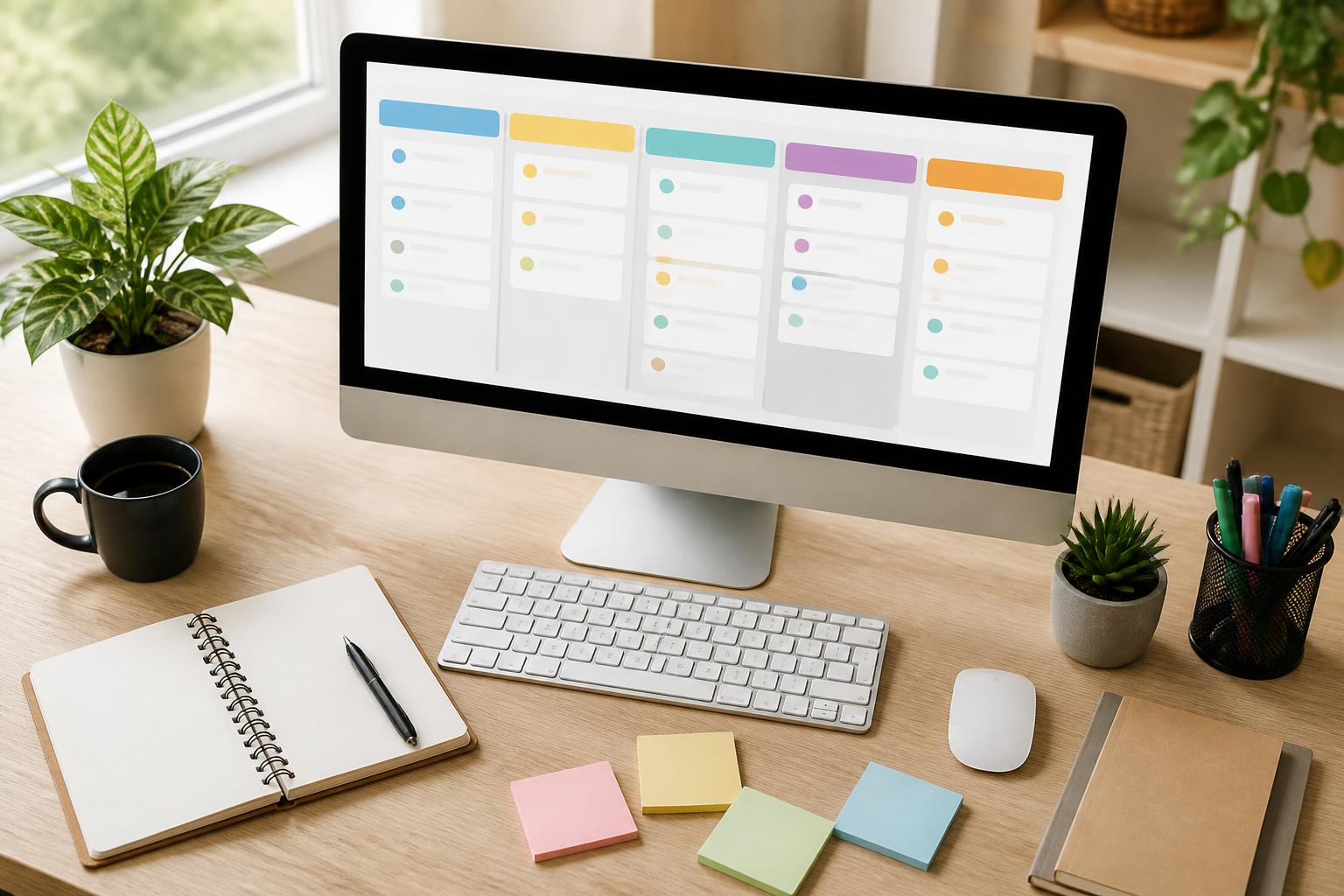
Task management software usually offers multiple ways to view data. A list view is suitable when users need to process tasks one by one according to deadlines or priority levels. A column-based board provides a quick overview of the workflow, especially when tasks move through different statuses. A calendar view helps users observe dates and milestones, while an overview may be useful for people who need to monitor multiple projects.
No single display method is best for every situation. An individual worker may need only a daily list and an area for tasks that are awaiting action. A content team may need a board with stages for ideation, drafting, review, and publication. A technical team may organize work by bugs, improvement requests, or product versions. What matters is that the view reflects the actual process rather than being chosen simply because the interface looks appealing.
It is also advisable to limit the creation of too many separate spaces, projects, or boards. Dividing information can make it more organized in the early stages, but if the structure becomes too complicated, users will spend more time looking for where to make updates. A good system needs to be detailed enough for categorization while remaining simple enough for every member to remember how to use it.
Establish a usage process instead of merely installing software
The major difficulty with many tools is not installation but the habits that follow. If a team agrees that every new request must be converted into a task, tracking will be more effective than simply reminding one another through messages. If a task changes in scope or deadline, that information should also be updated where everyone can monitor it.
A basic process can begin with intake. Every new request is placed in a pending area, after which the responsible person reviews it and decides whether it should be carried out. Selected tasks are assigned an owner, deadline, and priority level. During execution, important notes, related files, or questions requiring answers are placed directly in the task. Once the work is complete, the result is reviewed before the task is moved to its final status.
This process does not mean that every activity must take place in the software. A meeting can still be held in another tool, and a large file can remain in a separate storage system, but the task should contain the link or information needed for the people involved to know how to continue. The connection between tools is more important than forcing all data into one place.
Criteria to consider before making a choice
First, it is necessary to determine the scale and working methods involved. Individual users may prioritize quick actions, easy search, and the ability to repeat tasks. Small teams are often concerned with assignment, comments, and notifications. Organizations with complex processes may need permission controls, change histories, reports, or the ability to connect with software they already use.
The interface is also a practical criterion. A tool may have many features, but if it requires too many steps for a simple task, it will be difficult to maintain over the long term. When evaluating a tool, users should try common actions such as creating a task, assigning an owner, changing a deadline, filtering a list, and finding an old task. If these actions are confusing, advanced features may not make up for the daily cost of use.
The ability to export data, back it up, manage access permissions, and control notifications should also be considered. Work may contain internal information, customer documents, or unpublished plans, so it is important not to overlook who can view and who can edit the information. For teams working across multiple devices, reliable synchronization and a consistent experience also have a direct impact on whether updates are made on time.
Cost is not limited to the price of the service plan. Businesses must also consider the time required for training, the effort involved in transferring data, the work needed to maintain the process, and the possibility of changing tools in the future. A suitable choice is often one that meets core needs effectively without forcing users to pay the price of an overly complicated system.
Avoid turning software into a new layer of bureaucracy
A task management system can become counterproductive if users spend more time updating it than processing the work. Requiring every small action to be recorded, creating reports for tasks that do not need monitoring, or sending too many notifications will reduce focus. Teams need to agree on a level of detail that is appropriate for the value of the work.
Notifications should also be controlled. Not every change needs to trigger an alert for every team member. Only people who need to take action or need to know the information should receive relevant notifications. Users can set aside a fixed period each day to review their task lists instead of constantly shifting their attention whenever an update occurs.
At the end of each week or after a work cycle, the team should review remaining tasks, delayed work, and points that regularly cause bottlenecks. This is not an activity intended to find individual faults, but an opportunity to adjust how tasks are broken down, deadlines are set, or responsibilities are assigned. If a task is continually pushed to the following week, the problem may lie in an unclear scope, insufficient resources, or an unreasonable order of priorities.
Conclusion
Task management software is effective when it helps people clearly see what needs to be done and make better decisions, rather than simply creating another place to enter data. A sustainable system usually begins with simple components: specific tasks, clear owners, reasonable deadlines, and easy-to-understand statuses. Users can then expand it with suitable views, coordination rules, and the necessary integrations.
Before choosing a tool, it is advisable to observe the current process and identify where information is being lost. Once the problem to be solved is clear, evaluating software becomes more practical. The best tool is not the one with the most features, but the one that is clear enough to be used consistently, flexible enough to keep up with the work, and transparent enough for everyone to know their next step.


