


Password Management Software: How to Build Safer Login Habits


Passwords remain a familiar part of most online activities, from reading email and managing websites to working with cloud services, shopping, and using digital banking. However, the growing number of accounts makes it difficult to remember a separate password for every service. When they do not want to remember too many strings of characters, users often reuse a password, save passwords in unprotected notes, or choose easy-to-guess phrases. These habits may be convenient in the short term, but they can increase risks to the entire account system.
Password management software was developed to address precisely this problem. Instead of remembering dozens of login details themselves, users only need to protect one master password to access an encrypted data vault. This tool does not completely replace security awareness, but it can make the login process more consistent, easier to control, and less dependent on memory.
How does password management software work?
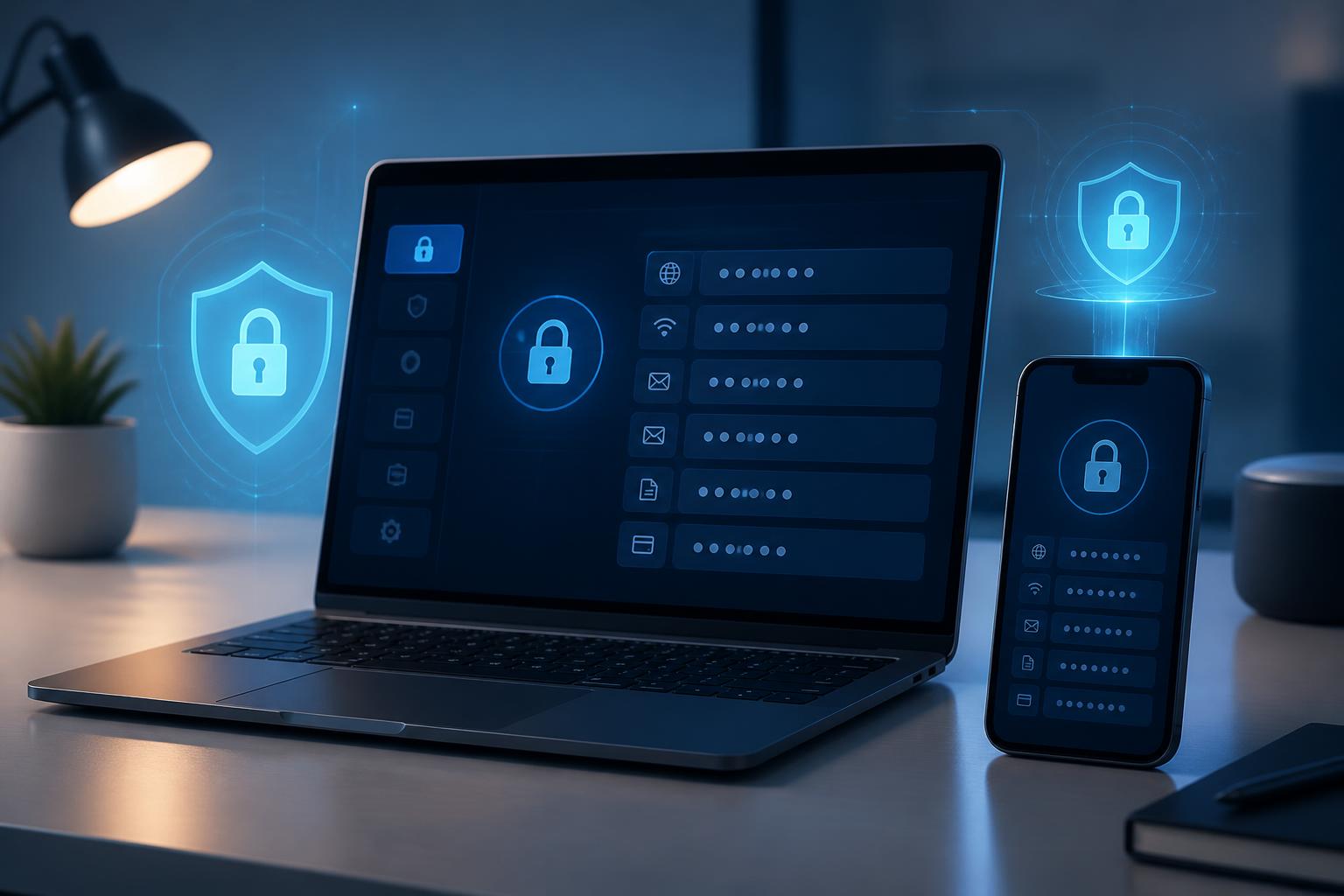
Essentially, password management software is a specialized storage vault for login information. In addition to usernames and passwords, this vault may contain website addresses, recovery codes, private notes, payment card information, or other data, depending on the features of each product. Data entries are often organized by folders, labels, or groups so that users can easily find them when needed.
During setup, users create a master password to open the vault. This password has a special role because it is the key to accessing a great deal of important information. Properly designed software protects the data in the vault through encryption and also provides browser or phone utilities to automatically fill in information on login forms. Autofill not only saves time but also helps users avoid typing passwords into unfamiliar websites.
Many software products also support generating random passwords according to conditions selected by the user, such as length, uppercase letters, lowercase letters, numbers, and special characters. Passwords generated for individual accounts may be difficult to remember, but that is precisely what makes them suitable for a centralized management model: users do not need to remember each string and only need to protect the password vault.
Why is this tool useful for individuals and businesses?
Reducing the habit of reusing passwords
Using one password for multiple services links accounts together in an undesirable way. If the login information for one service is exposed, other accounts using the same password must also be reviewed immediately. When software can generate and store a separate password for each website, it removes the biggest obstacle: having to remember many strings of characters.
This is particularly useful for important accounts such as a primary email account, website administration systems, file storage services, and work tools. Users can proactively set a different password for each account instead of considering how to modify a familiar password.
Helping identify outdated or weak login information
Some tools can check the password vault for duplicate, overly simple, or long-outdated entries. Although these alerts cannot change users’ habits on their own, they create a relatively clear priority list. Users can start with their primary email, administrative accounts, and services containing sensitive data, then expand to less important accounts.
Regular checks also help identify accounts that are no longer in use. Rather than allowing unnecessary login information to remain, users can delete the account, change the password, or update the recovery method as appropriate.
Convenience when using multiple devices
Employees and individual users today often switch between computers, phones, and tablets. If passwords are stored on only one device, logging in on another device can easily lead to temporary solutions, such as sending passwords through a messaging app or saving them in a text file. A password vault with suitable synchronization capabilities can help ensure that information is used more consistently across authenticated devices.
However, synchronization should not be understood as allowing every device unrestricted access. Users need to carefully review the authentication mechanism, the ability to lock the vault remotely, the recovery method, and how the software handles new devices. A shared device or a device that is no longer under the user’s control should be removed from the access list as soon as possible.
Criteria for choosing password management software
Not every piece of software with password storage capabilities is suitable for everyone. Before making a choice, it is necessary to determine whether the tool will serve an individual, a family, or a work group. The needs related to sharing, permissions, and administration differ significantly among these groups.
The first criterion is how the product protects data. Users should look for clear information about encryption, protection of the master password, authentication procedures, and how the product handles forgotten access information. They should not rely solely on an attractive interface or claims of convenience. If the product documentation cannot explain basic security and recovery issues, that is a sign to exercise caution.
Compatibility also has practical importance. A good tool should work reliably on the browsers and operating systems that users commonly use. The autofill function should allow users to check the website before inserting information. Options such as automatic locking, requiring reauthentication, and supporting multiple login methods can help reduce the risk of data being accessed when a device is left unattended.
For businesses, the permissions of each member also require attention. Employees should not receive access to the entire password vault simply because they need access to one service. Group-based sharing, revoking access when personnel changes, and recording administrative actions can help businesses reduce their dependence on a single individual. Shared accounts should also have a clear ownership process instead of merely being stored in one person’s browser.
How to implement it safely from the start
Start by categorizing accounts
Before entering all data into the new tool, users should make a list of their existing accounts and divide them into groups. Important accounts may include a primary email account, website administration accounts, financial services, work management tools, and data storage accounts. Less important accounts may include services used only to read content or subscribe to receive information.
This classification keeps the transition from becoming overwhelming. Users can prioritize updating passwords for important accounts, enable multifactor authentication wherever it is supported, and then handle the remaining accounts. Accounts that are no longer used should be closed or deleted rather than mechanically added to the vault.
Protect the master password
The master password needs to be sufficiently long, difficult to guess, and must not be used for any other service. A phrase created by the user may be easier to remember than a short string containing many characters, as long as it is not based on publicly available information such as a name, date of birth, company name, or address. The master password should not be sent by email or messaging app or stored in an unprotected file.
If the software supports multifactor authentication, users should enable a method that is suitable for everyday use. At the same time, they should learn the recovery procedure in advance. Some security settings can make it difficult to regain access if users lose their authentication device or forget their backup information. Knowing this procedure before a problem occurs is better than trying to handle it hastily afterward.
Check autofill actions
Autofill is a convenient feature, but it should not be used without paying attention. Before accepting a suggestion to fill in information, users need to check the website address and domain name. If a page has an interface resembling a familiar service but an unusual address, not filling in the data is the safer choice.
On shared devices, users should disable the ability to open the vault automatically or require it to lock again after a period of inactivity. When installing a browser extension, they should use only versions from trustworthy distribution sources and update the software regularly. Extensions that are no longer needed should be removed to reduce the number of components with access to browser data.
Limitations that should not be overlooked
Password management software cannot prevent every form of phishing, malware, or loss of control over a device. If users enter their master password on a fake website, install malicious software, or expose an authentication code, the management tool cannot replace other protective measures. Therefore, the habits of checking website addresses, updating the operating system, limiting the installation of applications from unknown sources, and using multifactor authentication remain essential.
In addition, concentrating a large amount of information in one vault requires users to have a backup plan. They need to know how to gain access if they lose their phone, their computer breaks down, or they cannot receive an authentication code. This plan does not mean printing all passwords on paper or storing them in an unprotected file. Instead, users should read the product’s recovery instructions, store backup information in a safe place, and limit who knows about it.
The value lies in the process, not just the software
Password management software is effective only when it is placed within a clear usage process. Users need to maintain the habit of setting unique passwords, updating information when changes occur, deleting access that is no longer needed, and checking security alerts regularly. Businesses should define who may create accounts, who has permission to share them, when permissions must be changed, and how to handle a member leaving the group.
The move to a new tool can begin with a few important accounts rather than changing everything in one day. After becoming familiar with the master password, autofill function, and locking mechanism, users can expand its scope of use. A gradual implementation helps identify compatibility problems early and reduces the likelihood of returning to unsafe storage habits.
In the digital environment, no tool can turn security into a completely automated task. Even so, password management software can make the safe choice easier to carry out than the arbitrary one. When combined with a sufficiently strong master password, multifactor authentication, protected devices, and a reasonable permissions process, this tool becomes a practical layer of support for both individuals and businesses. Its greatest value does not lie in remembering things on the user’s behalf, but in its ability to turn login information management into a process that can be checked and maintained over the long term.