WordPress Access Management: Reducing the Risks of Forgotten Accounts

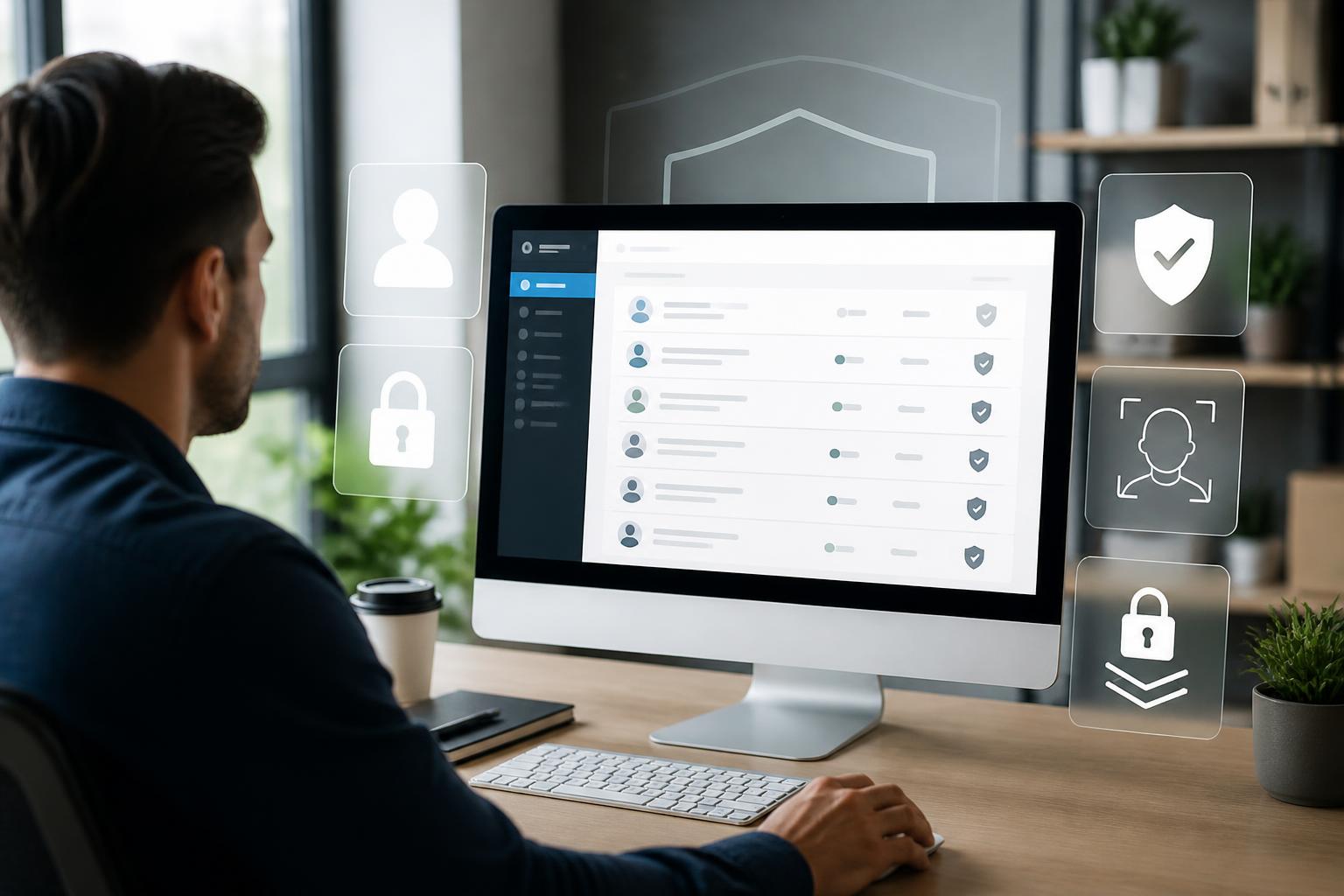
On many WordPress websites, security is often discussed in terms of updates, strong passwords, or SSL certificates. These are all necessary layers of protection, but they are still not enough if internal access is managed loosely. An old account belonging to a former employee, a contributor given higher privileges than their actual needs, or shared login credentials can become a weakness that remains difficult to detect for a long time.
Access management is not something reserved only for large enterprises. Any website involving multiple people in writing posts, processing orders, providing customer service, running advertising campaigns, or handling technical administration needs a clear process. The goal is not to prevent staff from working, but to ensure that each person has only the permissions they need, for only as long as they need them, and in exactly the areas where they need them.
Why can user accounts become a risk?
WordPress is designed to support many different roles. A website may have administrators, editors, authors, contributors, or subscribers. This mechanism makes it convenient to divide work, but it also creates risks if permissions are granted out of habit rather than according to specific responsibilities.
Risks often begin with situations that seem entirely ordinary. An organization hires a content writer and grants them administrator access so they can install additional plugins. The work then ends, but the account remains active. A marketing employee needs to view post data but is given permission to edit the entire website. A small team shares an administrator account because this is faster than creating individual accounts. When an incident occurs, the manager has difficulty determining who made a change and which login credentials were exposed.
Forgotten accounts can also remain active after a user’s role changes. Someone moves from content editing to another job, but their previous permissions are not revoked. A partner needs access for only a short period, but the account is retained because no one remembers it. Gaps like these increase the number of points that can be exploited without providing a corresponding benefit to operations.
The principle of least privilege
The most important principle is least privilege. Users should be granted only the permissions that directly support their work. A writer usually does not need to install plugins, change the theme, or create new accounts. Customer service staff may need to work in a specific area but do not necessarily need to see all system settings. Technical staff may need higher privileges during deployment, but those privileges should be reviewed once the work is complete.
Permission assignment should begin with responsibilities, not job titles. Two people in the marketing department may have different access needs. One may manage only content, while another is responsible for configuring measurement tools. Instead of assigning the same role to the entire team, the administrator should list the actual actions each position needs to perform and then choose the appropriate permissions.
For websites using plugins with membership or e-commerce features, special attention should be paid to the permissions added by those plugins. The name of a permission does not always fully reflect its level of impact. A permission that appears to be intended only for viewing data may also include the ability to edit, export, or delete information. Before granting access, the administrator should check its scope of impact and, if possible, test it in an appropriate environment.
Do not share administrator accounts
Shared accounts feel convenient but weaken control. When multiple people log in with the same username, activity logs can no longer show exactly who changed content or configuration. If the password is exposed, revoking one individual’s access also becomes difficult because changing the password will affect everyone using it.
Each person should have an individual account tied to a specific role. The highest-level administrator account should be used only for work that genuinely requires it. For everyday tasks such as writing posts, approving content, or handling comments, users should work with accounts that have lower privileges. This approach both reduces the risk of accidental actions and makes reviewing activity history clearer.
Login credentials should also not be sent casually through chat channels or stored in unprotected files. When someone no longer works with the website, their account should be disabled or deleted according to a defined process. If the account is associated with published content, deletion should be considered carefully so that author information is not lost or the history of posts is not affected. In such cases, login access can be revoked instead of deleting the related data.
Multi-factor authentication and safe login practices
Long, unique passwords are the foundation of account security, but they should not be the only layer of protection for accounts with high privileges. Multi-factor authentication adds another verification step beyond the password, such as a verification code or an authentication method on a registered device. If the password is exposed, an attacker must still get past the additional verification layer to log in.
Not all accounts have the same level of importance. Administrator accounts and accounts that can install plugins or change configuration should receive stricter protection as a priority. Organizations should also instruct users not to save login information on public devices, click suspicious links, or enter their WordPress passwords on unidentified websites.
Login protection measures should be implemented in a balanced way. If the process is too complicated, users may try to bypass it or share information with one another. Therefore, instructions should be clear, the authentication method should suit the devices in use, and there must be a way to handle situations in which users lose access to their verification method.
Reviewing accounts regularly
Assigning permissions correctly when an account is created does not ensure long-term security. Staff, projects, and workflows are constantly changing. A periodic review helps identify accounts that are no longer being used, permissions that exceed actual needs, or temporary accounts that have not yet been revoked.
A checklist can begin with simple questions: How many accounts does the website currently have? Who owns each account? Does that person still work with the website? Is the current role appropriate for the responsibilities? Does the account show unusual login activity? Is the contact information for account recovery still accurate?
There is no need to turn the review into a burdensome process. For a small website, the person responsible can conduct it quarterly or after each round of staffing changes. Websites with many users or important data should consider reviewing accounts more frequently. The results of the review should be recorded so it is clear which accounts were locked, which permissions were adjusted, and which cases require further monitoring.
Processes for granting and revoking access
A good process should clearly specify who has the authority to approve new accounts, which roles users will receive, and how long access will last. For contributors or external vendors, access can be granted for an expected period rather than being left open indefinitely. When the work ends, the responsible person must have a confirmation step for revoking access.
Access requests should also describe the purpose of use. This information helps the administrator make a more accurate assessment instead of relying only on a general request such as needing website administrator access. If elevated privileges are needed for a short period, the request can specify the start time, the work to be performed, and the end time. Special accounts should be reviewed again after the task is completed.
When an employee leaves or changes positions, access revocation must be coordinated with the relevant departments. Do not wait until an incident occurs before locking the account. In addition to WordPress accounts, related access to hosting, email, domains, analytics tools, and external services should be reviewed. Locking a website account while leaving server access credentials unchanged does not fully resolve the risk.
Activity logs and responding to signs of unusual activity
Activity logs are valuable when a website needs to determine how a change occurred. Logs do not replace permission management, but they help administrators identify unusual actions such as account changes, installation of unfamiliar plugins, configuration edits, or logins from an unfamiliar context. When using a logging tool, attention should be paid to data storage, access rights, and the ability to protect user information.
If suspicious signs are detected, the first response should be to preserve information and limit the damage. The person responsible may temporarily lock the relevant account, change the credentials of high-privilege accounts, check recent changes, and identify related services. Do not rush to delete all logs or remove every component before documenting the current state, because doing so may destroy important clues.
If an account is suspected of being compromised, the password should be changed from a trusted device and connection. After that, other administrator accounts, recovery methods, newly installed plugins, and configuration changes should be checked. If the incident exceeds the organization’s ability to handle it internally, the organization should seek appropriate technical assistance rather than continuing uncontrolled experiments on the live website.
Security begins with operational discipline
Security tools can help detect and prevent many risks, but they cannot replace management discipline. A website that is updated regularly can still be affected if multiple users share a password. A system with complete logs can still be difficult to investigate if all activity takes place under a single account. Conversely, a clear permission-management process helps technical measures work more effectively.
Access management should be viewed as part of website operations, not as a task performed only after an incident occurs. Start by creating a list of accounts, removing unnecessary permissions, creating individual accounts for each person, and protecting administrator accounts with multi-factor authentication. Then maintain a review schedule, record changes, and prepare a way to revoke access when staff members or partners finish their work.
These steps do not require a website to have a large technical team. What matters is that access is granted intentionally, reviewed regularly, and revoked at the right time. When every account has a clear owner, purpose, and scope, the website can reduce a common category of risk that many organizations recognize only after damage has already occurred.