


Protecting Website Administrator Accounts with Multi-Factor Authentication

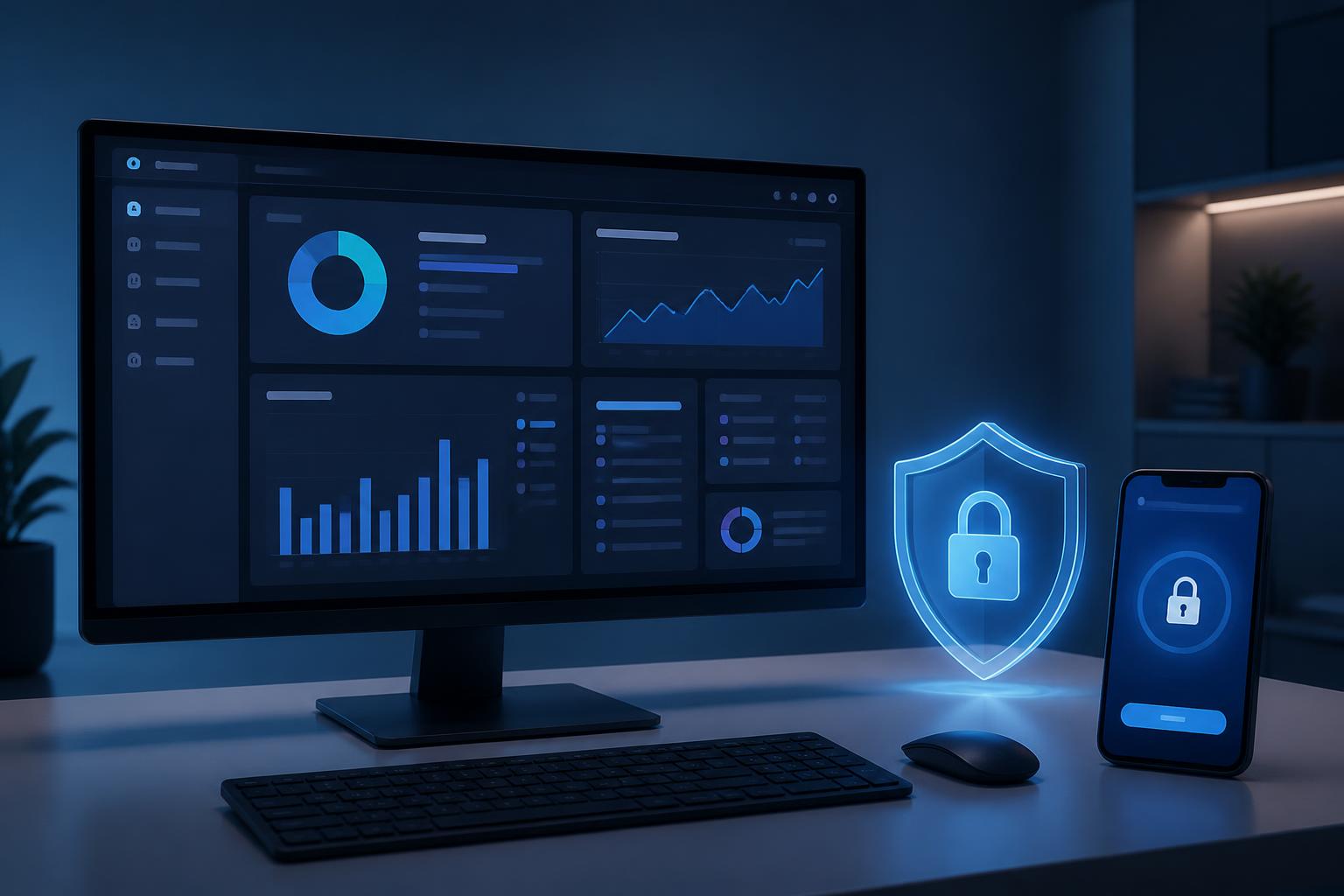
In many website protection plans, businesses often focus on servers, source code, firewalls, or security certificates while overlooking administrator accounts. This is a notable shortcoming, because anyone with access to the administration system can change content, settings, user accounts, and many other important components. When login credentials are exposed, a smoothly operating website can quickly become a target for account takeover.
Protecting administrator accounts is not just a matter of setting a long password. An appropriate strategy needs to combine multiple layers of control, with multi-factor authentication serving as an important foundation. In addition, businesses need to assign permissions according to actual needs, manage old accounts, monitor login activity, and prepare a response plan for signs of unusual activity. These measures do not require changing the entire system immediately, but they do need to be implemented in a structured order and maintained regularly.
Why should administrator accounts be prioritized for protection?
Administrator accounts usually have a much broader range of permissions than editor or regular user accounts. Users with these permissions can publish or delete content, install extensions, change configurations, create additional users, and affect how the website operates. If an administrator account is taken over without authorization, the incident may not stop at the alteration of a single article but can spread to data, the interface, customer information, or connections with external services.
The risk does not necessarily come from a sophisticated attack. Passwords reused across multiple services, logins on public devices, malware-infected computers, or a single phishing email can all expose access credentials. In addition, accounts belonging to former employees that have not been revoked create another commonly overlooked weakness. Therefore, account security must be viewed as an ongoing management process rather than a setup task performed only once.
Multi-factor authentication adds an important layer of protection
Multi-factor authentication requires users to provide two or more factors when logging in. The first factor is usually a password. The next factor may be a verification code from an app, a security key, a registered device, or another verification method supported by the system. The significance of this mechanism lies in the fact that an attacker cannot gain access using only a stolen password.
For effective implementation, businesses should first identify the accounts with the highest privileges and prioritize activating protection for this group. The primary administrator account, server access accounts, domain management accounts, and linked services should be considered together. If the website account is protected but the recovery email or infrastructure management account is overlooked, a single weak link can still reduce the effectiveness of the entire plan.
Businesses should also choose an authentication method suitable for their operating conditions. An authenticator app may be convenient for many employees, while a security key is suitable for accounts with very high privileges that require strict control. Backup codes should be stored in a secure location, separate from devices used on a daily basis. This preparation helps limit the risk of losing access when a phone is damaged or lost, or when the person responsible cannot log in.
Do not share accounts or grant more permissions than necessary
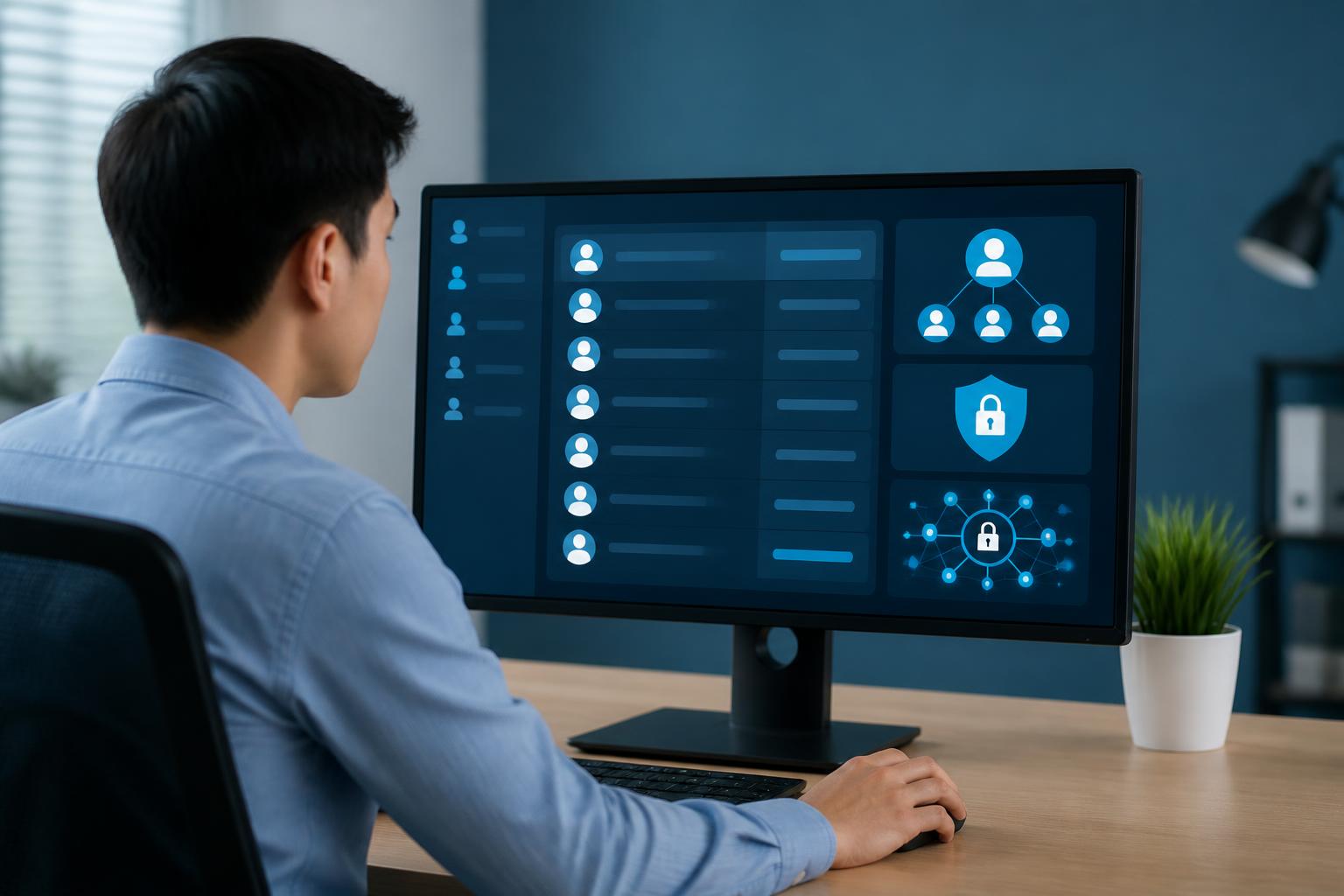
Each team member should have an individual account instead of sharing a single administrator account. Personal accounts allow the system to record who made a change and make it possible to revoke one person’s permissions without affecting others. When multiple people use the same login information, tracing an incident becomes difficult, and passwords are often shared through insecure channels.
The principle of least privilege should also be applied in practice. Someone who only writes articles does not necessarily need permission to install extensions. Content staff do not need access to user management if their work does not require it. The broader the permissions, the greater the consequences of an abused login session. Therefore, access should be granted based on specific duties, not on habit or temporary convenience.
The account list should be reviewed periodically. Accounts that are no longer in use must be disabled or deleted according to the organization’s procedures. Accounts belonging to partners, collaborators, and temporary employees should also have an expiration date or a designated person responsible for monitoring them. If an account needs to be reopened, its permissions should be reassigned explicitly rather than allowing the account to remain indefinitely.
Managing passwords and login sessions
Administrator passwords should be long, difficult to guess, and different from passwords used for email, social media, or other services. Do not use information that is easily associated with the business, an individual, or the website, such as a brand name, founding date, or domain name. A password manager can help create and store a unique password for each service while reducing the need to write passwords on paper or save them in an unprotected file.
Password changes should not happen mechanically but should be tied to specific situations. When there are signs that information has been exposed, staff changes, a lost device, or an unusual login, the relevant passwords should be changed immediately. After changing a password, check for and log out of old sessions if the system supports this. If the password is changed but active sessions are overlooked, an unauthorized access attempt may continue for some time.
Devices used to administer the website also need to be protected. The person responsible should update the operating system, browser, and security software, while limiting logins from public computers or untrusted networks. When working remotely, carefully check the address of the login page and avoid accessing it through suspicious links in emails or messages.
Monitor unusual signs and establish a response procedure
A website can detect many warning signs through login history and activity logs. Signs such as a login from an unfamiliar location, a change to the administrator email address, the creation of a new user, the installation of an unusual component, or content being edited outside the plan all need to be investigated. Not every alert indicates an attack, but early verification helps prevent a genuine incident from being overlooked.
Businesses should designate who is responsible for receiving alerts and how to make contact when a problem occurs. A basic procedure may include confirming the event, locking or temporarily suspending the suspected account, revoking login sessions, changing authentication information, checking recent changes, and assessing the scope of the impact. If the website is connected to email, advertising, payment, or customer management systems, the related accounts should also be reviewed.
The response procedure should be documented in clear language so that it does not depend on one person’s memory. Recovery information, the person authorized to approve actions, and contact details for technical support should be kept up to date. At the same time, businesses should conduct appropriately scaled drills to identify which steps are missing or take too much time when an incident occurs.
Account security is part of website management
Multi-factor authentication provides practical protection, but it cannot replace basic management principles. A system is safer when accounts have appropriate permissions, passwords are managed separately, employees are trained to recognize scams, and login activity is monitored. These measures support one another: multi-factor authentication reduces the risk from exposed passwords, while permissions management and activity logs help limit damage and support investigation when an incident occurs.
Businesses can start by reviewing the current account list, identifying accounts with high privileges, and activating multi-factor authentication for this group. Next, review accounts that are no longer in use, separate personal accounts from shared accounts, check recovery arrangements, and establish a consistent procedure for handling alerts. Small steps carried out consistently will create a more reliable foundation than simply reacting after the website has already been compromised.
Protecting administrator accounts is therefore not the sole responsibility of the technical department. It is a shared responsibility of the website owner, content managers, and all personnel who have been granted access. When access rights are treated as an asset that needs to be managed, the website gains an additional important layer of defense against common risks in the online environment.