


Password Management Software: The Access Control Foundation in the Digital Environment


Passwords remain one of the most common layers of protection for online accounts, but the way people use them often fails to keep pace with the growing number of services. An employee may have to log in to email, a website administration system, accounting tools, advertising platforms, file storage and numerous internal software systems in a single day. When they have to remember too much information, users are more likely to choose short passwords, reuse one password across multiple services or store information in places that are difficult to control.
Password management software was created to address this problem in a more systematic way. Instead of trying to remember dozens of character strings, users only need to protect one primary account, while the application stores, generates and helps fill in login information for other services. For businesses, this tool is not merely a digital vault; it can also become a platform for managing access rights, handing over accounts and monitoring activities involving sensitive information.
How Does Password Management Software Work?
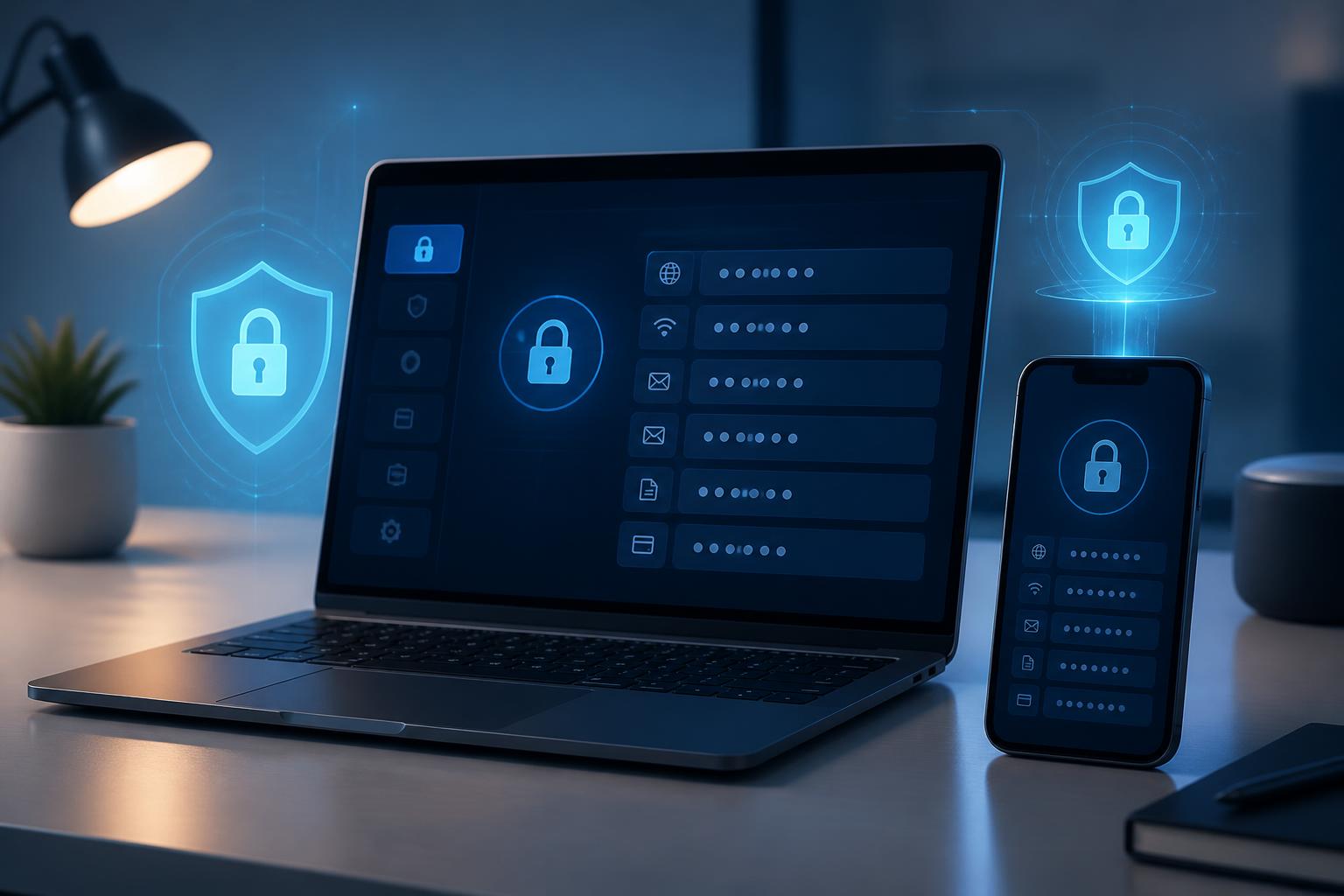
Basically, password management software stores login information in a protected data vault. This vault may contain usernames, passwords, website addresses, notes, recovery codes or other data fields, depending on the product. Users access the vault with a master password or an additional authentication method. When a login is required, the application can automatically fill in information in a supported browser or application.
The important point is that the master password must be strictly protected. It provides access to numerous other pieces of data, so it should not be used for any other service. Users should also consider account recovery options, set up multifactor authentication and prepare a backup plan in case they lose a device or are unable to access the application.
Many software products also include a feature for generating random passwords with customizable lengths and character sets. When registering for a new service, users can create a unique password instead of coming up with an easily guessed string themselves. Giving each account different login information helps limit the chain reaction if a service suffers a data breach or an account is compromised.
Practical Value for Individuals and Businesses
Reducing Reliance on Memory and Dangerous Habits
The habit of using one password in multiple places often arises from convenience. However, that convenience creates a weakness: when one password is exposed, other accounts using the same information may also be threatened. A password manager helps users separate their login information without having to remember everything. This is a small change in daily routines, but it can significantly improve discipline in account usage.
The tool can also help identify duplicate records, old passwords or inconsistently stored information. Some products provide alerts based on the data entered by users, but alerts do not replace checking the source of a notification and changing passwords directly on the official website or application.
Controlling Account Sharing
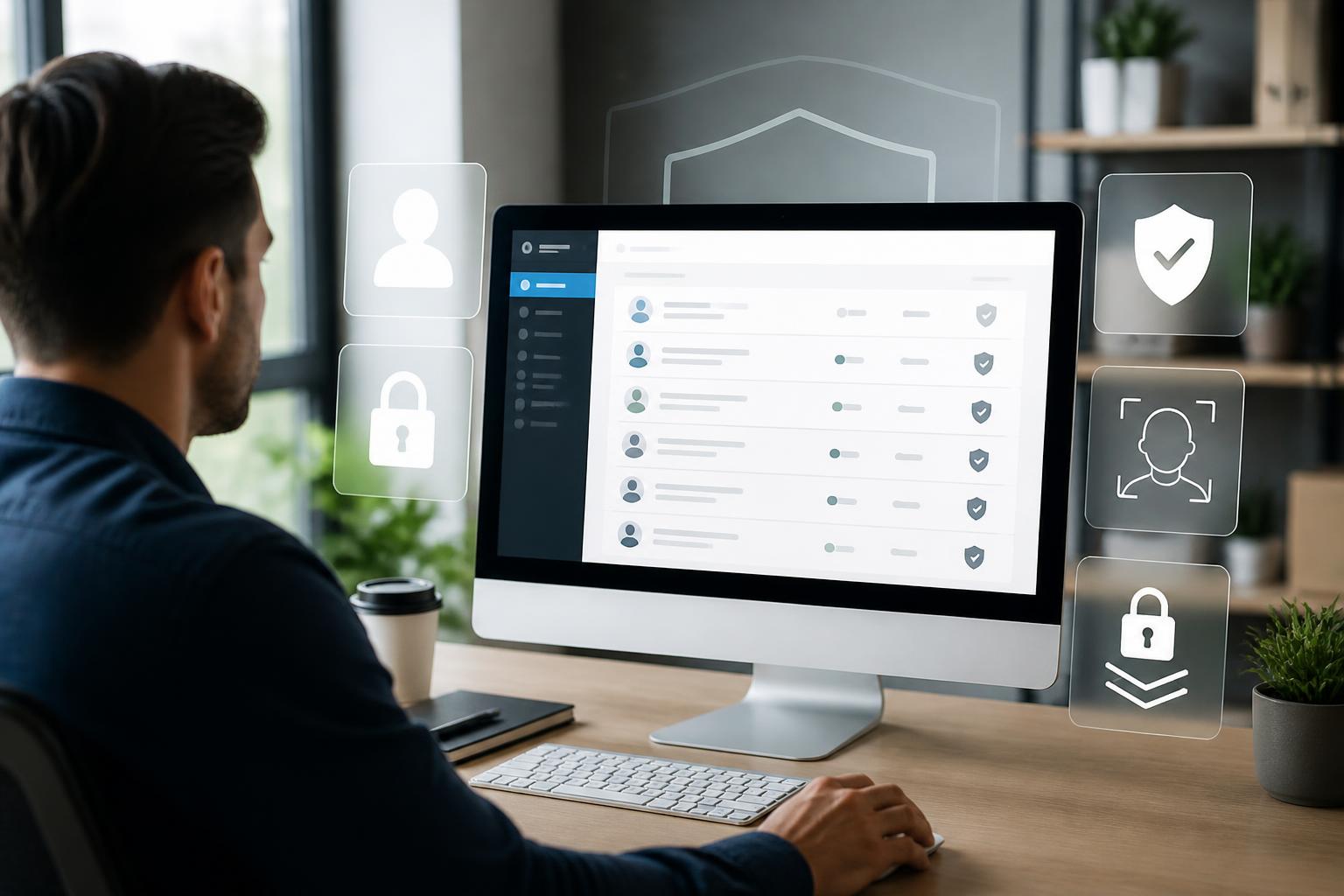
In small businesses, account sharing sometimes takes place through email, messaging applications or spreadsheet files. These methods make it difficult for managers to know who has access, to whom the information has been forwarded and what needs to be changed when an employee leaves the team. Password management software designed for teams allows access rights to be shared by member or group, rather than making the entire password publicly available.
For example, the website team may be given access to the appropriate administrative account, while another department is allowed to access only the tools related to its work. When staffing changes occur, an administrator can revoke access from a user account instead of sending a password-change notice to everyone. This model is especially useful for shared accounts, service accounts and vendor login information.
Supporting Handover and Business Continuity
Risks do not arise only from external attacks. A business may also face difficulties when the person holding a password leaves the company, loses access or is no longer responsible for a system. A clearly organized information vault helps the business know which accounts exist, which services they belong to, who is using them and what the handover process is.
However, software does not automatically create good procedures. Businesses still need to establish who has the authority to add, edit and share information; how records should be named; when accounts should be reviewed; and how to respond when unusual access is detected. A tool is effective only when accompanied by clear responsibility.
Criteria to Consider When Choosing
The first criterion is the data protection model. Users should learn how the provider encrypts data, where the data is stored, which devices can synchronize and whether the account is protected by multifactor authentication. They should not rely solely on general marketing claims. Privacy policies, technical documentation and account control options often provide more practical information.
Usability is equally important. An application that is too difficult to unlock, has unreliable autofill or works inconsistently across computers and phones may drive users back to their old ways of storing passwords. Search and folder-organization interfaces, importing data from other tools and exporting data when necessary are functions that should be tested during the trial period.
For working groups, it is necessary to consider role management, shared groups, access revocation, activity logs and recovery procedures. Not every member needs administrative privileges. Separating permissions helps reduce the possibility that an account will be misused to change configurations or view unrelated information.
Compatibility with browsers, operating systems and mobile devices also directly affects user adoption. If employees frequently work from multiple devices, the business needs to clearly determine which devices are permitted, how login sessions are locked and what to do if a device is lost. For important accounts, the password manager should be combined with multifactor authentication and the minimum necessary access rights.
How Can It Be Deployed Without Creating Additional Risks?
Businesses should not begin by putting all sensitive information into the software without a plan. The first step is to create a list of the types of accounts currently in use, identify important accounts and eliminate those that are no longer needed. During this process, the business may discover accounts with unclear ownership, passwords that have been shared too widely or services that are no longer suitable.
Next, a simple vault structure should be established. Accounts can be organized by department, project or sensitivity level, but too many folders should not be created, as this can make searching difficult. Record names should be easy to understand, while notes should contain information useful for handover rather than unnecessary copied data.
The transition should be carried out by group. Users need guidance on how to create new passwords, how to share access rights and how to recognize fake login pages. Businesses should also clearly stipulate that passwords must not be sent through ordinary chat channels, that screenshots of the data vault must not be taken and that arbitrary copies must not be stored on personal computers.
After deployment, a regular review schedule is necessary. People who have transferred departments or left the business must have their access revoked at the appropriate time. Accounts that are no longer used should be closed or removed. When there are changes involving vendors, projects or internal systems, the vault structure should also be updated so that it does not become an outdated list.
Tool Limitations and User Responsibility
A password manager cannot prevent users from visiting fake websites by mistake, installing malicious software or sharing authentication codes with others. If the master password is exposed, the risk may spread across the entire data vault. Therefore, protecting the root account, updating software, locking devices when leaving the desk and checking website addresses before logging in remain essential habits.
Caution is also needed with the autofill feature. Users should check the domain name and context before accepting autofill, especially when opening links from emails or messages. For accounts with high administrative privileges, additional authentication layers should be applied and the number of people granted access should be limited.
Finally, businesses need to consider the ability to export data and switch providers. A good tool not only protects information at present but also helps an organization maintain control of its data if it changes its processes or platform. Recovery procedures should be tested in a controlled manner to avoid creating unprotected copies.
Conclusion
Password management software is a practical solution to an increasingly common problem: too many accounts, too many access rights and too little ability to control them through memory alone. The tool’s value lies in creating unique passwords, reducing arbitrary sharing, supporting handovers and helping businesses gain a clearer view of their account systems.
Even so, it is not a substitute for security policies. Long-term effectiveness depends on how the product is chosen, how the master password is protected, how permissions are assigned, how users are trained and how regularly accounts are reviewed. When deployed alongside these principles, a password manager can become an important foundation for how individuals and businesses organize access in the digital environment.