


What Are Passkeys and Why Should Businesses Prepare for the Passwordless Login Era?

For many years, passwords have remained the most familiar layer of protection for online accounts. Users create passwords to access email, social media, banking services, administrative systems, and work platforms. However, this model is increasingly revealing many limitations. A password can be guessed, reused across multiple services, stolen by malware, or exposed in a phishing attack. As the number of accounts grows, remembering and managing passwords also becomes a significant burden.
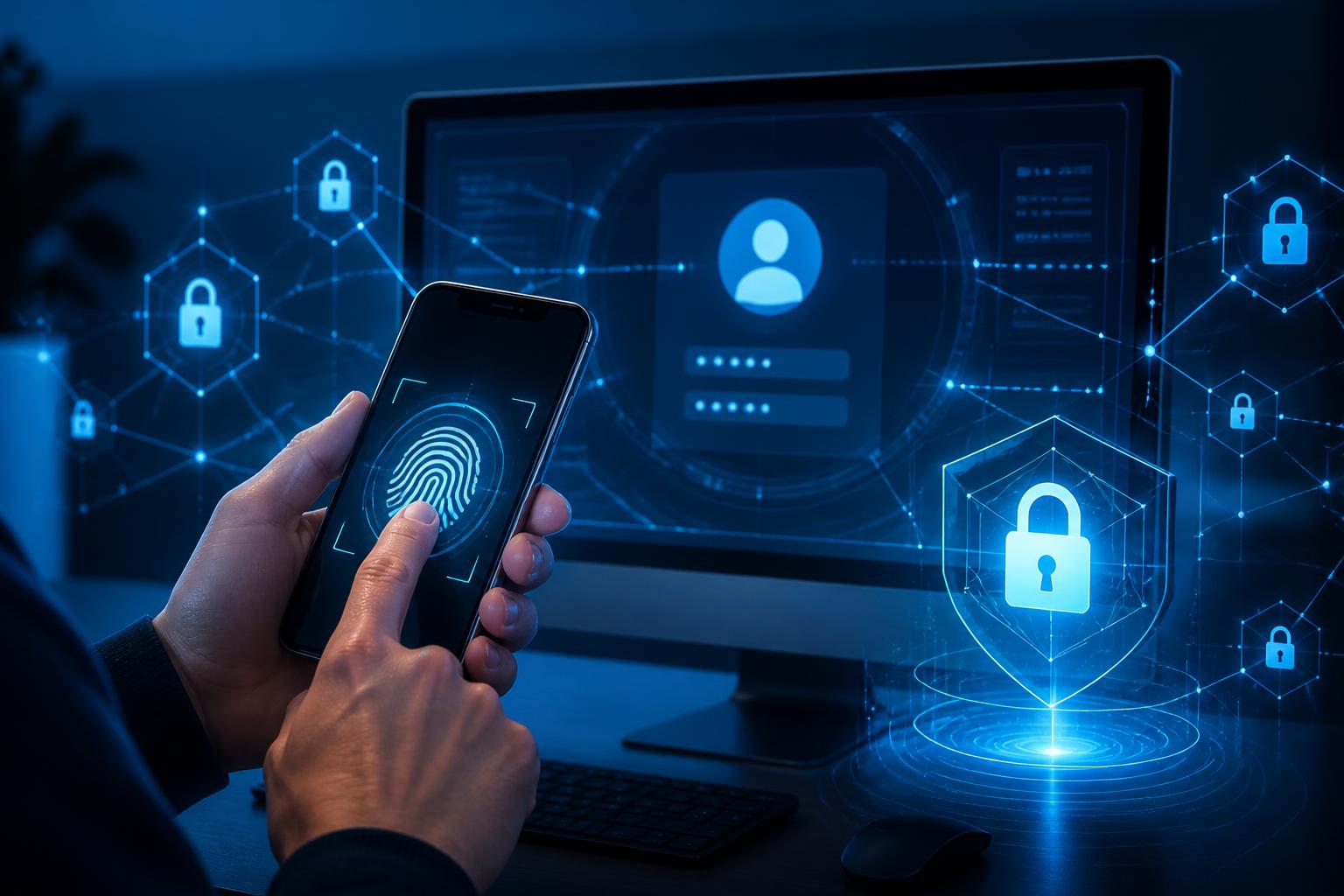
Passkeys were developed as an alternative to traditional login methods. Instead of requiring users to enter a string of characters, passkeys allow authentication using a method already available on the device, such as facial recognition, a fingerprint, the device unlock code, or an equivalent confirmation mechanism. This does not mean passwords will immediately disappear across the entire Internet, but it demonstrates how online services can gradually reduce their dependence on secret information that users must remember themselves.
How Do Passkeys Work?
In essence, passkeys are based on an encryption key pair consisting of a private key and a public key. When a user registers a passkey with a service, the device generates this pair. The public key is sent to the service for verification, while the private key is stored on the device or in the user’s credential management system. The private key does not need to be sent to the website during login.
When accessing an account, the user confirms their identity directly on the device using biometrics, an unlock code, or a similar method. The device uses the private key to generate a response to the authentication request from the service. The website verifies that response using the public key registered earlier. Through this exchange, the service does not have to receive and store a password that could be exposed in the usual ways.
An important point is that biometric data is generally processed on the device to confirm who is using it. The website does not necessarily receive the user’s facial image or fingerprint. Therefore, passkeys do not mean that businesses have the right to directly collect biometric data. The specific mechanism still depends on the device, operating system, browser, and service being used.
The Difference Between Passkeys and Traditional Passwords
A traditional password is information that users must remember and enter into a login form. In many cases, servers store passwords in a processed form for comparison purposes. If users choose weak passwords or use the same password across multiple services, an incident in one place can create risks for their other accounts. In addition, passwords are often exploited through fake login pages. Users may not realize that they are entering their information on a website that does not belong to the genuine service.
Passkeys are designed to bind authentication information to the specific service where it was registered. The key is created for a specific scope, so accidentally visiting a fake website is less likely to result in users providing a password that can be reused elsewhere. This is an important advantage against phishing attacks, although passkeys should not be viewed as a solution that eliminates all security risks.
Passkeys also help reduce common unsafe practices such as writing passwords on paper, storing them in unprotected files, sending passwords through messages, or using the same string of characters for multiple accounts. However, accounts can still be compromised if users expose their device unlock code, lose control of their device, or are persuaded to take a dangerous action after logging in.
Benefits for Users and Businesses
For users, the most noticeable benefit is a simpler login experience. Instead of remembering multiple passwords and verification codes, they can confirm their identity through a familiar action on the device. This is especially useful on phones, where entering long passwords with a touch keyboard is often inconvenient. When the login process is faster and involves fewer steps, users may also be less inclined to disable additional layers of protection.
For businesses, passkeys can reduce some of the support workload related to forgotten passwords, password resets, or accounts locked after too many incorrect attempts. Organizations also gain another option for improving security for customer systems, service portals, and employee accounts. Nevertheless, actual effectiveness depends on how the business implements the technology, the compatibility of its platforms, and users’ level of readiness.
Adopting passkeys can also help businesses build a more professional image through their digital experience. A clear and convenient login process that relies less on manual handling can support the customer journey. However, security must take priority over convenience. Businesses should not put new technology into operation simply because it is trending; they need to evaluate it in relation to their existing data, systems, and processes.
Issues to Prepare for Before Deployment
The first challenge is compatibility. Not all users have the same type of device, browser, or operating system. Some customers may be using older devices, sharing devices within their families, or accessing services from public computers. Therefore, businesses need to build a flexible transition roadmap rather than forcing all users to change their login method at once.
Businesses must also design the account recovery process with great care. If users lose their device, change phones, or can no longer access their authentication method, they need a legitimate and secure support channel. This process should not be so easy that malicious actors can exploit it to take over accounts. Conversely, if the process is too complicated, users will face difficulties and may return to less secure methods.
For administrator and employee accounts, adopting passkeys needs to be linked to device management, access controls, and login monitoring policies. Even a well-protected account can have serious consequences if it is granted more permissions than the job requires. Businesses should review user roles, limit access rights, monitor unusual changes, and maintain procedures for situations in which a device is lost or suspected of being compromised.
Internal communication is also an essential part of the process. Users need to understand what passkeys are, how to register and use them, and how to recognize unusual requests. Guidance should use clear language, include illustrations appropriate to each device, and clearly identify the official support channel. If users do not understand the new mechanism, they may confuse a legitimate authentication request with a phishing attempt.
Passkeys Do Not Replace an Entire Security Strategy
One common misconception is to view passkeys as an absolute protection solution. In reality, account security is the result of multiple layers of control. Businesses still need to protect their server systems, update software, assign permissions appropriately, monitor login activity, back up data, and prepare incident response plans. Customer support channels must also be controlled because attackers may try to exploit manual verification procedures.
Users also need to maintain basic habits such as keeping their devices updated, not installing software from unknown sources, not sharing unlock codes, and checking the service address before carrying out important actions. Passkeys help reduce the risk posed by stolen passwords, but they cannot prevent every form of phishing, device takeover, or social engineering.
An Appropriate Adoption Roadmap for Businesses
Rather than deploying passkeys across the board, businesses can begin by identifying the account groups and services that are suitable. Systems with large user bases, frequent login requirements, or many existing password-related issues may be appropriate candidates for a pilot phase. During this period, businesses should monitor registration rates, login completion rates, the number of support requests, and any errors that arise.
After the pilot phase, user feedback should be used to adjust the guidance and recovery process. Businesses may maintain a backup login method during the transition, but they need to ensure that this method is properly protected and monitored. Once users have become familiar with passkeys, organizations should consider narrowing the old options only if this is compatible with operational requirements and security policies.
More importantly, passkeys should be viewed as part of an identity management strategy, not merely as an interface feature. Platform selection, account lifecycle management, handling lost devices, and access control all need to be considered together. A good plan will balance security, usability, and real-world support needs.
Passkeys are creating a notable direction for online authentication. This technology can reduce dependence on passwords, limit certain types of phishing, and make the login experience more convenient. However, the results do not come from enabling a single option. Businesses need to prepare in terms of technology, processes, training, and user support. When implemented gradually with clear evaluation, passkeys can become an important foundation in plans to protect accounts and digital services.