Website Monitoring Software: Turning Small Signals into Timely Decisions


A website may appear to be functioning normally when checked by an administrator, yet still encounter problems for a particular group of users, an internet service provider, or a specific region. A homepage that loads slowly, a contact form that cannot be submitted, a certificate nearing expiration, or an intermittently responding server are all problems that are difficult to detect through manual checks alone. Without continuous monitoring tools, teams often learn that a problem exists only after customers report it or revenue is affected.
Website monitoring software is designed to fill that gap. The tool does not completely replace human checks, but it provides a regular layer of observation for important website components. The data collected helps those responsible determine whether the website is accessible, whether it responds quickly or slowly, where errors occur, and how long an incident lasts. More importantly, the software turns a condition that is otherwise difficult to see into information that can be monitored, compared, and handled according to a process.
Why is manual checking not enough for modern websites?
Manual checking often begins by opening a website in a browser, viewing a few pages, and confirming that everything appears to be fine. This approach is useful when evaluating the interface or carrying out a specific task, but it cannot represent the entire user experience. A website may work well at the time of the check and then develop an error a few minutes later. A page may also open successfully but take a long time to load, while an important function such as logging in, searching, or submitting a form does not work.
In addition, people find it difficult to maintain a consistent checking frequency around the clock. When the responsible team has many other tasks, small signs can easily be overlooked. A short-lived error may not create a sense of urgency, but if it occurs repeatedly, it reduces the website’s reliability and makes identifying the cause more complicated.
Monitoring software creates a more proactive approach. The tool performs checks at configured intervals, records the results, and sends alerts when abnormal conditions occur. As a result, administrators do not have to wait for users to report an error before beginning an investigation. However, the value of the software does not lie in sending as many alerts as possible. A useful system must help distinguish genuine errors from temporary fluctuations while providing enough information for recipients to take action.
Important monitoring layers
Accessibility and response time
The most basic layer is checking whether the website responds. The software typically sends a request to the monitored address and records the returned status, response time, or inability to connect. This data helps detect situations in which a server has stopped operating, a domain is not resolving correctly, a connection has been interrupted, or a service is returning an error.
Accessibility metrics need to be interpreted in context. A single failed check does not necessarily mean that the website has gone completely offline. The error may originate from the monitoring point’s connection or from a very brief fluctuation. Therefore, the software should allow users to configure the number of confirmations required before issuing an alert, or use multiple monitoring points to reduce the risk of false alarms. When an incident occurs, the check history also helps identify when it began and when the system became operational again.
Loading speed and the actual user experience
A website that is not interrupted but responds slowly can still affect the user experience. Users may have to wait longer to read content, view products, or complete an action. Speed can vary according to device type, access location, server condition, resource size, and many external components. Therefore, speed monitoring should not rely solely on a single page load from an administrator’s computer.
Monitoring tools can record the response time of a page or a specific request at different points in time. When the data is viewed as a sequence, the team can more easily identify trends, such as a website gradually slowing down after a feature is added, poorer responses during certain periods, or problems affecting only some pages. This information does not automatically provide the final cause, but it helps narrow the scope of the investigation and avoid making decisions based on intuition alone.
Content and functionality checks
The fact that a page returns a successful status does not mean that its internal content is correct. A website may display a normal response code while missing important content, showing an error message, or returning a substitute page. Therefore, content checks can look for the presence of a required string, confirm that an important component exists, or detect an unusual message.
For websites with interactive processes, synthetic transaction monitoring goes further. The tool can check each step, such as opening the login page, entering test information, accessing the appropriate area, and then carrying out a specific action. This type of check must be designed carefully so that it does not create junk data, accidentally submit real information, or place unnecessary load on the system. Even so, it can detect errors that checking the homepage cannot reveal.
Certificates, domains, and dependent components
Websites depend on many components that are not directly part of the source code. Security certificates need to be renewed on time, domains need to be maintained, and external services such as payment gateways, analytics tools, or email delivery platforms can affect a website process. Monitoring software can help provide reminders for certain deadlines and record connection errors involving related services.
These types of alerts are particularly valuable because they are often related to recurring tasks rather than sudden incidents. Reminders before a deadline give the team time to verify information, prepare changes, and conduct checks after completion. However, the software only supports monitoring. Managing registration information, access rights, and renewal procedures still needs to be clearly organized internally.
Designing alerts to support rather than annoy
Alerts are the part of a monitoring system most easily overused. If every slow response generates an urgent notification, recipients may quickly develop a habit of ignoring them. Conversely, if alert conditions are too strict, an incident may be detected late. Good design needs to balance sensitivity with the ability to take action.
First, recipients should be identified according to the type of incident. A server-related error may need to be sent to the technical team, while a problem with a sales form may need to be reported to the operations team as well. The alert content should clearly state which website or function is affected, when it was detected, the check result, and the level of priority required. A notification that only says “the website has an error” is usually not useful enough to begin handling the problem.
Next, urgent alerts should be distinguished from summary reports. An ongoing incident should be sent through a channel that the responsible person actually monitors. Data on speed trends, the number of errors, or recovery time can be compiled into periodic reports to avoid disrupting daily work. Once an alert has been acknowledged, the system should also provide a way to record whether it is being handled or has been completed, thereby reducing the chance that several people investigate the same issue without coordinating.
Reading data to find causes rather than simply recording errors
The long-term value of monitoring software lies in historical data. An isolated incident usually answers only the question of whether the website has an error. A longer data series makes it possible to ask more useful questions: When do errors appear? Which functions do they concentrate in? Do they occur after a particular change? How long does recovery take?
For data to be meaningful, the monitoring scope needs to be tied to the website’s objectives. A corporate website may prioritize the contact page, service pages, and overall accessibility. An e-commerce website also needs to pay attention to search, the shopping cart, checkout, and confirmation emails. A content platform may monitor article pages, the search system, and the effectiveness of resource delivery. Teams should not monitor large numbers of components simply because the tool allows it if they have no plan to review or address the results.
Change logs should also be considered alongside monitoring data. When a website’s interface, plugins, source code, server configuration, or integrated services are updated, recording the time of the change helps compare it with the time an error began. This connection does not immediately prove the cause, but it creates a more evidence-based direction for investigation. The team can try to reproduce the error, temporarily roll back the change if necessary, and evaluate the result using data rather than speculation.
Criteria for choosing suitable software
Businesses do not necessarily need to choose the tool with the most features. The first criterion is whether the software supports the exact points that need to be monitored. A small website may only need accessibility checks, basic speed monitoring, and certificate monitoring. A more complex system may require transaction checks, multiple user accounts, notification permissions, and the ability to retain history long enough for analysis.
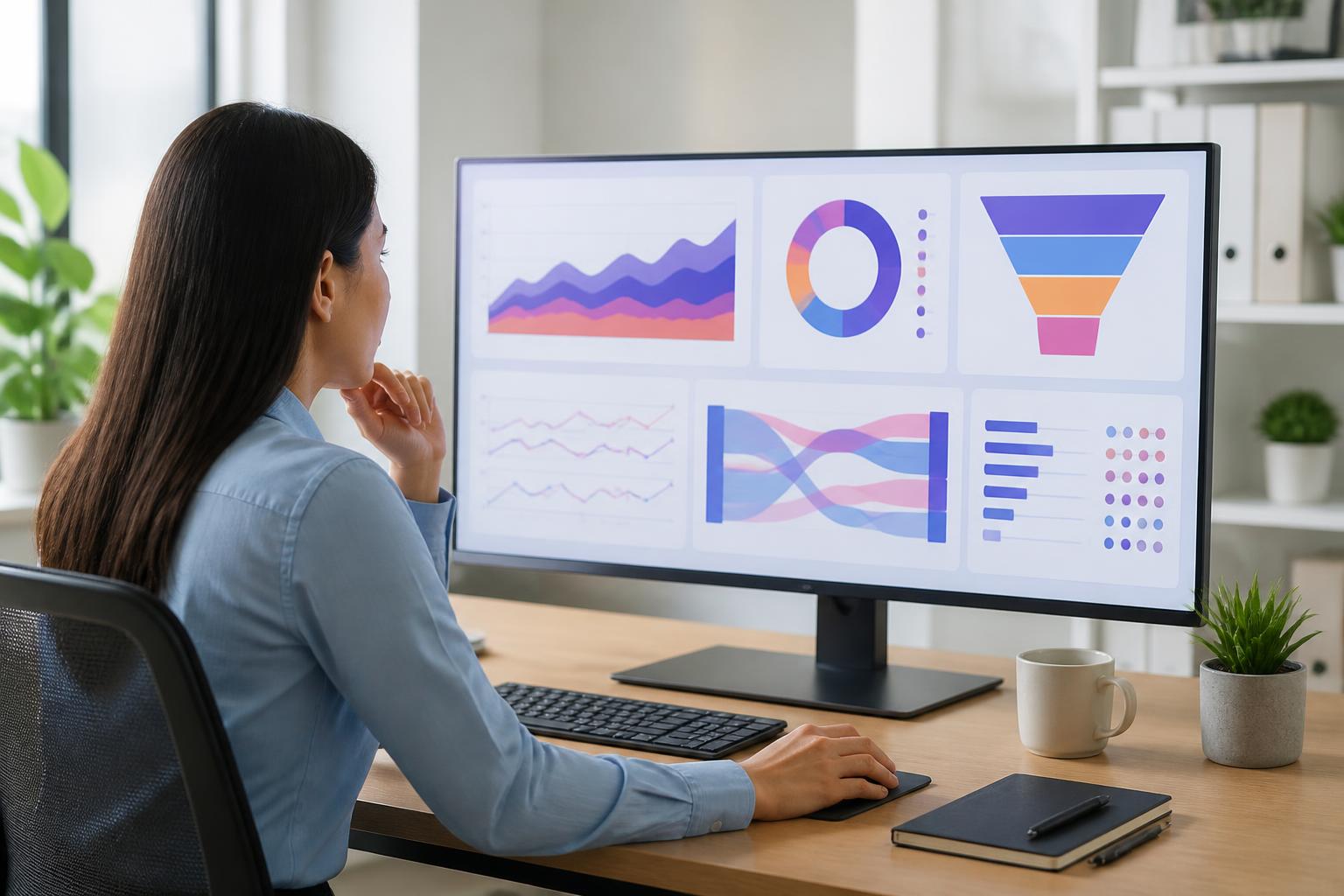
The interface and the way data is presented are also very important. Users need to quickly know which incidents are ongoing, which have ended, and which problems are recurring. If they want to understand the data, they should be able to view history over time, failed checks, and information related to each monitoring point. An attractive dashboard that does not help people make decisions will not create much value.
Integration capabilities need to be evaluated alongside operational processes. Alerts must reach the right channel, data must be shareable with the appropriate person, and account management must be secure. In addition, the way the tool handles access data, retention periods, usage limits, and expansion conditions should be considered before it is put into long-term operation. Testing it on a small group of pages or functions often helps identify inconveniences early that promotional materials may not fully reveal.
Monitoring does not replace maintenance
Monitoring software only detects and describes signals; it does not automatically resolve every cause. An alert about slow speed still requires the team to inspect the source code, database, resources, server configuration, or external services. A form error needs to be examined from the perspectives of the interface, processing logic, data-receiving email, and access permissions. Without a response process, the system will quickly become a place where forgotten notifications are stored.
Businesses should define who is responsible for receiving alerts, which cases require escalation, how causes are recorded, and what checks are performed after remediation. After every significant incident, reviewing the data and the process helps identify weaknesses in the monitoring approach. It may be necessary to add a check, adjust an alert threshold, or update guidance documentation. The goal is not only to return the website to its normal state, but also to reduce the likelihood of the same problem recurring.
Conclusion
A website is a continuously operating system, while human ability to observe it is always limited. Website monitoring software helps narrow that gap by tracking accessibility, speed, content, functionality, and dependent components. When configured appropriately, the tool helps teams detect problems earlier, understand the scope of their impact, and prioritize work based on data.
However, effectiveness does not come from enabling as many checks as possible. A good system needs to be tied to the website’s objectives, provide clear alerts, present data in an easy-to-read format, and be supported by a specific response process. Businesses should begin with the most important functions, monitor them consistently for a period of time, and then expand once they understand how to interpret the signals. When observation becomes an organized part of operations, small signs become a basis for protecting the user experience and making timely decisions.