Proactive Website Monitoring: How to Detect and Handle Incidents Before Customers Complain


A website can experience problems in many different ways. The homepage may still open while the contact form cannot be submitted, the server may respond slowly during peak hours, some products may disappear from search results, an SSL certificate may be nearing expiration, or the system may return intermittent errors that are not easy for administrators to notice. If a business checks its website only by opening an address in a browser, it may overlook issues that are directly affecting the user experience.
Proactive website monitoring helps shift operations from waiting for users to report errors to detecting issues early, identifying their causes, and responding according to a process. This is not work reserved only for very large systems. An online store, a service website, or a news site can all build an appropriate level of monitoring based on their scale, technology, and the importance of each function.
Website monitoring is more than checking whether the site is up
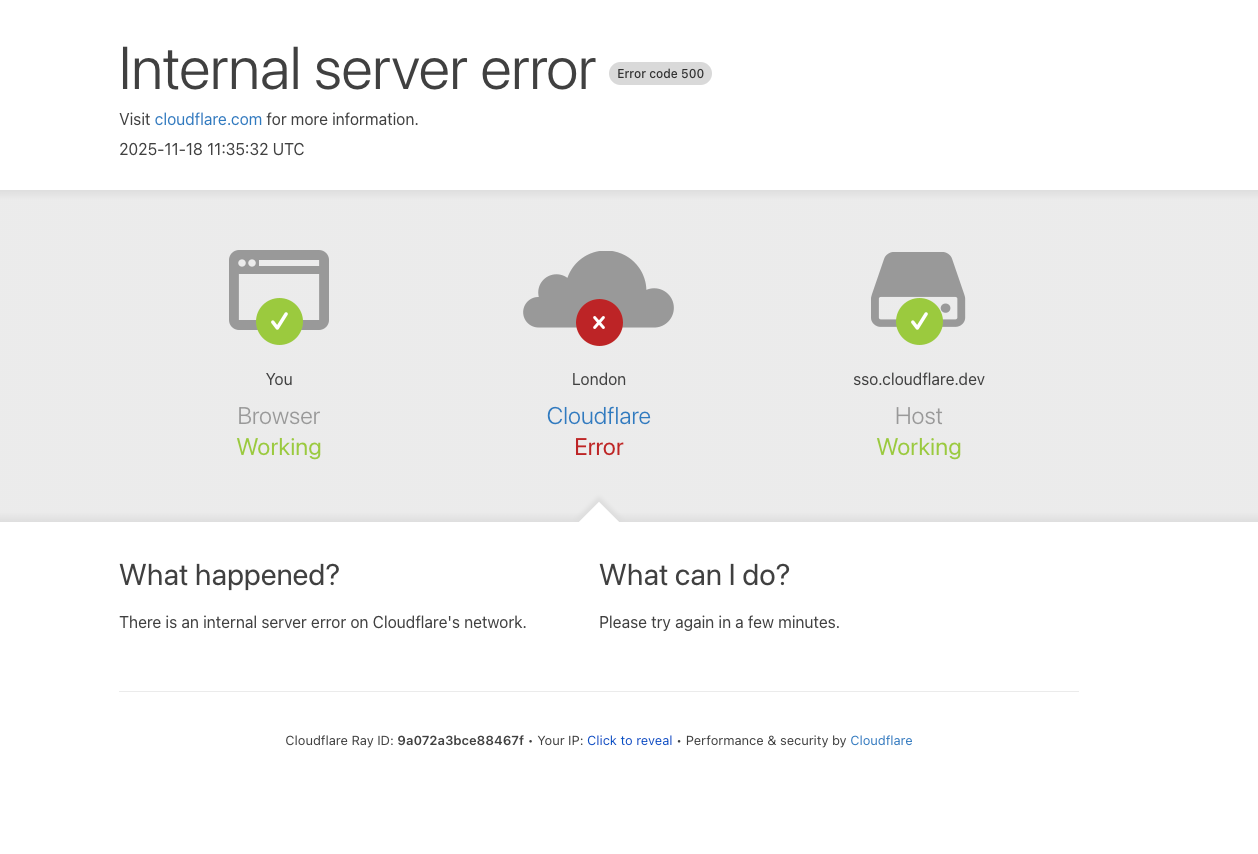
The concept of a website being operational is often simply understood as the server returning a page when someone visits. This type of check is necessary but not sufficient. A server may still return a successful response code while the main content is missing, the database is responding slowly, a JavaScript file fails to load, or an important process such as login and payment has stopped working.
Therefore, monitoring should be divided into several layers. The first layer is availability, meaning whether the system responds. The next layer is performance, including response time and the loading time of critical components. After that comes application status, such as the search, login, form submission, or add-to-cart functions. For websites with higher requirements, administrators also need to monitor server resources, error logs, SSL certificates, domains, and unusual changes in content.
This layered approach helps avoid two extremes. If too little is monitored, the team will only learn about an incident after users have been affected. If too much is monitored without categorizing alerts, staff will be overwhelmed by notifications and gradually start ignoring important signals.
Identify what needs to be monitored
The first step is not to install as many tools as possible, but to make a list of the website’s critical components. Start with the journey users commonly take. For an e-commerce website, the journey may include opening a product page, searching, logging in, adding a product to the cart, and completing an order. For a service website, a consultation request form, call button, map, and key information pages may be more important.
Each function should be assessed according to the impact of an interruption. A company introduction page that receives little traffic can be checked less frequently than a payment page. Conversely, a small error in a contact form can cause a business to miss customers even though the entire website still appears to be functioning normally.
The monitoring list should also include external components operated by other providers. Email delivery services, payment gateways, mapping systems, analytics tools, or content delivery networks can all affect a website. Including them within the monitoring scope does not mean the business can directly fix every problem, but it helps distinguish internal errors from incidents involving dependent services.
Four layers of checks that should be included in a basic process
Availability checks
Availability checks typically send requests to one or more important addresses and record the response code, response time, and connection status. Do not check only the homepage. Addresses such as the login page, contact page, category page, and a typical content page can provide a more accurate picture of the system’s condition.
Administrators need to distinguish temporary errors from prolonged incidents. A single failed check may be caused by an intermediary network or a transient issue, while multiple consecutive failures at different times warrant an alert. Alerting rules should include a reasonable delay to limit false alarms, but they must not delay alerts for too long when dealing with functions that directly affect revenue.
Performance checks
A website does not necessarily have to stop working completely to be considered problematic. A gradual increase in response time is often an early sign that the server lacks resources, database queries are not optimized, caching is unstable, or a recent change has increased the processing workload.
Information should be viewed as a trend rather than as a single value. If response times usually increase during a particular period, the team can check backup schedules, background tasks, traffic, or regularly run processes. Comparing results by day and time slot also helps determine whether the website is slow because of increased load or a configuration error.
Functionality checks
Functionality checks simulate a real user action. For example, the system can open the login page, enter test data, and confirm that the process returns an appropriate result. For forms, both data receipt and the step of sending a notification to the responsible address need to be checked. For an e-commerce website, a test product or a separate environment can be used to check the cart flow without creating a real order.
These tests need to be designed carefully. Test data must be clearly identified, kept separate from real customer data, and must not create unintended effects. If the system has mechanisms to prevent automated submissions, the test must also be configured appropriately so that it does not generate additional security alerts.
Infrastructure and security checks
At the infrastructure layer, commonly monitored metrics include disk capacity, memory usage, processing load, the number of connections, service status, and log size. Do not wait until the disk is full before taking action, because insufficient space can disrupt logging, backups, or data updates.
SSL certificates, domain expiration dates, and DNS configurations also need to be monitored. These components are not edited frequently, so they are easy to forget, but when they expire or are changed incorrectly, the impact can spread to the website’s accessibility and level of trust. In addition, alerts about unusual logins, sudden increases in request volume, or unplanned file changes should be categorized separately for handling according to a security process.
Design alerts that people can act on
A good alert does not merely say that an error has occurred. It needs to indicate where the error occurred, when it began, the extent of its impact, and who is responsible for handling it. A notification stating that the website is not responding will be more useful if it includes the affected address, the latest check, the previous result, and links to the relevant logs.
Alerts should be divided into severity levels. A critical incident may involve the entire website being inaccessible, users being unable to log in, or payments being unable to be completed. An incident requiring monitoring may involve increased response times, disk capacity approaching its threshold, or an auxiliary function operating unstably. Information intended only for reference should be compiled into reports instead of being sent immediately.
Each alert also needs a specific recipient and a response deadline. If all notifications are sent to a shared inbox without an assigned person responsible for them, alerts are easily overlooked. For a small team, email or an internal communication channel may be enough to start. As the number of alerts increases, assigning shifts, creating a backup contact list, and defining escalation times will help reduce dependence on a single individual.
The process for handling website incidents
When an alert appears, the first step is to confirm whether the incident is actually occurring. Check from another connection, open the relevant addresses, and compare the results with the monitoring system. The goal of this step is to eliminate local errors while determining the scope of the impact. Do not rush to change multiple configurations at once, because doing so makes it more difficult to find the cause.
After confirmation, record the start time, symptoms, recent changes, and actions already taken. If there was a new deployment, a DNS change, a plugin update, a firewall adjustment, or a change in server resources immediately before the incident appeared, these are the first areas that should be examined. However, conclusions should be based on evidence from logs and test results rather than on hasty assumptions.
During remediation, the priority is to return critical functions to a stable state. It may be possible to temporarily roll back a recent change, switch to a backup copy, disable a component causing the error, or enable a maintenance notification page if necessary. Every action must be recorded so that the team can evaluate it after the incident and avoid repeating the same mistake.
Information provided to customers also needs to be considered. If the incident lasts for an extended period or affects transactions, the business should communicate briefly and honestly and provide updates as progress is made. It should not give a definite recovery time without a basis, nor use vague notices that cause users to keep trying the same action repeatedly.
After an incident, turn data into improvements
Fixing the problem does not mean the process is finished. The team should review the root cause, detection time, response time, recovery time, and the points that caused handling to be delayed. If the alert arrived late, the threshold or check interval should be adjusted. If there were too many unhelpful alerts, noise should be reduced and priorities redefined.
A post-incident review is not intended to find someone to blame but to improve the system. The important questions are why the issue was not detected earlier, why the change was not tested adequately, and what measures could prevent the situation from recurring. These conclusions should be turned into specific tasks, such as adding functionality checks, updating documentation, clarifying permissions, or establishing an approval process before deployment.
Start small but remain disciplined
A website without a monitoring system can still begin with a short list: check important addresses, monitor SSL certificates and domains, set thresholds for server resources, record change logs, and define who is responsible when an alert occurs. Once the operating process is stable, the business can expand to functionality checks, performance trend monitoring, and connections to dependent components.
Effective monitoring is not about the number of charts or notifications, but about its ability to help people make the right decisions at the right time. When the scope of checks is tied to the customer’s actual journey, alerts include context, and every incident produces lessons, the website will be operated more proactively. This is the foundation for reducing downtime, protecting the user experience, and maintaining the system’s long-term reliability.