



Password Management Software: The Foundation for Sustainable Security Habits

In work and digital life, a person may have to log in to many different services, from email, social media, and online banking to internal work tools. Each account may have its own requirements for passwords, authentication, or access devices. When they have to remember too much information, users often turn to convenient but less secure methods, such as using one password for multiple services, storing passwords in unprotected notes, or relying on a browser without checking the relevant settings.
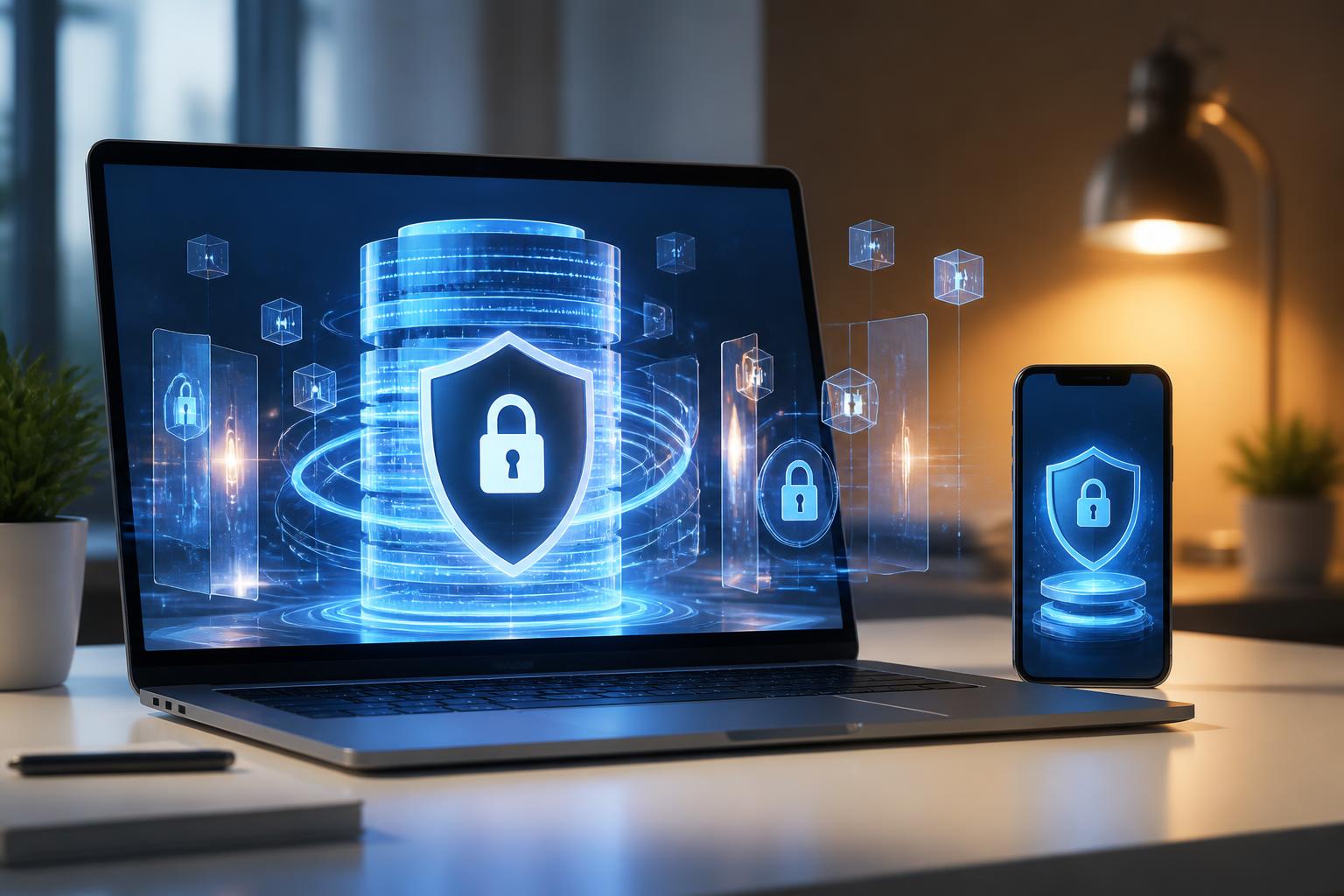
Password management software was developed to solve this problem. Instead of requiring users to remember all their login information themselves, the tool stores the data in a protected vault and only requires them to remember one master password. A well-designed product does more than store passwords: it also supports generating strong password strings, filling in login information, synchronizing across devices, and checking for accounts with risks that need to be addressed.
However, this is not a solution that can automatically eliminate every risk. The software’s effectiveness depends on the initial setup, the quality of the master password, the recovery method, and the usage habits of the individual or organization. Therefore, choosing a tool is only the first step; more important is establishing a login information management process that can be maintained over the long term.
How does password management software work?
Basically, password management software uses a protected data vault to store login information. This vault may contain account names, passwords, service addresses, security notes, and other related data. Users open the vault with a master password or an additional authentication method that has been configured. When accessing a website or application, the software can suggest the appropriate information and fill in the login fields.
The important difference is that data in the vault should not be treated like an ordinary notes file. Specialized software typically uses encryption mechanisms to limit the ability to read the data if the vault is copied or accessed without authorization. The specific implementation depends on each product, so users should carefully review the documentation on encryption, synchronization, storage, and recovery before putting important data into the system.
Some tools operate primarily on the device, while others provide synchronization through an account or cloud service. An online model makes it more convenient for users to access data across multiple devices, but it also makes protecting the service account especially important. If users focus only on convenience and neglect the master password, multifactor authentication, and login devices, the entire system can become a concentrated point of risk.
Practical benefits for individual users
Reducing password reuse
The habit of using the same password for multiple accounts often comes from the need to make passwords easy to remember. The problem is that when a service suffers a login data breach, attackers may try the same information on other services. Password management software helps users create and store many separate passwords without having to remember them all. This is a meaningful change because each account can be handled more independently.
Creating passwords suited to each service
Many software products include password generators that allow users to adjust the length, character types, and certain other requirements. Users do not need to come up with easily guessed strings or simple variations of a familiar password themselves. When a service has its own rules, the password generator can also help check that the generated string is more compatible with the registration form.
Reducing login errors
Manual typing often leads to spelling errors, selecting the wrong account, or saving the wrong password. The autofill feature can shorten the process and help users identify the correct stored information. Even so, users should still check the domain name or application currently open before filling in data, because fake interfaces may be created to steal login information.
Criteria to consider when choosing
There is no single piece of software that is suitable for everyone. The choice should begin with usage needs, the number of devices, and the importance of the data that needs to be protected, rather than relying only on the interface or the number of advertised features.
The first criterion is the ability to protect the data vault. Users should find out how the product encrypts data, how it protects the master password, and whether the provider offers sufficiently clear technical information. A general claim of “high security” should not be treated as the only evidence. Matters such as update history, data-handling policies, and incident notification procedures also deserve consideration.
Support for multiple platforms is also important if users frequently switch between computers, phones, and browsers. A convenient tool that works on only one device may cause users to return to the habit of storing passwords manually. Conversely, synchronizing across too many devices without controlling login sessions can increase the number of points that need protection. There should be a way to view, manage, and revoke devices that have been authorized.
The ability to export and import data should also be considered. Users should know whether the data can be transferred to another tool, whether the export format is protected, and how the exported file will be handled afterward. A file containing passwords, if left in a downloads folder, sent by email, or synchronized to an unsuitable location, will create a new risk.
In addition, check features such as multifactor authentication, automatic vault locking, alerts for unusual changes, controlled sharing support, and account recovery. Not every feature is necessary for every individual, but these features may become important in a family or work group where multiple people use shared resources.
Initial configuration should be carried out carefully
The master password is the central layer of protection for the data vault. It needs to be sufficiently long, difficult to guess, and must not be used on another service. Users should not send the master password by message, store it in an unprotected text file, or share it casually. If the software supports passphrase suggestions, users can choose a phrase that is easy for them to remember but difficult for others to guess.
After creating the vault, multifactor authentication should be enabled if the product supports it and if the method is appropriate for the circumstances of use. Authentication devices or backup methods should be stored securely, because losing access to an authentication method can make the recovery process difficult. Users should also read the recovery instructions carefully instead of waiting until a problem occurs to learn about them.
The next step is to review old data. Do not mechanically import all the information and then leave it untouched. Delete accounts that are no longer in use, change repeated passwords, and update accounts with important access rights. For each entry, users can add the accurate service address and necessary notes to reduce the risk of accidentally logging in to a fake website.
Common risks when using the software
The greatest risk does not necessarily come from the software itself but may arise from the way it is used. If users install extensions from unclear sources, grant excessively broad permissions, or ignore browser warnings, login data may be placed in a dangerous situation. The software should be downloaded from official channels and updated regularly according to the provider’s instructions.
Autofill should also be used with caution. Before entering a password, observe the domain name, application address, and login context. Unexpected requests, shortened links, or pages with interfaces resembling familiar services still need to be checked independently. A password management tool helps identify saved addresses, but it does not replace the user’s vigilance.
In a corporate environment, sharing one account and sending passwords through chat groups are habits that should be replaced with individual access controls. Each employee should have a separate account whenever possible, while shared information should be managed through controlled-sharing features. When personnel change, access must be revoked promptly. Activity logs, role-based permissions, and handover procedures help businesses reduce their dependence on one individual’s memory.
Assessing effectiveness after implementation
The effectiveness of password management software is not reflected only in whether users can log in faster. A good system should help an organization or individual clearly see which accounts are being used, which accounts are outdated, where passwords are still being reused, and who has access. Evaluation should be based on changes in the process, not just on the number of saved entries.
Users can begin with a periodic review covering a small scope, such as email accounts, website administration, data storage, and payment services. They can then expand to less important accounts. A step-by-step approach helps avoid overload and creates opportunities to identify inconveniences during use, such as synchronization difficulties, a lack of recovery options, or unclear sharing procedures.
There should also be a plan for situations in which a device is lost, an employee leaves the organization, or a user can no longer access the primary account. This process should define how to lock sessions, change important passwords, revoke devices, and contact support. Preparing in advance helps reduce hasty decisions while an incident is unfolding.
Conclusion
Password management software is a practical tool for shifting account protection from the habit of remembering information manually to a more organized process. Its greatest value lies in its ability to encourage a separate password for each service, reduce login errors, and provide a foundation for access control.
To use it effectively, users need to choose a transparent product, protect the master password carefully, enable an appropriate authentication method, and regularly review the stored data. A tool cannot completely replace alertness toward fake links or unsafe devices, but when combined with clear procedures, it can make account protection more consistent and sustainable.













