



Password Managers: Building Safe Login Habits in the Digital Environment

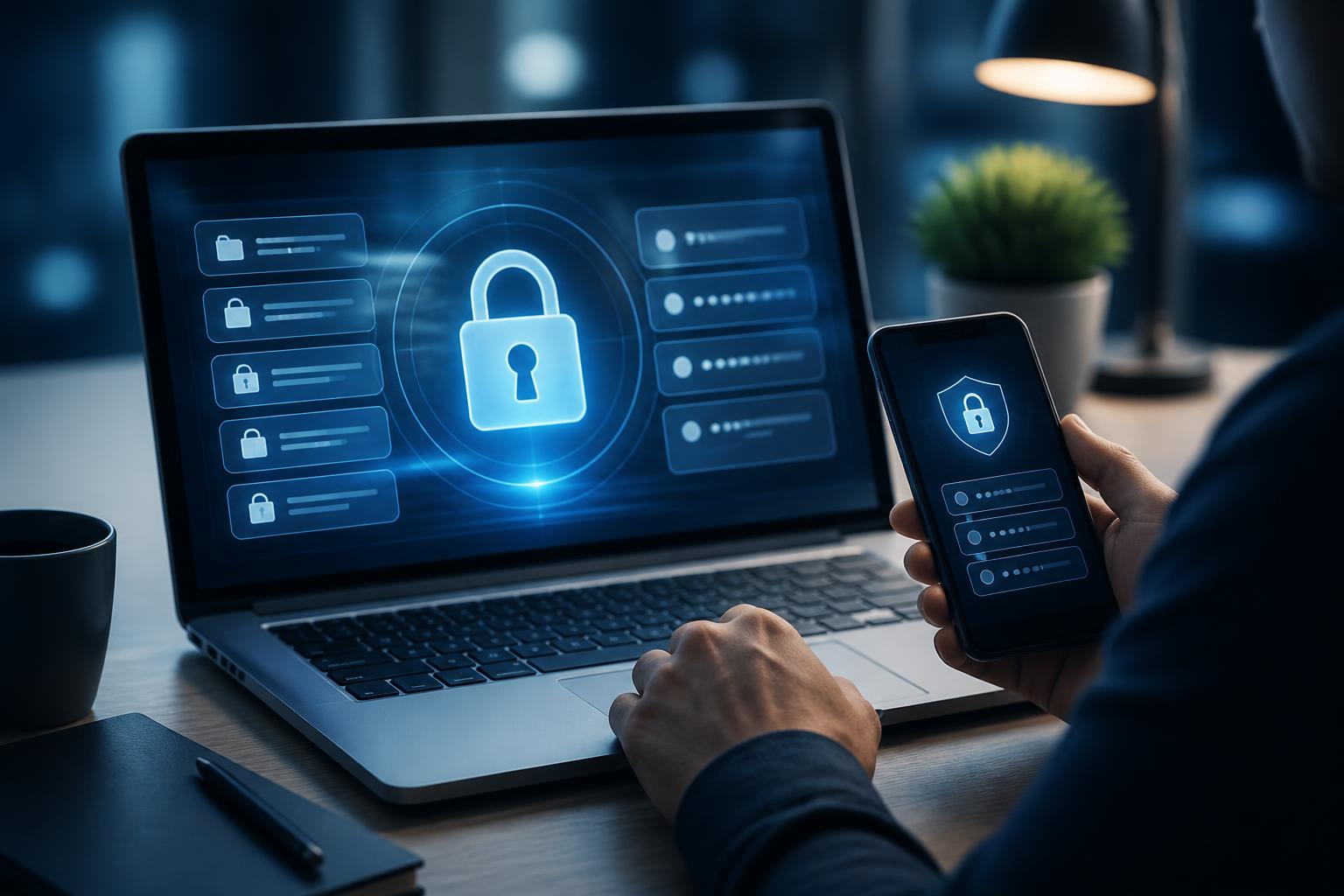
Passwords remain the familiar layer of protection for most online accounts, from email and social media to storage services and work systems. However, having to remember too much login information often leads users to adopt unsafe practices: using one password for multiple services, choosing passwords that are too easy to guess, or storing information in unprotected files. Password managers were created to address this problem by concentrating login data in an encrypted space while also helping users generate and fill in passwords when needed.
This is not a tool that can completely replace security awareness. Users still have to protect their primary account, check the devices they are using, and remain cautious of phishing websites. Nevertheless, when properly configured, a password manager can significantly reduce manual actions that are prone to error, making daily account use more consistent and secure.
Why does manually managing passwords often reveal weaknesses?
People find it difficult to remember dozens of different passwords, especially when each service has its own requirements for length, characters, or change cycles. When faced with this limitation, many people choose a familiar password and reuse it across multiple platforms. If one service suffers a credential breach, other accounts using the same password may also be at risk. Even when users do not know where the incident occurred, malicious actors can still try the information they have obtained on other popular services.
Another common habit is storing passwords in note-taking applications, spreadsheets, or ordinary text files. This approach may seem convenient but often lacks appropriate protection. If a computer is used by the wrong person, a device account is accessed, or a file is shared unintentionally, the entire list of login details could be exposed. Sending passwords through messaging applications also creates additional copies of the data across multiple devices and conversations, making it difficult for users to control the information’s life cycle.
Password managers do not eliminate all of these risks, but they place data in a centralized vault with clearer protection mechanisms. Instead of remembering many passwords, users mainly need to remember one sufficiently strong master password. Separate passwords for each service can be generated randomly, stored, and filled in automatically during login.
How do password managers work?
Essentially, this software stores account information in an encrypted data vault. The vault may contain usernames, passwords, website addresses, and some related notes. When users need to access a service, the password manager can recognize the login page and suggest the appropriate information. Some products also support desktop and mobile applications, as well as browser extensions, to provide a consistent experience across devices.
The important point is that data in the vault should not be viewed as an ordinary text list. Actual protection depends on the encryption method, how the application handles keys, the authentication mechanism, and the quality of the master password. Users do not need to analyze every technical detail themselves, but before entering sensitive data into the software, they should learn about its privacy policy, account recovery process, and the authentication options it provides.
The password-generation feature also plays a significant role. Instead of coming up with a short, easy-to-remember string, users can create long, unique passwords for each account. When every service has its own credentials, an incident in one place does not mean that every account has to be changed immediately. This is a much more practical benefit than simply trying to make a single password more complex.
Criteria to consider when choosing software
The first criterion is the ability to protect the primary account. Check whether the software supports multi-factor authentication, whether it allows the use of a security key or an additional verification method, and how its recovery process is designed. A tool that stores a great deal of important information but relies on only one weak password will not provide the secure foundation users expect.
Compatibility also directly affects usage habits. If the software works well on the devices and browsers users commonly use, storing a separate password for each service becomes more convenient. Conversely, an unreliable autofill experience or unstable synchronization may drive users back to manual storage methods. Before deploying it broadly, users should test it with a group of less important accounts to evaluate the processes for logging in, editing, searching, and using the software offline.
Data transparency is another factor that should not be overlooked. Users need to know where information is stored, whether data is synchronized through servers, how to export data if they want to switch to another tool, and the policy for handling accounts that have lost access. No option is absolutely suitable for every individual, so the ability to control data and the clarity of the documentation are often just as important as the number of features.
For families or small groups, the software may support sharing certain common information without requiring passwords to be sent through messages. However, sharing should not mean that everyone can see the entire data vault. Personal accounts and shared accounts should be separated, access should be limited according to need, and the people who are still permitted to use that information should be reviewed regularly.
How to implement it without disrupting work
Moving all passwords to a new tool at once can feel overwhelming and may easily lead to errors. A more practical approach is to start with important accounts such as the primary email account, administrative systems, storage services, and work-related accounts. After checking the login process, users can gradually add the remaining accounts. Each time they log in to a service, they should take the opportunity to replace the old password with a unique one and save it to the vault immediately.
During the initial phase, users should review duplicate entries, accounts that are no longer in use, and outdated information. Old accounts should not be neglected simply because they are rarely accessed, as they may still contain personal data or be used as a recovery method for another service. If an account is no longer needed, close it according to the provider’s procedures instead of merely deleting its entry from the password manager.
Users should also create a contingency plan. Learn how to access the vault if the phone is lost, the computer breaks down, or verification codes cannot be received. Recovery information should be stored separately and should not be kept in the same place as the master password. For work accounts, organizations need to clearly define who is responsible for managing access rights, how access is handed over when personnel change, and how access is revoked when someone is no longer working with the team.
Limitations of the autofill feature
Autofill saves time but should not be used unconsciously. Before confirming, users need to check the domain name and the appearance of the login page to make sure they are on the correct service. Phishing websites can be designed to look almost identical to legitimate ones, so the fact that a browser displays a familiar form is not enough to prove that the page is trustworthy.
Do not allow the tool to automatically fill in sensitive information on shared devices or public computers. Personal devices should also be locked with an appropriate passcode and updated regularly. When installing a browser extension, use only trustworthy distribution sources and review the permissions the extension requests. These steps are not complicated, but they help reduce the risk of passwords being used contrary to the user’s intentions.
Password managers also do not protect users from every form of fraud, malware, or voluntarily giving verification codes to someone else. They are only one component of a personal security system. In addition to using the tool, users still need to enable multi-factor authentication for important accounts, update their devices, remain alert to unusual links, and check login notifications.
Long-term value lies in habits
The greatest value of a password manager does not lie in creating a complete data vault on the first day. More important is that the tool helps users establish a consistent process: each account has a separate password, information is stored in a controlled location, access rights are reviewed, and important accounts have an additional verification layer.
Organizations can also view this as part of an account-management policy rather than treating security as solely an individual responsibility. When there are rules for shared accounts, transferring access, and handling personnel who leave a team, the risk of lost information is reduced. Whether used by individuals or organizations, software only delivers its full benefits when users understand its limitations and maintain an appropriate process.
In an increasingly digital environment with more and more accounts, remembering every password from memory is no longer a sustainable strategy. A carefully chosen password manager can reduce repetition, support the creation of stronger login credentials, and help users control their data more effectively. Combining this tool with multi-factor authentication, protected devices, and the habit of checking before logging in creates a practical layer of defense that is easier to maintain at work and in everyday life.













