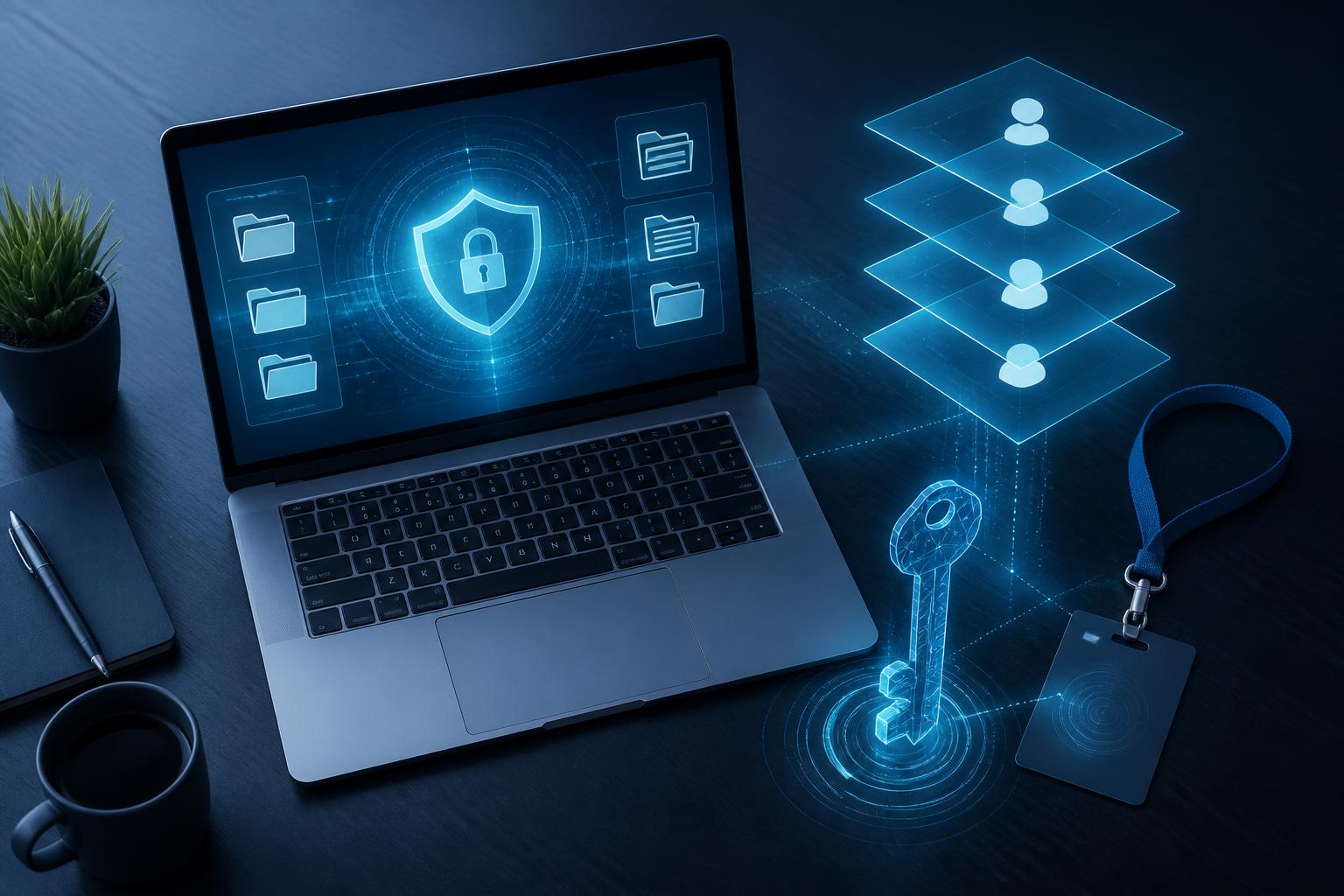
Password Management Software: A Practical Security Platform for Individuals and Businesses


Passwords remain one of the most common layers of protection for online accounts, from email and social media to website administration systems and internal software. However, the growing number of accounts makes remembering, updating, and using passwords securely far from simple. Many people choose to use one password for multiple services, save information in unprotected notes, or send passwords through poorly controlled chat channels. These habits can create risks far greater than their immediate convenience.
Password management software was developed to address this problem. It stores login information in a protected data vault, supports the creation of hard-to-guess passwords, and helps users access their accounts without having to remember every string of characters. For businesses, the software can also become part of the access management process, especially when many employees use the same online services.
How Does Password Management Software Work?
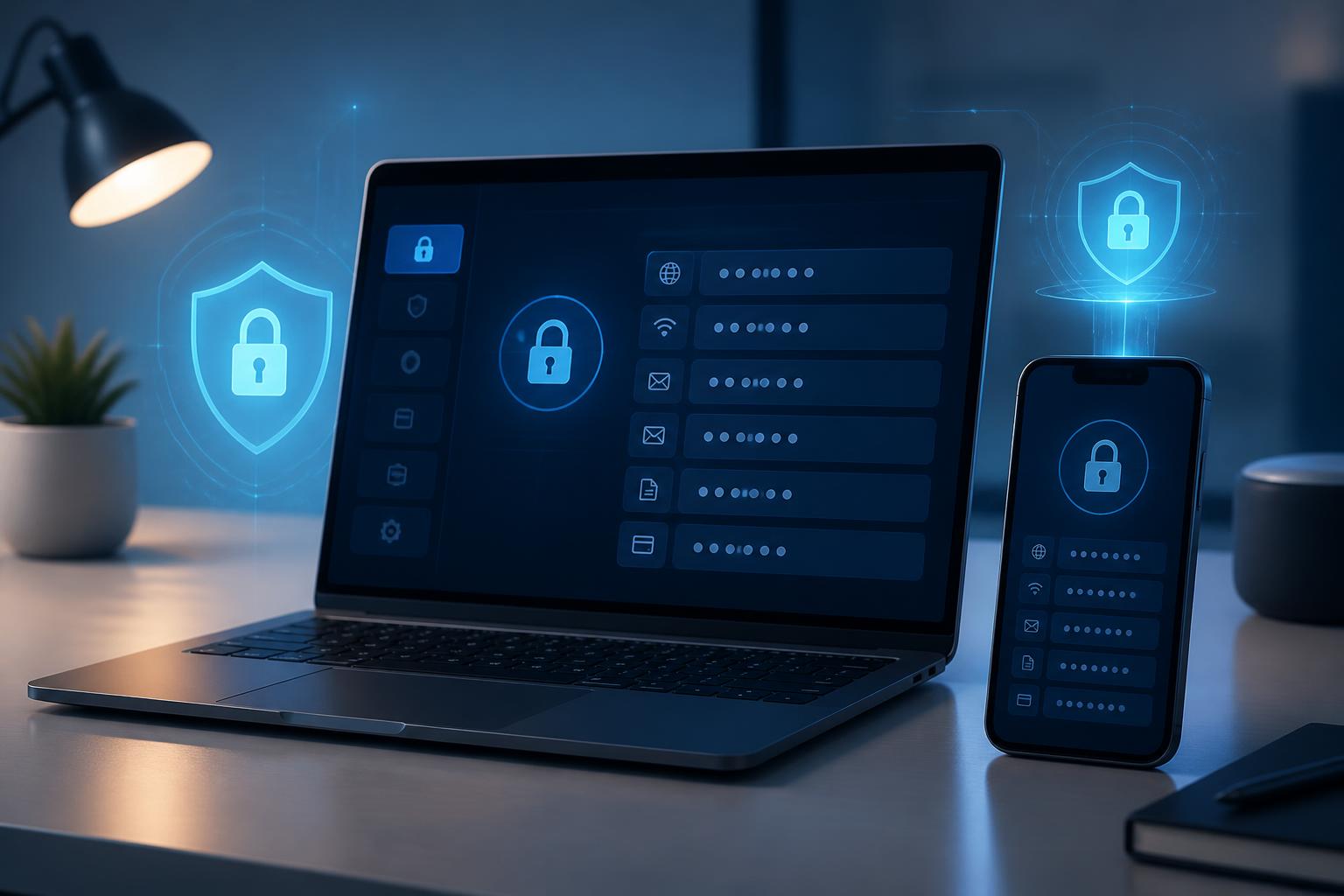
Basically, password management software provides a separate storage vault for usernames, passwords, website addresses, and some related information. This vault is usually opened with a master password or an additional authentication method. Users only need to remember the information that protects the password vault instead of memorizing dozens of individual passwords.
During use, the tool can automatically fill in login information on supported browsers or applications. Some software allows users to generate random passwords with customizable lengths and character sets. When registering for a new service, users can create a unique password, save it directly in the vault, and avoid setting passwords based on names, dates of birth, or other easily guessed information.
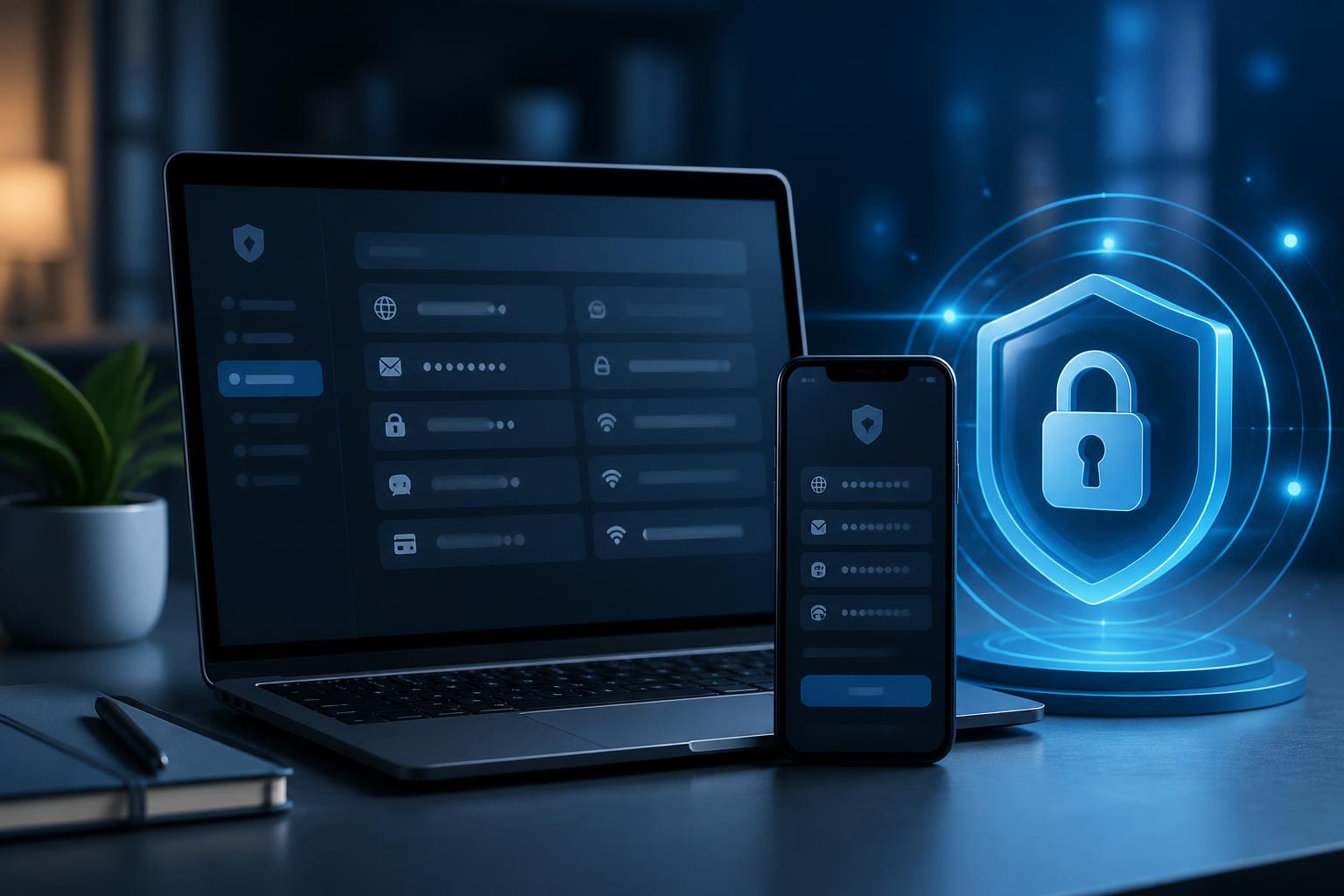
The specific way it works depends on each product. Some software focuses on local storage, some synchronizes data between computers and mobile devices, while certain services are designed for teams or businesses. Therefore, users should not look only at the ability to autofill passwords, but should consider the entire way the tool protects, synchronizes, and shares data.
Key Benefits for Individual Users
Building the Habit of Using Unique Passwords
One of the basic principles of account security is not to use the same password for multiple services. If one account is compromised, a password reused elsewhere can put related accounts at risk as well. Password management software makes this principle easier to follow by creating and storing multiple different passwords.
Users do not have to sacrifice security for the sake of memorability. Each account can be assigned a long, hard-to-guess password unrelated to personal information. When it is time to log in, the software helps fill in the saved data instead of forcing users to retype it or search through scattered notes.
Reducing Password Storage in Unsafe Places
Storing passwords in text files, spreadsheets, draft emails, or ordinary note-taking applications can allow sensitive information to be accessed unintentionally. These methods are also difficult to control when a device is shared, lost, or infected with malware. A dedicated password vault does not eliminate every risk, but it creates a more centralized and clearly structured layer of management.
Supporting Account Reviews
When login information is stored in one system, users can more easily identify which accounts have not been updated for a long time, which accounts are using duplicate passwords, or which services are no longer needed. This review helps reduce the number of unnecessary accounts and encourages users to change passwords when signs of risk appear.
The Value of the Software in Businesses
In a business, password issues do not concern individuals alone. A team may collectively access a website administration system, advertising account, storage service, accounting tool, or customer service platform. If passwords are shared through messages or recorded in shared documents, the business will have difficulty knowing who has access and withdrawing that access when personnel changes occur.
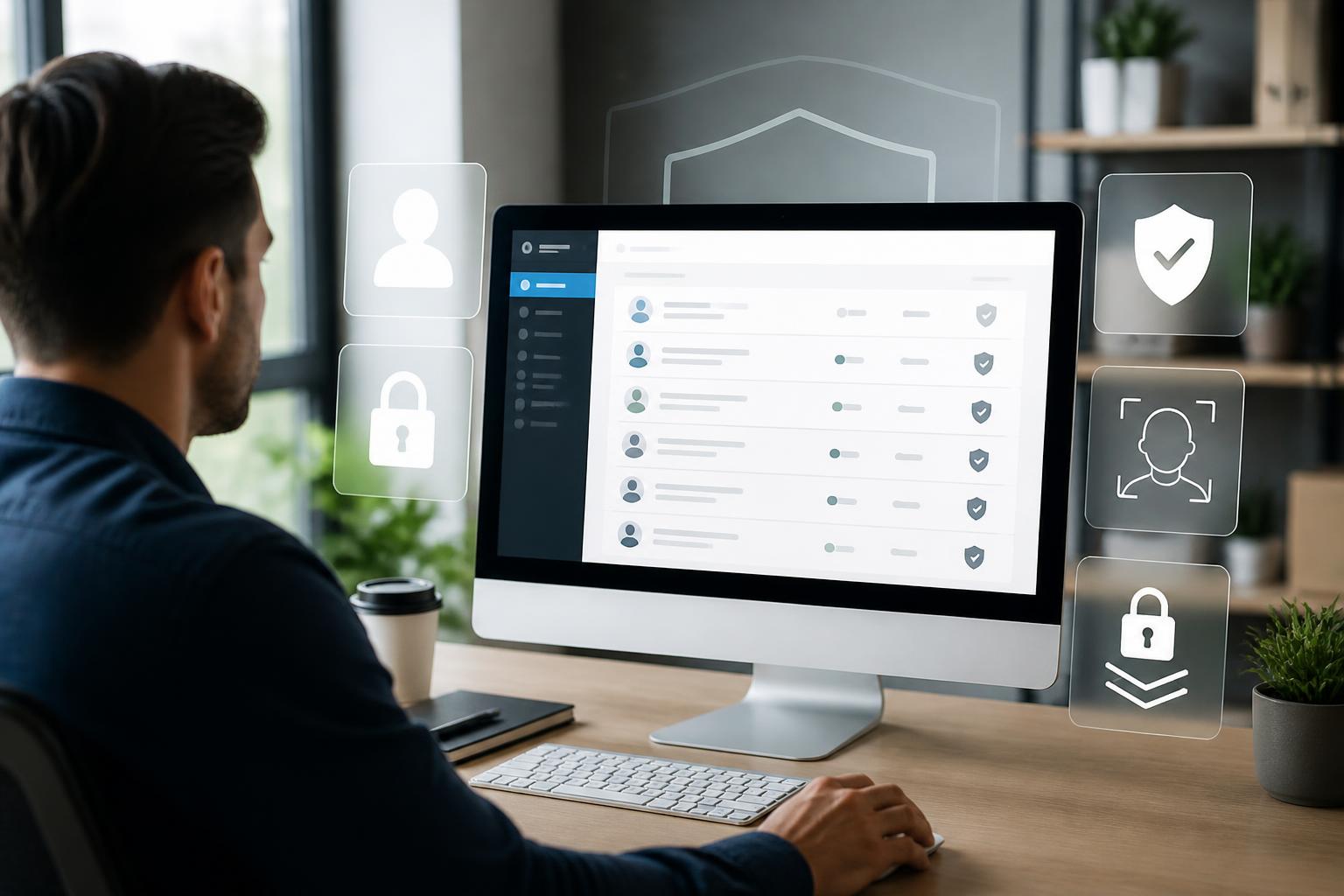
Password management software designed for teams often provides a controlled sharing space. Administrators can categorize information by department, project, or role. Employees see only the data necessary for their work instead of receiving the entire account list. When a member leaves the team, access can be adjusted without necessarily changing every login credential immediately.
Another notable feature is permission management. Not every user needs permission to edit or share a password entry. Separating viewing, usage, and administrative rights helps reduce the possibility of information being changed arbitrarily. Businesses should also prioritize tools with activity logs or the ability to provide information about important actions if their management needs require a higher level of control.
Even so, software cannot completely replace internal processes. Businesses still need to clearly define which accounts may be shared, who is responsible, when passwords must be changed, and how to respond when an incident is detected. A tool is effective only when combined with appropriate access controls and consistent work habits.
Criteria to Consider Before Choosing
How the Data Vault Is Protected
The most important information to investigate is how the software protects the password vault and the master password. Users should read the provider’s official documentation to learn where data is encrypted, how synchronization works, and what happens if they forget the unlock information. A choice should not be based solely on an attractive interface or a large number of additional features.
The master password needs to be sufficiently long, difficult to guess, and must not be used with any other service. If the software supports multi-factor authentication, users should enable it to add a layer of protection when signing in from a new device or an unfamiliar environment. This is important because access to the password vault can affect many other accounts.
Synchronization and Compatibility
Users should check whether the software works reliably on the devices and browsers they regularly use. A tool that is convenient on a computer but difficult to use on a phone may cause users to return to their old storage methods. The ability to export data also deserves consideration, because personal data should not be completely locked into a service without a suitable method for transferring it.
Support and Privacy Policies
Privacy policies should be read carefully, especially sections concerning usage data, diagnostic information, and synchronization activity. For businesses, it is also necessary to consider permission-granting procedures, member management capabilities, recovery support, and how the provider handles support requests. These features may not stand out in advertising, but they largely determine the experience when the tool is used over the long term.
How to Implement It Safely from the Start
The transition to password management software should be carried out step by step. First, users should make a list of important accounts, classify them by sensitivity, and remove accounts that are no longer used. Next, they need to install the software from a trusted source, set a sufficiently strong master password, and enable additional authentication if available.
After importing the data, priority should be given to changing passwords for the primary email account, administrator accounts, financial services, and systems with broad access privileges. Old passwords reused across multiple places should gradually be replaced with unique passwords. Users should also carefully check the autofill function to avoid accidentally saving information on fraudulent websites or pages whose domain names do not match the service being used.
For businesses, implementation should begin with a small group or department that has a clear need. Administrators need to agree on naming rules, data categories, permissions, and procedures for handling employee role changes. Brief but specific guidance will help reduce the likelihood that employees continue sharing passwords through uncontrolled channels.
No Tool Can Replace Security Awareness
Password management software reduces many manual tasks, but it is not an automatic solution to every problem. Users can still be tricked into entering passwords on fraudulent websites, install untrusted browser extensions, or expose their master password. Therefore, the tool must be combined with habits such as checking website addresses, updating devices, protecting the primary email account, and exercising caution when faced with unusual login requests.
Users should also avoid sharing the master password with others or storing it in the same place as the data it protects. When using a public device, users should carefully consider whether to sign in to the password vault. If an account is suspected of being compromised, the relevant passwords should be changed, login sessions revoked, and devices that have been granted access checked.
In a context where every individual and business must manage an increasing number of accounts, password management software offers a more systematic approach to protecting login information. The value of the tool lies not simply in remembering passwords on the user’s behalf, but in its ability to encourage unique passwords, support permission management, and reduce arbitrary storage practices. When selected based on its data protection capabilities, compatibility, and clear policies, this software can become a practical component of an everyday security strategy.