


Password Management Software: The Foundation for Protecting Accounts in the Digital Environment

In work and daily life, a person may have to log in to email, social media, digital banking, administration systems, remote-work software, and many other online services. Each account may have its own requirements for passwords, authentication, or access devices. As the number of accounts increases, memorizing them manually becomes difficult, and users may return to convenient but risky practices, such as using the same password in multiple places or storing passwords in unprotected files.
Password management software was developed to address this problem. This tool creates a centralized repository for login information, supports the generation of random passwords, automatically fills in data on websites or applications, and helps users organize accounts into groups. However, it is not a solution that can completely replace security awareness. The practical value of the software can only be fully realized when users understand how to protect the master password, control their devices, and handle access rights in a disciplined manner.
How Does Password Management Software Work?
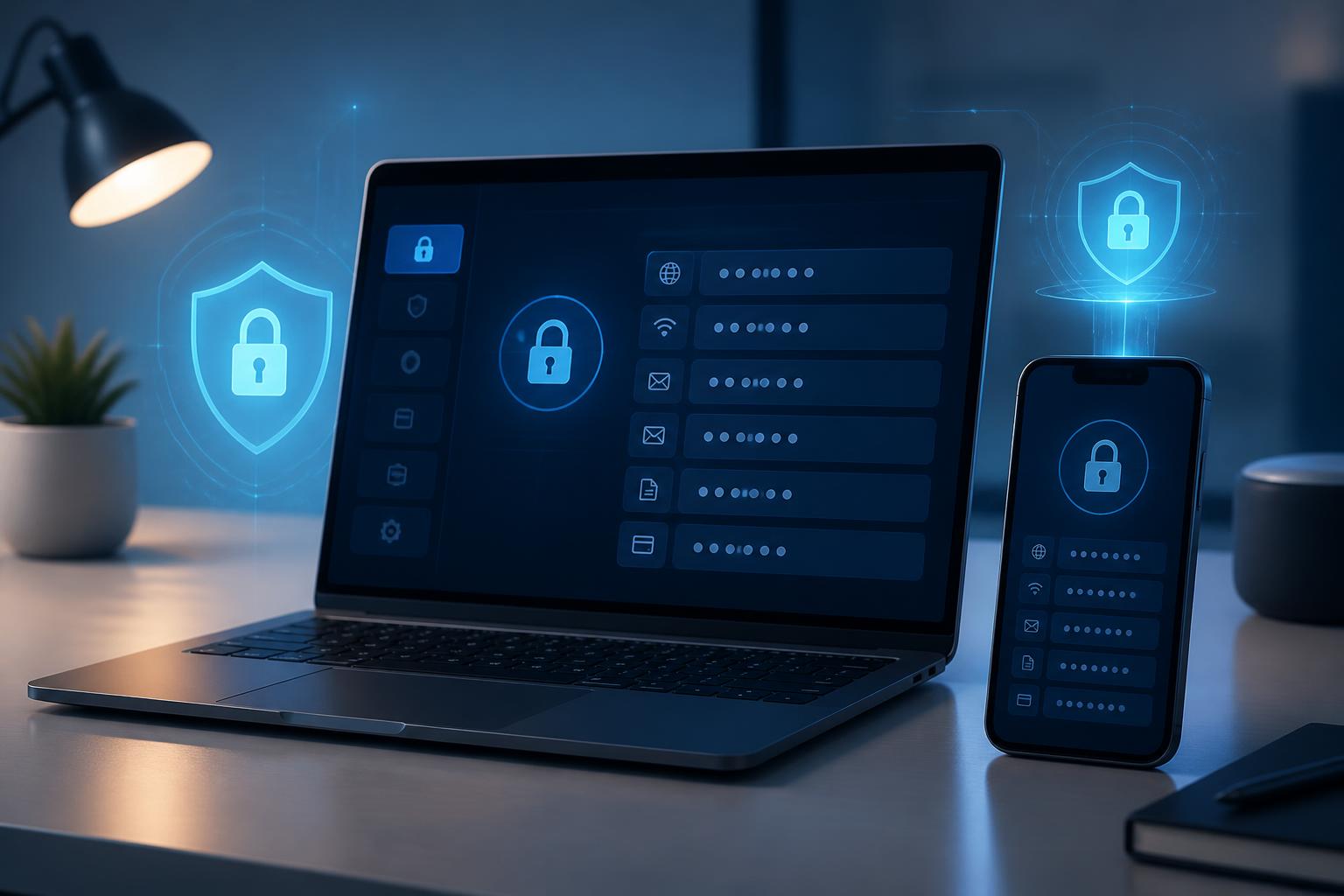
In essence, password management software uses a protected data repository to store usernames, passwords, service addresses, and sometimes security notes, recovery codes, or payment information. Users generally only need to remember one master password to open the vault. Once authenticated, the software can provide login information when the user visits the correct website or application.
Many tools today have synchronization mechanisms between computers and mobile devices. This allows data to be updated when users change a password on one device, but it also creates higher requirements for securing the account and synchronized devices. Users need to clearly determine whether data is stored locally, on the provider’s servers, or through a combination of both, while also checking how the service handles the recovery of access.
Another important feature is the password generator. Instead of creating a memorable but easily guessable string, users can generate passwords that are long, different for each service, and contain multiple types of characters according to the requirements of each platform. When passwords are stored in the vault, using complex strings no longer means having to memorize them all.
Key Benefits for Individuals and Businesses
Reducing Password Reuse
Using one password for multiple accounts is common because it is convenient, but it creates interconnected risks. If a service suffers a login-information breach or a user unintentionally provides a password to a phishing site, other accounts using the same string of characters may also be threatened. Password management software helps separate login information between services, thereby limiting the impact when one account encounters a problem.
Creating a Consistent Login Process
Instead of searching for passwords in messages, notebooks, browsers, or spreadsheet files, users can manage their information in a structured space. Accounts can be categorized by work, personal use, finances, or projects. A consistent process helps reduce the time spent on repetitive tasks and limits the practice of storing information in too many locations.
Supporting Controlled Sharing
In businesses, multiple accounts may be used jointly by a team or system. Sending passwords through email, chat applications, or unprotected text makes it difficult for businesses to know who has access and when that access needs to be revoked. A suitable software solution may allow information to be shared with designated groups, assign permissions by role, and change information without having to distribute a new password to each person.
This capability is especially useful when personnel change positions or leave the organization. Instead of relying on whether a former employee has deleted password copies, administrators can review access rights and update information centrally. Nevertheless, businesses still need to establish clear policies and avoid turning the password vault into a place for storing every type of sensitive data without classification.
Criteria to Consider When Choosing
The first criterion is the data-protection model and how the provider describes its security architecture. Users should look for transparent information about encryption methods, authentication mechanisms, the ability to lock the vault when a device is lost, and the process for handling a forgotten master password. They should not rely solely on general claims such as absolute security, because no service eliminates every risk during use.
Platform support is also very important. If users frequently switch between browsers, computers, and phones, the software needs to have applications or extensions compatible with those devices. The autofill experience must be easy to control, because a tool that mistakenly fills information into an inappropriate website can create serious risks. Users should check how the software identifies domains and whether it allows autofill to be disabled when necessary.
For businesses, additional factors to consider include user administration, shared groups, activity logs, permission policies, and the ability to revoke access. Businesses should also consider how the software integrates with existing identity systems, the process for provisioning accounts for new employees, and how to handle situations in which an administrator is no longer employed. These requirements are often more important than whether the interface has many supplementary features.
Cost is a practical factor, but it should not be assessed separately from the scale of use. An inexpensive tool that lacks administrative capabilities may force a business to compensate through manual tasks. Conversely, an individual does not necessarily need a package with full group functionality if they only manage personal accounts. Identifying needs before subscribing helps avoid paying for unused features and reduces operational complexity.
How to Implement It Safely from the Start
The first step is to inventory important accounts and change passwords that are currently being reused. Users should not try to move all information into the vault at once if doing so causes them to skip the verification process. They can start with their primary email, administrative accounts, financial services, and platforms containing work data. The remaining accounts can then be added according to priority.
The master password must be created specifically for the password manager and not used with any other service. It should be sufficiently long and easy for the user to remember, but difficult to guess from publicly available information such as a name, date of birth, company name, or address. Users should also enable multifactor authentication if the service supports it. Additional authentication does not replace the master password, but it creates another layer of verification when a login is requested from an unusual device or context.
After entering the data, review old copies stored in browsers, text files, phone notes, or mailboxes. Not every copy needs to be deleted immediately if it still serves a recovery process, but users must know where the copies exist and who can access them. Information that is no longer needed should be removed properly, especially when a device is shared or is about to be transferred to someone else.
Businesses should separate personal accounts from work accounts and limit the practice of sharing one login credential among too many people. Each employee should have permissions appropriate to their duties, while shared accounts should be monitored and changed periodically according to internal policies. When personnel move between departments, access rights must be adjusted along with changes in other systems, rather than waiting until an incident occurs.
Limitations That Should Not Be Overlooked
Password management software cannot protect users from every form of fraud. If users knowingly enter a password on a fake website or accept a suspicious login request, the password vault cannot replace the ability to recognize risks. Therefore, users need to check website addresses, be cautious with unusual links, and never provide authentication codes to others.
An endpoint device infected with malware is also a separate threat. Good password management software can reduce the practice of storing passwords in unsafe locations, but it cannot guarantee the safety of a device that has been compromised. Updating the operating system, browser, and security applications, using a screen lock, and limiting the installation of software from unknown sources remain essential measures.
The risk of losing access also needs to be prepared for in advance. Users should learn about account-recovery options, store recovery codes in a secure place, and identify the person or department responsible for handling emergencies. Recovery should not depend on a single file stored on the same device as the password management software, because a device failure could cause both sources of information to disappear at the same time.
Password Management Is Part of a Security Culture
Installing software does not automatically create a good security process. Users need to develop habits of reviewing access rights, updating information when systems change, and reporting immediately when they suspect an account has been compromised. In businesses, leaders and information technology departments should explain the reasons behind policies rather than simply requiring employees to follow a list of steps.
A simple, consistent process is often more valuable than a feature-rich system that is difficult to use. When a tool helps users create unique passwords, log in conveniently, and share information within permitted limits, security is less likely to be viewed as an obstacle to work. This also provides a foundation for businesses to better control important accounts without relying on memory or unsafe habits.
Password management software should be viewed as one supporting layer in an account-protection strategy, not as the only lock. The final effectiveness will depend on making an appropriate choice, setting a strong master password, enabling additional authentication, controlling devices, and establishing a process for revoking access. When these elements are implemented together, managing dozens or hundreds of accounts can become clearer, safer, and easier to control.