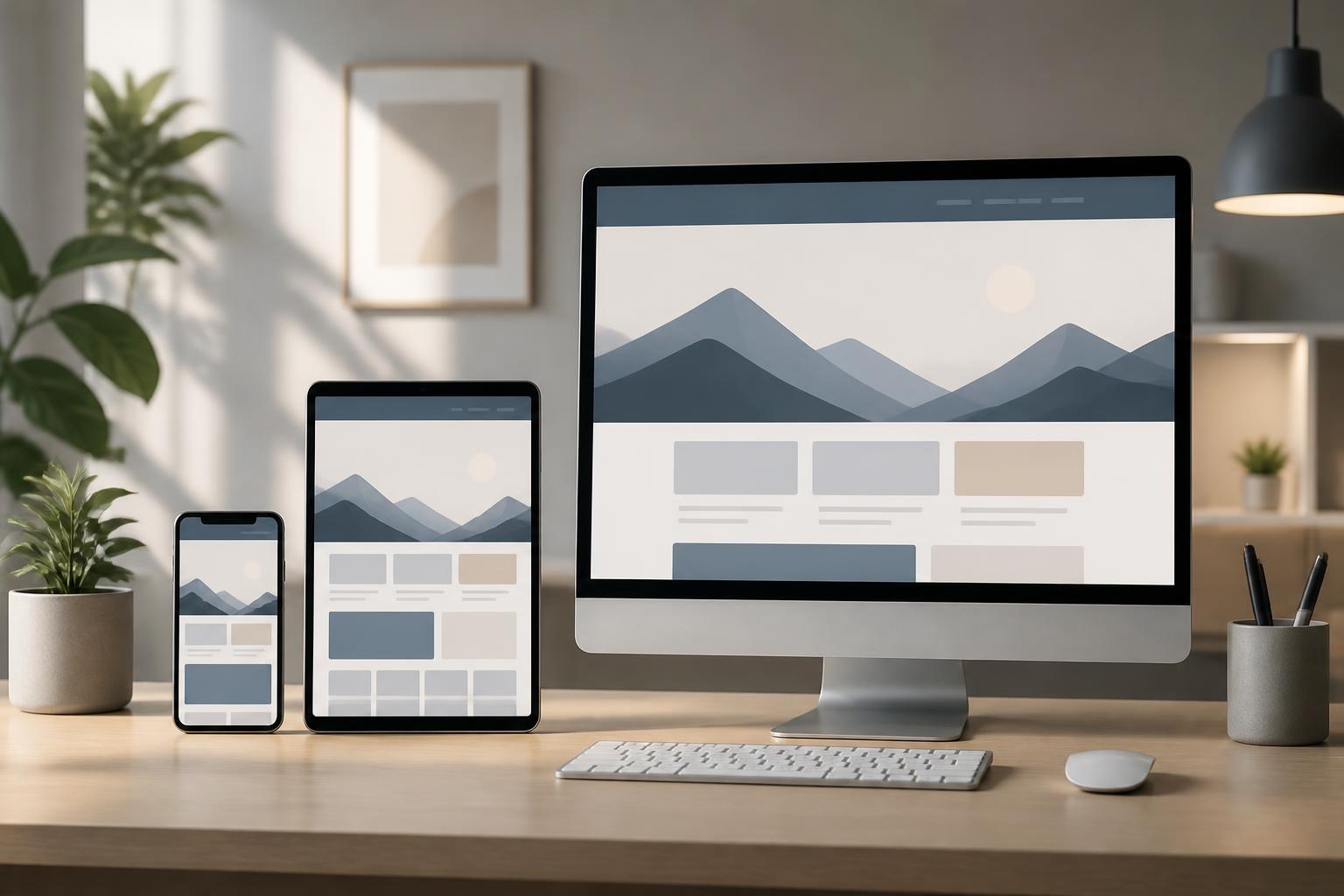
Design System for Websites: The Foundation for a Consistent and Easily Developed Interface


A website may start with a few simple sketches, but it can quickly become difficult to control as the number of pages, features, and people involved in the project increases. Each designer may choose a different shade of color, developers may build buttons according to their own rules, and the content in forms may lack consistency. These small differences often go unnoticed in the early stages, but over time they make the interface feel fragmented, increase the time required for revisions, and make expanding the website more costly.
A design system is an approach that helps solve this problem. It is not merely a UI library or a guide to using colors. A good design system combines design principles, UI components, content rules, and methods for implementation in the codebase. As a result, project members share a common foundation for making decisions instead of treating each screen as an independent product.
What Is a Design System?
A design system can be understood as a system of shared standards and components used to create a consistent experience across an entire website. It commonly includes color palettes, typography, spacing, layout grids, icons, buttons, input fields, content cards, notifications, dialog boxes, and many other interface patterns.
The important point is that a design system does not stop at collecting attractive design patterns. It needs to answer practical questions such as: When should a primary button be used, and when should a secondary button be used? How should an input field display an error? How is the spacing between a heading and a paragraph determined? Which components are allowed to change, and which must remain unchanged? When a rule is clearly described, design and development become less dependent on each individual’s subjective judgment.
A design system is also different from a static UI kit. A UI kit may provide only ready-made screens or presentation templates, while a design system is intended for reuse and continuous development. It is updated when new product needs arise, but every change must be considered in relation to the system as a whole.
Why Does a Website Need a Design System?
The first benefit of a design system is consistency. Users can recognize recurring patterns across multiple pages, such as the position of headings, the way calls to action are presented, or the states of forms. This consistency makes the interface more predictable. Users do not have to relearn how to interact when moving from one page to another, while internal teams can maintain a more stable brand image.
The second benefit concerns production efficiency. When common components have already been defined, designers do not need to recreate every button, card, or dialog from scratch. Developers can also reuse tested components instead of writing multiple nearly identical versions. Time is saved not only during initial creation but also during bug fixing, updates, and handoffs.
A design system also reduces the gap between design and development. A design that describes only appearance may leave developers with many questions. By contrast, a design system can describe component names, design tokens, states, behaviors, and usage rules. The two groups share a common language, thereby limiting situations in which one component is given multiple names or implemented in incompatible ways.
For websites that expand frequently, control becomes even more important. Adding a new page is simpler when the foundational rules are clear. When the brand color, typeface, or corner radius needs to change, the team can also assess the scope of the impact before making the change instead of editing each screen manually.
Component Layers in a Design System
Visual Foundations
The first layer consists of the foundational values that create the website’s visual language. These may include the color palette, typography system, font sizes, weights, line heights, spacing, corner radii, shadows, and rules for using images. These values should be given meaningful names instead of using confusing names such as “blue number three” or “spacing twelve.”
Clear naming helps the team understand the role of a value in the interface. For example, a color can be identified by its function, such as primary background color, secondary text color, or warning color. This approach makes the system more flexible if the brand changes its color shades while keeping their roles unchanged.
UI Components
The next layer consists of reusable components. Buttons, links, input fields, selection controls, navigation bars, content cards, and notifications are familiar examples. Each component should include a description of its purpose, structure, states, and use cases.
A button does not have only a default state. It may be hovered, selected, loading, disabled, or displaying an error. If only its appearance is standardized while these states are ignored, the system still leaves many gaps when it is used in a real product. Similarly, an input field needs to be considered when it is empty, being filled in, valid, invalid, and read-only.
Patterns and Layouts
At a higher level, a design system can describe recurring layout patterns such as list pages, detail pages, multi-step forms, content-filtering areas, or confirmation dialogs. A pattern should not become a rigid template applied to every situation. Its role is to provide a starting point with a clear rationale while indicating which parts may be changed.
Distinguishing between components and patterns allows a website to remain consistent while still leaving enough room for specialized needs. A component is a small unit that can appear in many places, while a pattern is a combination of multiple components designed to solve a specific task.
A Practical Process for Building a Design System
You should not begin by creating hundreds of components for a website that has no clearly defined needs. A more suitable first step is to audit the current interface. The team can gather the main pages, record the components currently in use, and flag duplicate or conflicting versions. A button with many unusual sizes, multiple heading styles, or notifications presented in different ways are all signs that need to be examined.
After the audit, the team needs to agree on its objectives and scope. A small project may begin with colors, typography, spacing, buttons, forms, and notifications. A larger website may also need rules for data tables, complex navigation, account states, and content patterns. A clearly defined scope helps prevent the system from becoming an overly broad documentation repository that is rarely used.
The next step is to define the principles. Principles should explain the reasoning behind design decisions, such as prioritizing clarity in forms, limiting the number of button styles, or using consistent language in notifications. With principles in place, the team can handle new situations without waiting for a ready-made pattern for every case.
After that, components are built and tested within the website’s important flows. Testing in a real context helps reveal which components are too rigid, lack states, or do not accommodate long content. This is also when designers and developers can agree on naming conventions, data structures, and methods of use in the codebase.
Finally, a design system needs a maintenance process. Each change should be recorded, its impact assessed, and the people using the relevant components notified. The documentation should indicate which version is currently in use, which components are recommended, and in which situations they should not be used. Without someone responsible and a process for updates, the system can easily become outdated.
Common Mistakes
A common mistake is to view a design system as a project belonging only to the design department. When developers, content writers, and other stakeholders do not participate, the system may look good in the designs but be difficult to implement or unsuitable for real content. A design system should be built as a shared product, with feedback from the people who use it directly.
Another mistake is trying to standardize everything too early. Not every difference is an error. A sales page, an administrative form, and a specialist article may require different presentation approaches. Standardization should focus on elements that truly recur and affect the user experience rather than forcing every page into a single template.
Focusing only on appearance also creates risks. Colors and spacing are important, but content, interaction states, error messages, and usage rules also need to be described. A component may have an attractive interface, but unclear messages can still make things difficult for users.
In addition, documentation that is too long and difficult to find will reduce adoption. Each component should provide enough information, visual examples, and easy-to-consult guidance. Complex decisions can be explained separately, while frequently used rules should appear exactly where users need them.
Measuring the Value of a Design System
The effectiveness of a design system is not reflected only in a consistent interface. The team can track the time needed to create a new screen, the number of duplicate components, the number of errors caused by inconsistent implementation, or the number of times the same issue must be fixed across multiple pages. These observations do not necessarily need to become complex metrics; what matters is that they reflect the quality of collaboration and maintainability.
Feedback from system users is also important. If designers frequently have to create variations outside the standards or developers have to modify components themselves to meet basic needs, this may indicate that the design system is not flexible enough. The goal is not to force the team to comply mechanically, but to help them make better decisions with less repetitive effort.
Conclusion
A design system creates a shared foundation for website design, development, and content management. When built from real needs, it makes the interface more consistent, clarifies collaboration, and makes product expansion less dependent on manual edits. However, it is not documentation that can be completed once and then forgotten. A design system needs to be tested, reviewed, and updated as the website evolves.
Rather than starting with an enormous set of standards, a business can choose the components that appear most frequently, agree on core principles, and introduce them into important flows. From that foundation, the system will gradually form a shared language, allowing each new page to be created more quickly while still preserving the clarity and consistency it needs.