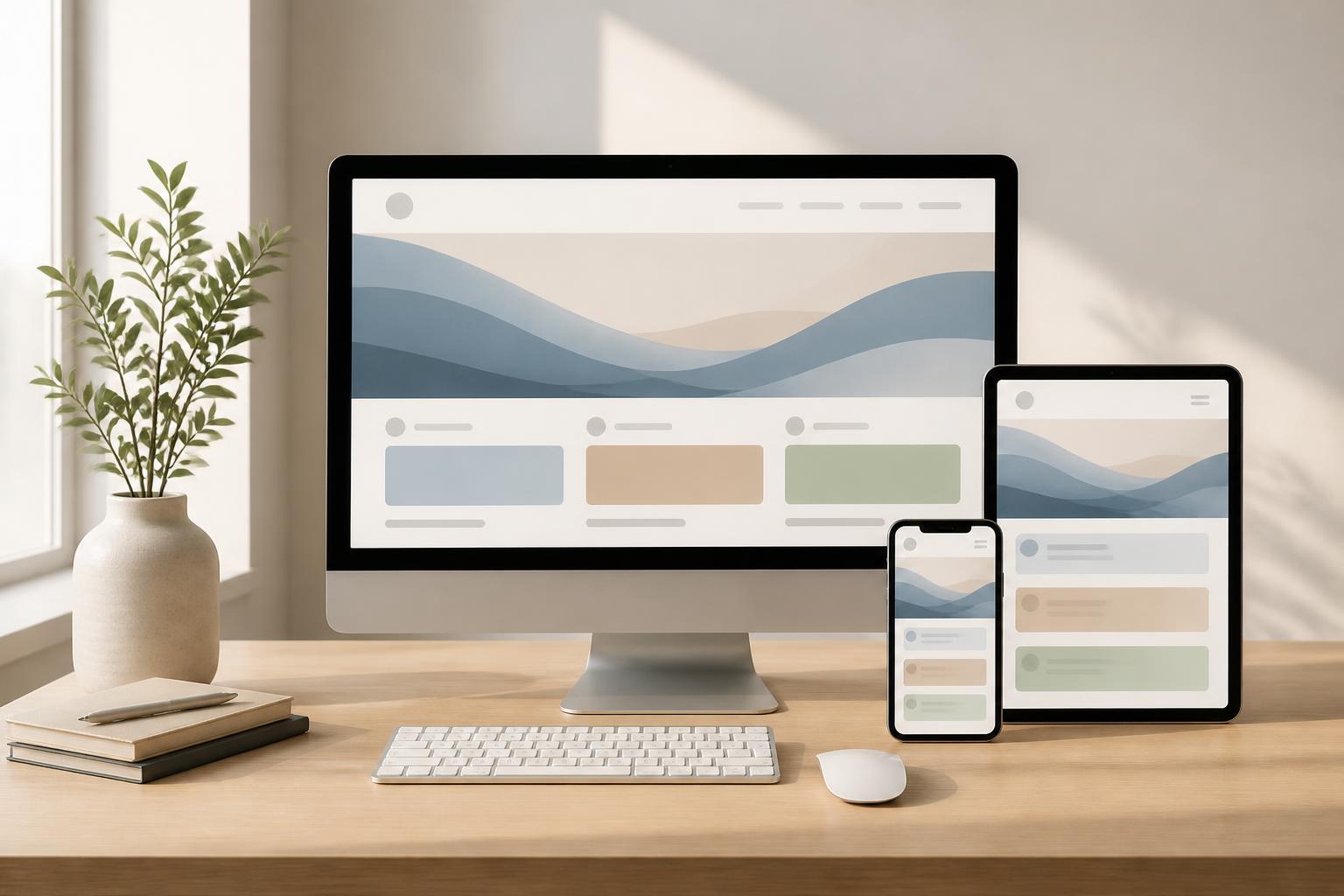
Responsive Website Design: When the User Experience Must Keep Up with Every Screen


Users may open the same website on several different devices throughout the day. They may quickly view a product on a phone, read detailed information on a tablet, or return to complete a form on a computer. If the interface is built only for a fixed screen size, the experience can easily break down: text may be too small, buttons difficult to tap, images may overflow their containers, or important content may be pushed too far down the page.
Responsive website design was created to address this problem. A responsive website can adapt to different screen widths, interaction methods, and usage conditions. However, responsive design is not simply a matter of making an interface stretch or shrink. A well-designed website must also know which content to prioritize, how to arrange its elements, and how to keep key actions easy to perform on every device.
Responsive Design Is More Than Shrinking the Interface
In simple terms, responsive design is often described as an interface that automatically changes when users move from a large screen to a small one. This description is correct, but incomplete. If an entire page is merely scaled down, its elements can still become difficult to read and use. For example, a wide data table cannot always be compressed while still ensuring that viewers understand the information correctly. A multi-level navigation bar also cannot retain the same presentation on a phone screen.
Responsive design needs to consider three factors at the same time. The first is layout, meaning how content blocks change position and size. The second is readability, including font size, line spacing, contrast, and paragraph length. The third is interactivity. Computer users typically interact with a mouse and keyboard, while phone users use their fingers in a smaller space. A link that is easy to click with a mouse may not necessarily be convenient to tap on a touchscreen.
Start with Content and User Behavior
A common mistake is to design the interface on a computer screen first and then try to force that interface onto mobile devices. This approach often turns the phone version into a poorly considered condensed version. Important content may be hidden, action buttons may be pushed to the bottom of the page, or necessary tasks may require too many steps.
Designing with mobile devices as a priority helps teams clearly identify the core elements of a website. When display space is limited, businesses must determine what information users need to see first, what content can be expanded, and which elements are not truly necessary. From there, the interface on larger screens can be developed with additional space instead of forcing the mobile version to accommodate too many elements.
This does not mean every website should neglect the computer experience. The goal is to build a flexible system in which content and functionality remain consistent while the presentation is adjusted appropriately. A product page may display the image, price, and purchase button prominently on a phone; when opened on a computer, it can include additional areas for detailed information, comparisons, or reviews without losing the primary action.
Elements That Need to Be Redesigned for Different Screens
Navigation Bars
On a wide screen, a navigation bar can usually display many items at once. On a phone, keeping the same number of items can make the navigation bar feel cramped or force users to scroll horizontally. A collapsed menu is a common solution, but the menu-opening icon must be easy to recognize, and the items inside must be arranged in a logical order.
The entire website structure should not be placed in the mobile menu simply because it is possible to do so. Important items should appear first, while less frequently used links can be placed in a secondary group. If the website has search, account, or shopping cart functions, these shortcuts should be considered separately rather than being hidden too deeply inside the menu.
Images and Multimedia Content
Images need to change size without breaking the layout, but that is only a basic requirement. An image with a suitable aspect ratio on a wide screen may cause the subject to be cropped when displayed on a phone. Therefore, the selection of the image area, frame ratio, and content-cropping method should all be considered from the design stage.
Video, animated images, and interactive elements should also be used in moderation. They can make a page more engaging, but they can also increase loading times or cause frustration when users are accessing the site through an unstable connection. Multimedia content should serve a communication goal rather than appear merely to fill empty space.
Forms and Action Buttons
Forms on phones should reduce unnecessary input fields, display clear labels, and provide a keyboard appropriate to the type of data. Email, phone number, or date fields can be configured in ways that help users complete them more quickly. Error messages should appear near the relevant field, use easy-to-understand language, and avoid erasing the data that has already been entered.
Primary action buttons need to be large enough and spaced sufficiently for users to tap accurately. Color can help distinguish primary and secondary actions, but a design should not rely entirely on color because display conditions and each person’s ability to perceive colors vary. Button text should also clearly state the result of the action, such as submitting a request, viewing details, or adding an item to the cart.
Performance Is Part of the Responsive Experience
A website with a beautiful layout can still create a poor experience if it loads slowly. On mobile devices, users may access a site under many different conditions, from stable networks to intermittent connections. Therefore, optimizing images, limiting unnecessary resources, and arranging the order in which content loads are all important.
Images should be published at a size appropriate for the display area instead of always loading a very large file and then shrinking it through the interface. Elements that do not immediately appear in the visible area can be considered for delayed loading, provided that this does not cause content to shift or create confusion. Fonts, JavaScript code, and external tools should also be reviewed to avoid imposing performance costs that users do not perceive as providing equivalent value.
Performance is not a task that is performed only once before a website launches. Every time a feature, image, or tracking tool is added, speed and stability may change. The operating process should include retesting on multiple devices and under different connection conditions, especially after major interface changes.
Testing Does Not Stop at Resizing the Browser Window
Shrinking or enlarging a window on a computer is one way to conduct an initial check, but it cannot replace using actual devices. Phone users may rotate the screen horizontally, enable a larger text size, use a different browser, or operate the device with one hand. Each situation can reveal problems that a computer preview does not show.
The testing process should begin with important user journeys. For an e-commerce website, these might include finding a product, viewing its information, adding it to the cart, and submitting a purchase request. For a service website, they might include reading content, finding contact information, and completing a form. For a knowledge website, the focus might be on readability, search, and moving between categories.
In addition to devices, unusual states should also be tested, such as excessively long content, titles with many words, images that fail to load, incorrectly completed forms, or error messages that appear. An interface that works well only when the data is perfect is not yet a finished interface. Responsive design should be evaluated through the real situations users may encounter.
Balancing Consistency and Flexibility
A responsive website should not feel like several different websites simply because users switch devices. Colors, typography, the tone of the content, and visual identity cues should remain consistent. Consistency helps users recognize that they are still within the same system and makes the location of functions easier to predict.
However, consistency does not mean that every element must retain exactly the same shape and position. A content column on a computer can become vertically stacked blocks on a phone. An information table can be converted into a list or allow controlled horizontal scrolling. Product filters can be displayed in an expandable area instead of taking up the entire height of the screen. What matters is that the information and the user’s objective remain intact.
The Long-Term Value of an Adaptive Platform
Investing in responsive design helps businesses reduce the risk of having to maintain multiple separate website versions. When a system is built on a flexible foundation, adding content or developing new functionality also has a more consistent basis. Teams do not have to continually find ways to fix each screen size individually and can instead focus on the quality of the user journey.
Responsive design also forces businesses to reconsider how they organize content. Everything placed on a website should have a reason, a priority, and a clear method of presentation. This benefit extends beyond technical concerns, because well-structured content on a small screen is often easier to access on a large screen as well.
Responsive website design should be viewed as a principle that runs through the entire process, from needs analysis and content development to interface design, development, and operation. When a website adapts well to the device and the usage context, users can focus on the information or action they need instead of struggling with the interface. That is the foundation for keeping a website useful in an environment where access is becoming increasingly diverse.