Password Management Software: How to Build Safer Login Habits

Passwords remain a familiar part of most online activities, from signing in to email, social media, and cloud storage services to website administration systems. The problem is that the number of accounts continues to grow, while remembering many long, different passwords is not always easy. When they encounter difficulties, users often tend to reuse a password, use an overly simple string of characters, or save login information in unsafe places.
Password management software was developed to address that problem. This tool centralizes login information in a protected data vault, supports the creation of new passwords, and fills in forms when users access familiar services. Although it cannot completely replace other security measures, password management software can help turn account protection into a clear process that depends less on memory and arbitrary habits.
How does password management software work?
Basically, password management software creates a separate storage vault for sensitive data such as usernames, passwords, website addresses, and security notes. This vault is usually opened with a master password. Users only need to remember that important piece of information, while the passwords for individual services can be created and stored in the software.
This arrangement separates two tasks that are often mixed together. The master password is used to open the data vault, while passwords for email, advertising accounts, administration systems, or shopping services should be used separately for each place. When one account encounters a problem, using a unique password helps limit the risk of that information being tried on other services.
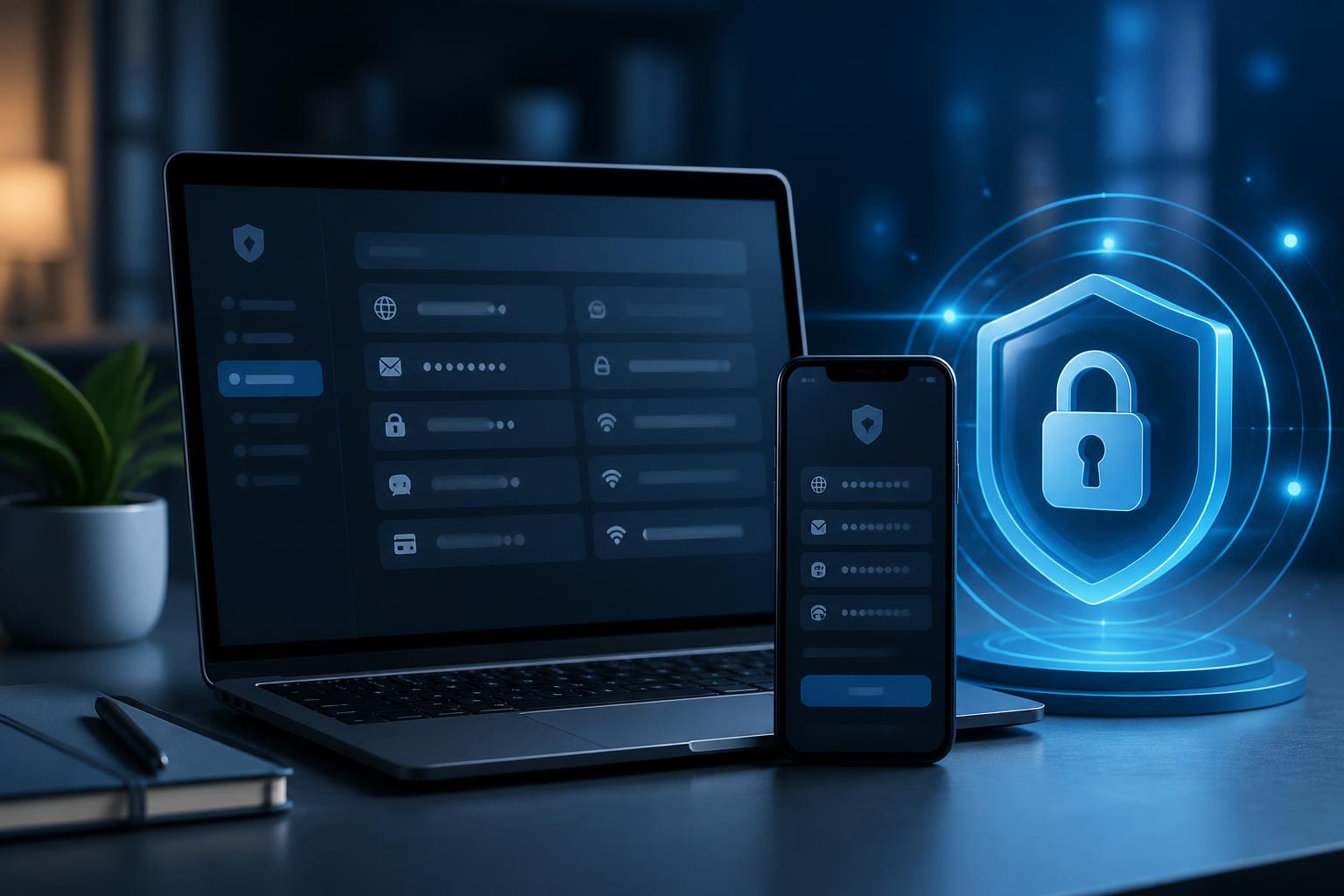
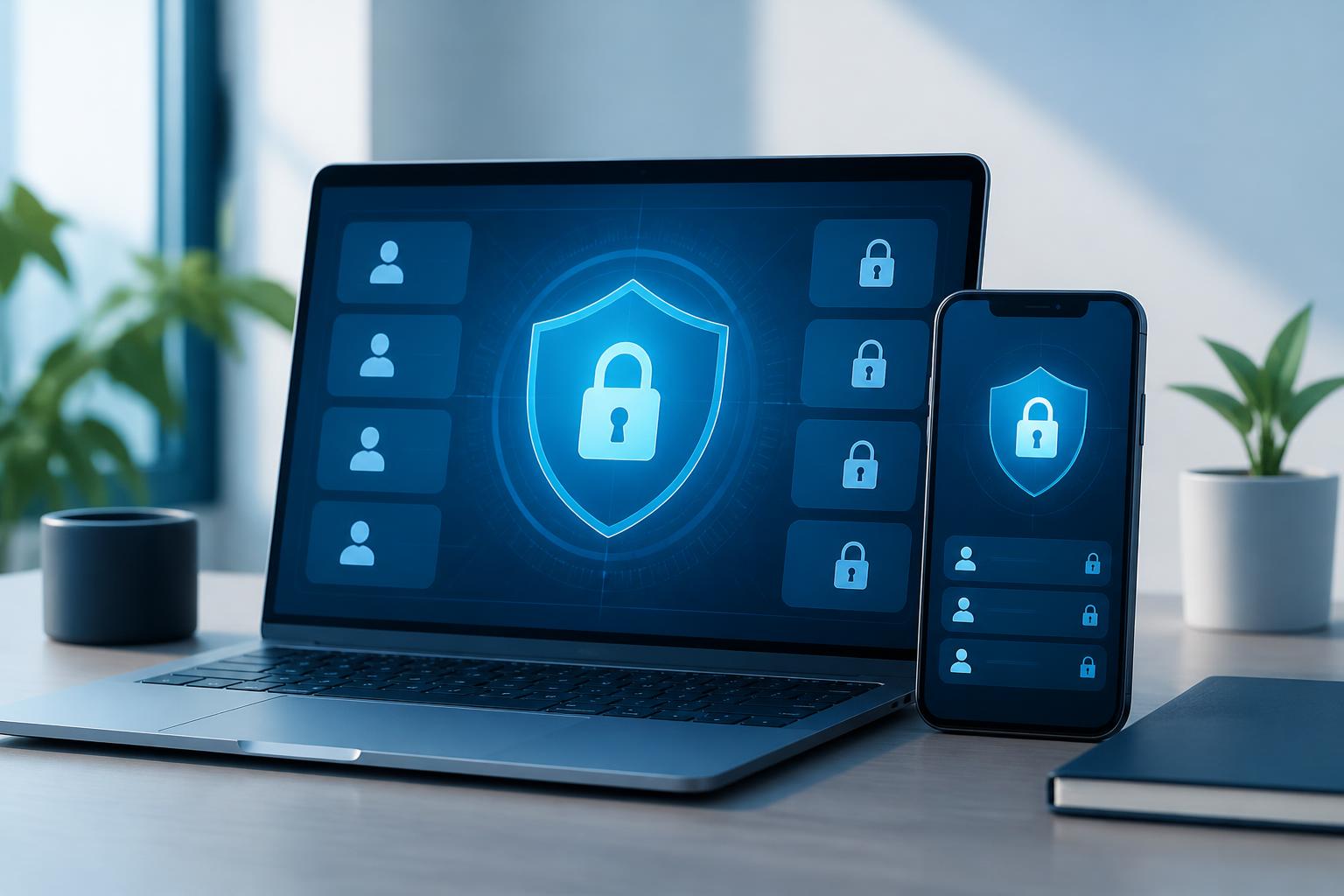
Many software products also support synchronizing data between computers and mobile devices. This feature is convenient when users need to log in from multiple locations, but it also requires careful configuration. Devices used to access the password vault should be locked with a security code or an appropriate authentication method. If a phone, computer, or browser is shared indiscriminately, the convenience of synchronization can become something that needs to be controlled.
Practical benefits for work and personal use
Reducing the habit of reusing passwords
The most noticeable benefit is that users no longer have to rely on a few familiar passwords for multiple services. Each account can have its own string, one that is longer and more difficult to guess. Users do not need to come up with dozens of nearly identical variations themselves, because the software can generate random passwords according to requirements for length or character types.
This is especially useful for accounts with important roles. A primary email account is often used to recover many other accounts, while website administration accounts, data storage accounts, or financial management accounts may involve sensitive information. Setting a unique password for each service helps separate risks instead of allowing a single string to become a key to multiple systems.
Reducing the practice of storing passwords in unsuitable places
In practice, many people save passwords in note-taking apps, text files, personal messages, or on paper placed beside their desk. These methods may be convenient in the short term but often lack mechanisms for managing access rights, tracking changes, and protecting data. Dedicated software provides a more centralized space in which information can be organized into groups such as work, personal, server accounts, or online services.
The ability to add notes is also valuable in situations that require handing over or tracking accounts. Users can save the exact login domain, recovery questions, the most recent change date, or related instructions, rather than having to search for information across many separate sources. However, unnecessary data should not be added to the password vault, especially identifying information or highly sensitive documents if the software was not designed for that purpose.
More convenience, but information should still be checked before filling it in
The autofill feature helps reduce errors when entering usernames and passwords. This is convenient when working with many services that have different interfaces. Nevertheless, users should not mechanically accept every suggestion to fill in information. Before confirming, they should check the domain name, access protocol, and context of the website. A page with an interface resembling a familiar service may still lead to a different address.
For browsers, extensions should be installed from official sources, and the permissions they request should be reviewed. If a tool requests broader access than its intended use requires, users should learn more or consider another option. Security depends not only on the software’s algorithms but also on what users allow the software to do.
Criteria to consider when choosing software
Not all password management software operates in the same way. The first criterion is the protection mechanism for the data vault and master password. Users should learn how the provider describes encryption, account recovery, synchronization, and what happens when a device is lost. This information should be presented clearly rather than relying only on general advertising claims.
The ability to work on commonly used devices is also important. A tool that is convenient only on a computer but difficult to use on a phone may cause users to return to their old way of storing passwords. Conversely, if software supports too many platforms but has a complicated interface, deployment in a family or small group may encounter obstacles. It is best to begin with practical needs such as the number of devices, the number of users, sharing capabilities, and the method for exporting data when a switch is needed.
Security and privacy policies should also be read before installation. Pay attention to the types of data collected, how data is synchronized, whether accounts can be deleted, and what support channels are available when problems occur. For businesses, it is also necessary to consider access control, employee account management, revoking access when employees leave, and tracking changes in a shared vault.
Setting things up so they are secure and easy to maintain
The most important step is to create a sufficiently strong master password and never reuse it for any other service. This password should have an appropriate length and be easy for the user to remember in a personal way, while being difficult to guess from publicly available information. The master password should not be sent by email or group message, or stored on the same device as the data vault without an additional layer of protection.
After creating the vault, it is best to add the most important accounts first, such as the primary email account, website administration accounts, and services containing work data. Next, gradually replace passwords that are reused or too old. It is not necessary to change everything at once if doing so makes the process too burdensome. A short list organized by priority will make the transition easier to control.
If the software supports multifactor authentication, it should be enabled for the primary account and important services. An additional authentication layer does not make passwords unnecessary, but it helps reduce the risk when login information is exposed. Recovery codes should also be stored in a secure place that can be accessed if the primary device is lost or stops working.
Limitations that should not be overlooked
Password management software cannot prevent every form of phishing. If users enter a password on a fake website or grant permissions to a suspicious application, the tool may still not be enough to protect the account. The habits of checking website addresses, being wary of unfamiliar links, and not sharing authentication codes remain essential.
The master password also requires special attention. If users forget it, they may have difficulty opening the vault, depending on the recovery mechanism of each product. Therefore, before relying entirely on a piece of software, it is necessary to read the recovery instructions carefully, test backup options, and determine how to respond if a phone is lost or a device is replaced.
In a group environment, account sharing needs to be clearly controlled through permissions. Passwords should not be sent through a shared chat channel simply to handle a task quickly. Shared accounts need someone responsible for them, a list of authorized users, and a revocation process when roles change. When a staff member leaves the group, updating the relevant accounts should be considered part of the handover process, not an optional task that arises only as needed.
Making the tool part of the security process
The value of password management software does not lie in installing it and then leaving it unattended. Users should periodically review saved items, delete accounts that are no longer in use, and update recovery information. Important accounts should be marked so they are easy to check, while duplicate entries should be handled to avoid confusion.
For a small business, a simple process can be built around four parts: identifying the accounts that need protection, assigning access to authorized users, conducting periodic reviews, and revoking access when staffing changes occur. For individuals, the process can be lighter but should still include a unique password for each service, multifactor authentication, and a backup plan for when a device is lost.
What is worth noting is that the tool is effective only when users understand its limitations. A well-organized password vault reduces reliance on memory and limits dangerous habits, but it does not replace awareness of phishing, software updates, or device protection. The combination of suitable software and consistent behavior is what creates a safer login foundation.
In a context where everyone has to manage an increasing number of accounts, password management software is an option worth considering for organizing login information and reducing the risks of password reuse. Start with a tool that has clear policies, carefully set up a master password, enable an additional authentication layer, and migrate account groups gradually according to their importance. When maintained as a regular process, the software will become a useful security assistant rather than merely a temporary storage place for strings of characters.