Password Managers: Building Safe Login Habits in Digital Work

Passwords remain a familiar part of most online activities, from website administration and email use to working with business platforms. The problem is that the number of accounts continues to grow, while users often have to remember login information for many different services. Without a suitable management method, resetting passwords, storing information in unsafe places, or reusing one password for multiple accounts can easily become habitual.
Password managers were developed to address this task. They are a category of software that allows login information to be stored in a protected data vault, while also supporting the creation of new passwords and filling in information when users access services. These tools do not completely replace security awareness, but they can make the login process clearer, less dependent on memory, and more convenient for both individuals and teams.
Why is manual password management prone to weaknesses?
Many people begin by writing passwords in a notebook, text file, or note-taking app on their phone. These methods may feel simple because they do not require specialized software to be installed. However, they often do not provide sufficiently clear access-control mechanisms. A file saved on a shared computer, a copy stored in a synchronized folder, or an unlocked note can all cause sensitive information to appear where it was not expected.
Another common habit is using the same password for multiple services. This makes passwords easier to remember but creates a risky connection between accounts. If one service suffers a login-information breach, the user may have to check and change passwords in many other places. This becomes even more difficult when there is no complete list of accounts or when passwords have been shared with multiple team members during the course of work.
Even when passwords are not reused, creating them according to a fixed pattern does not necessarily provide good protection. Changing the service name, adding a number, or modifying a few characters according to the same rule makes passwords easier to remember, but also creates repetition in the way they are set. Password managers help reduce the need to maintain such manual rules by generating and storing separate strings for each account.
How do password managers work?
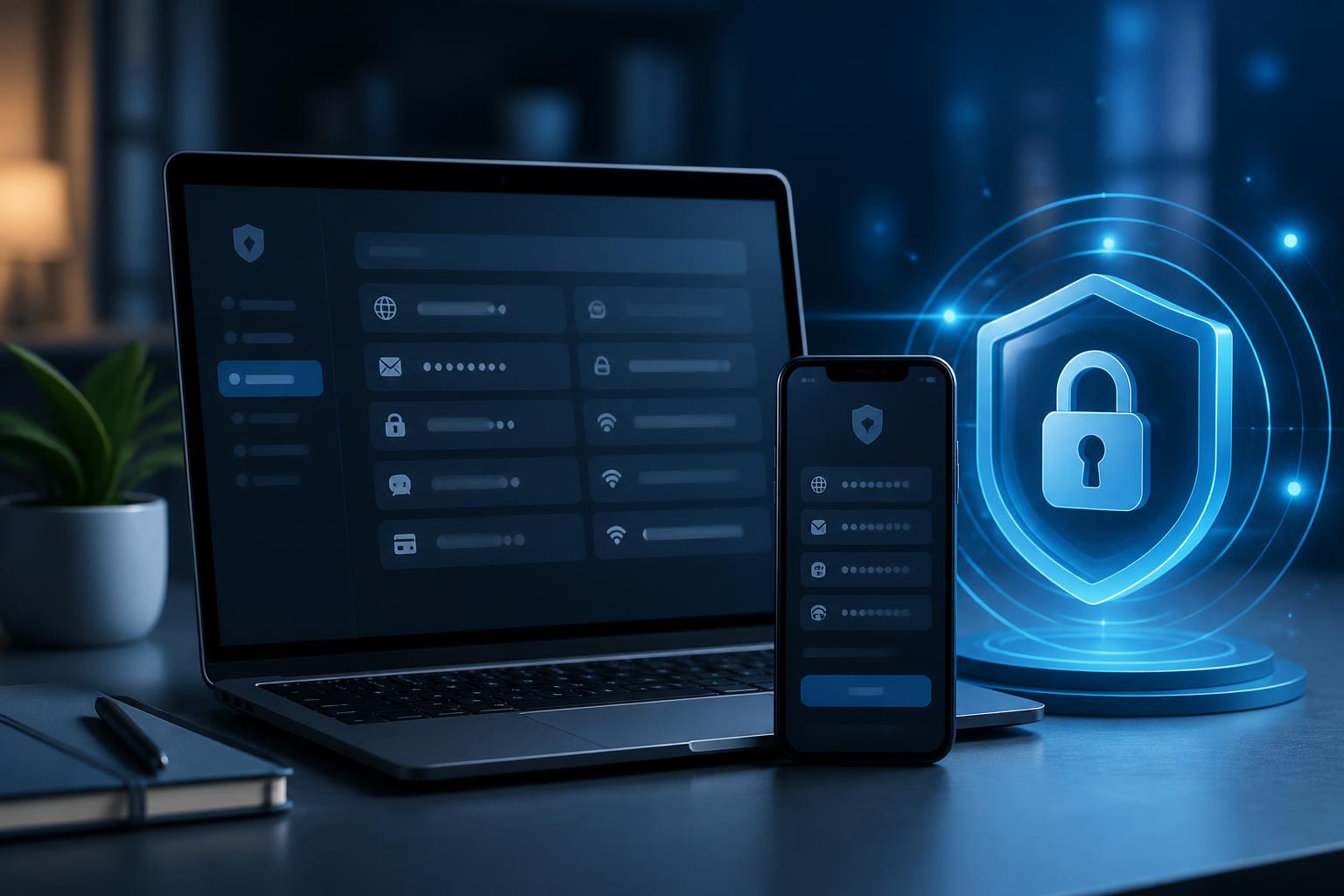
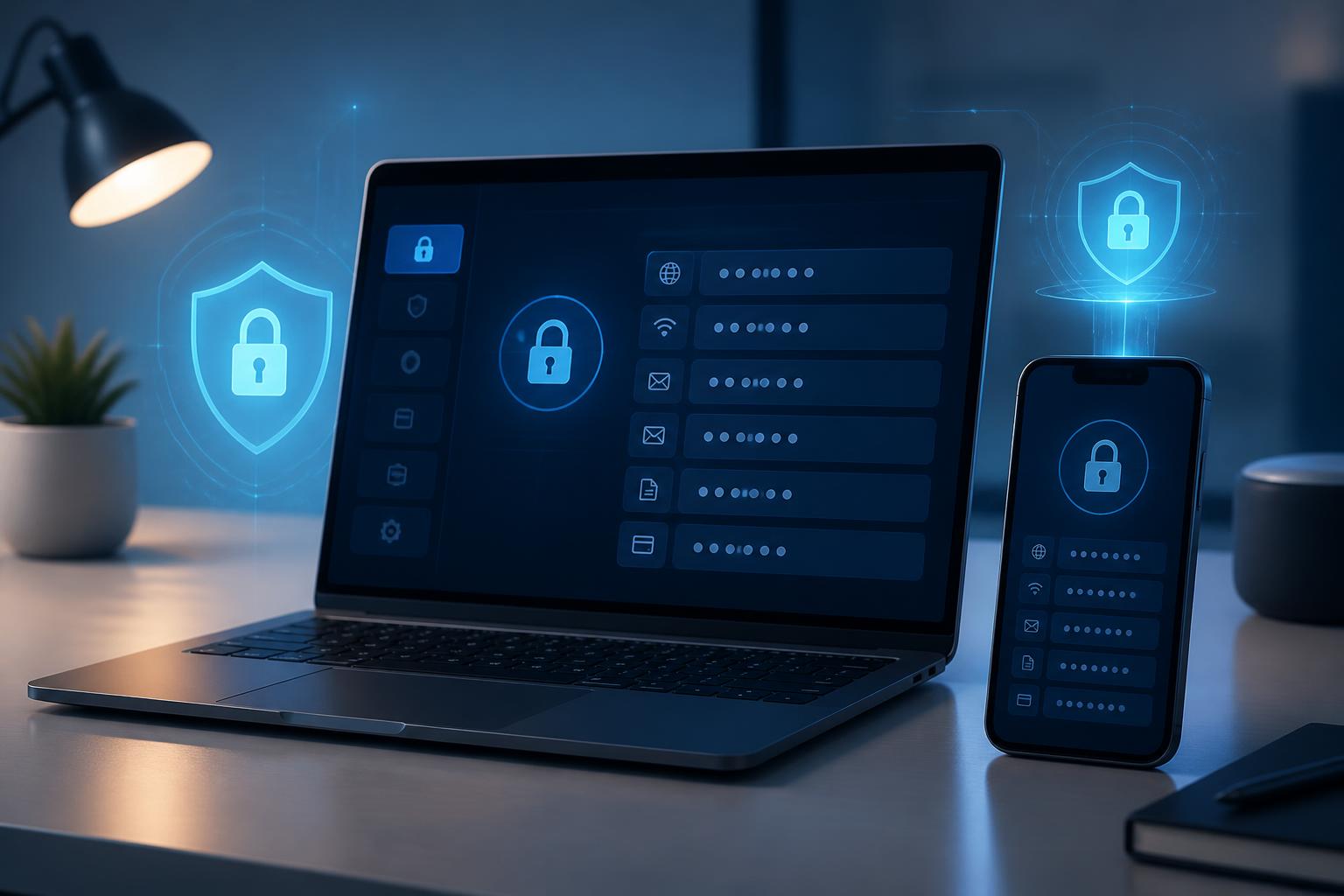
Basically, this software centralizes login information in a data vault protected by a master password. Users only need to remember the most important information to open the vault, while the passwords for each service are stored inside it. Depending on the product, the vault may be used on computers, phones, or browsers through synchronization mechanisms supported by the provider.
In addition to usernames and passwords, a stored entry can usually contain a website address, notes, recovery codes, or additional information related to the account. Some tools also support storing payment data, but users should consider their actual needs before putting too much sensitive information in one place. The important principle is to understand what data is being stored, how that data is protected, and who has access to it.
The random password generation feature is also worth noting. Instead of coming up with easily guessable strings, users can let the software create long, different passwords for each service. When a login is required, the password manager can fill in the information in the corresponding form. Although this is convenient, users still need to verify the correct domain name and the correct account before accepting autofill, especially when accessing a service through a link in an email or message.
Criteria to consider before choosing software
The first criterion is the ability to protect the primary account. The master password needs to be strong, must not be reused on another service, and should not be written where others can easily see it. If the software supports multi-step authentication, users should consider enabling it to add an extra layer of verification beyond the master password. The specific authentication method may differ among products, so the recovery instructions should be read carefully before putting the tool into long-term use.
The ability to work across commonly used devices is also very important. An individual may work on an office computer, a personal computer, and a phone. A team may need to access the same system from many different environments. Suitable software should provide a consistent experience, support the necessary browsers or applications, and allow users to control synchronization. A tool should not be chosen solely because of its attractive interface if it does not meet the actual workflow requirements.
Privacy and data handling also need to be considered carefully. Users should find out where the software stores data, whether the data is synchronized across devices, how data can be exported, and what happens to the account if a device is lost. These are not merely formal questions. If users cannot recover their data or switch to another tool when necessary, depending on a piece of software will become a major inconvenience.
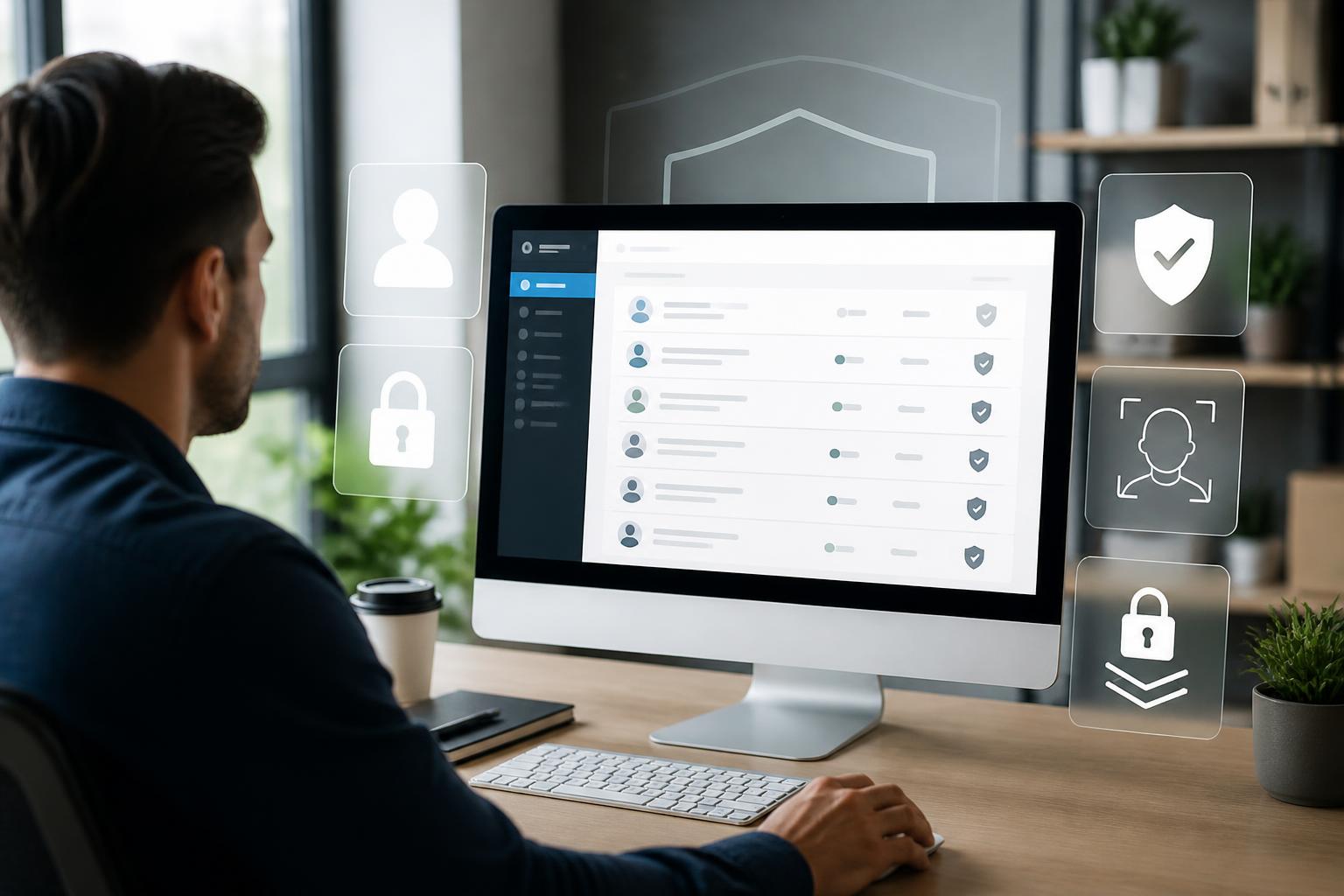
For businesses, access control is especially important. Administrators need to know who is allowed to view, edit, or share each piece of information. Accounts belonging to former employees need to be revoked promptly. Different work groups should also not automatically be able to see the organization’s entire password vault. Software with clear access-control features can help businesses reduce the sharing of passwords through messages, email, or uncontrolled documents.
How to implement it for individuals and teams
All accounts should not be moved to a new tool hastily. The first step is to make a list of the services currently in use, identify important accounts, and remove accounts that are no longer needed. Website administration accounts, email, servers, domains, advertising platforms, and internal tools should be checked first because they are often connected to multiple types of data or permissions.
After making the list, users should change passwords that have been reused or shared too many times. Each account should have its own login information. The software can generate a new string, but users still need to update the password directly on the corresponding service and verify that they can log in before ending the session. For important accounts, a valid recovery method should also be saved, and recovery codes should be kept separately from ordinary passwords.
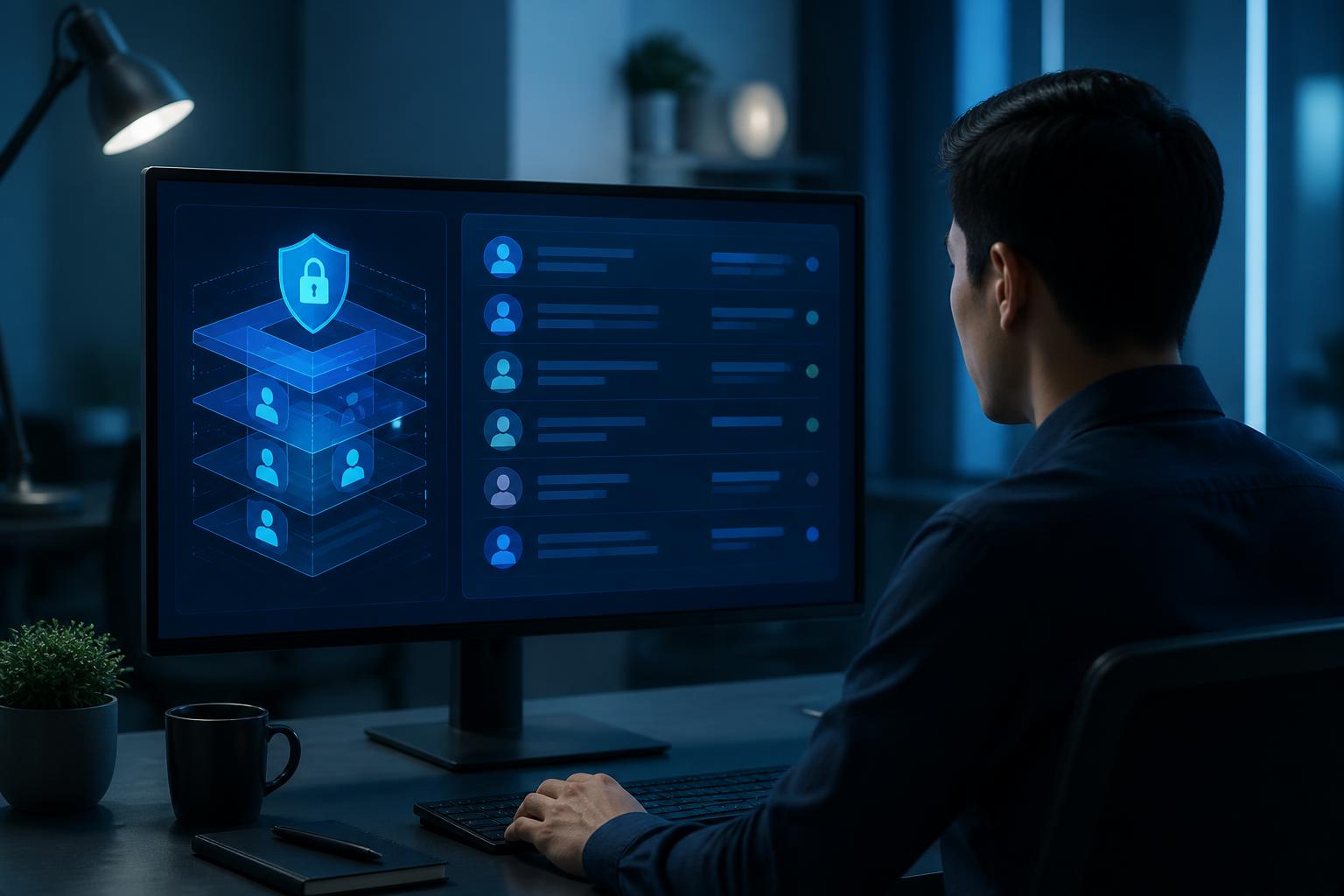
In a business environment, usage procedures should be standardized through rules that are brief and easy to follow. Employees need to know when access may be shared, when they must create an individual account, and how to report suspected information leaks. Using a shared vault does not mean that everyone has permission to view passwords. Role-based access control helps limit the scope of access and clarify responsibility when changes occur.
Administrators should also periodically review users, sharing groups, and accounts that still exist. When an employee changes roles or leaves the organization, access rights must be handled as part of the handover process. If the company only changes the password without checking login sessions, devices that have saved the information, or integration permissions with other applications, there may still be access points that have not been revoked.
Limitations that should not be overlooked
A password manager is not a solution that guarantees absolute safety. The password vault itself is a place where a large amount of important information is concentrated, so if the primary account is compromised, the consequences can be serious. This is why users need to protect the master password, enable appropriate authentication layers, and be cautious about unusual login requests.
Risks can also come from endpoint devices. A computer infected with malware, a compromised browser, or a device left unattended while unlocked can all affect data. Password-management software can only work effectively within an ecosystem that is updated and used in a controlled manner. Users should lock their devices when leaving them, limit the installation of unnecessary extensions, and avoid logging into important accounts on public computers.
Autofill habits should also be used thoughtfully. If a phishing website has an address that closely resembles the real service, users may be led to an untrustworthy form. Observing the access address, checking the connection certificate when necessary, and accessing services from trusted bookmarks remain very important. A tool that assists with actions cannot replace the ability to identify scams.
Turning the tool into part of a security culture
The greatest value of a password manager lies not only in storing data. When used correctly, it helps organizations change the way they view login information. Passwords are no longer personal assets passed verbally among team members; instead, they become part of a process with assigned responsibility, access limits, and revocation steps when necessary.
To maintain effectiveness, users should periodically review the data vault, delete entries that are no longer in use, and address warnings related to weak or duplicate passwords if the software provides such support. Businesses can combine this tool with multi-step authentication, account access controls, and phishing-awareness training. Supporting measures can help reduce dependence on a single layer of defense.
In digital work, convenience and security do not necessarily have to conflict. A suitably chosen tool can reduce the time spent retrieving login information, limit password sharing, and create a foundation for clearer management processes. However, the final effectiveness depends on how the tool is configured, usage habits, and regular reviews. A password manager should be viewed as one component of an overall security strategy, not as a solution that can replace every other safety measure.