



Website Monitoring Software: Turning Incident Alerts into a Proactive Response Process

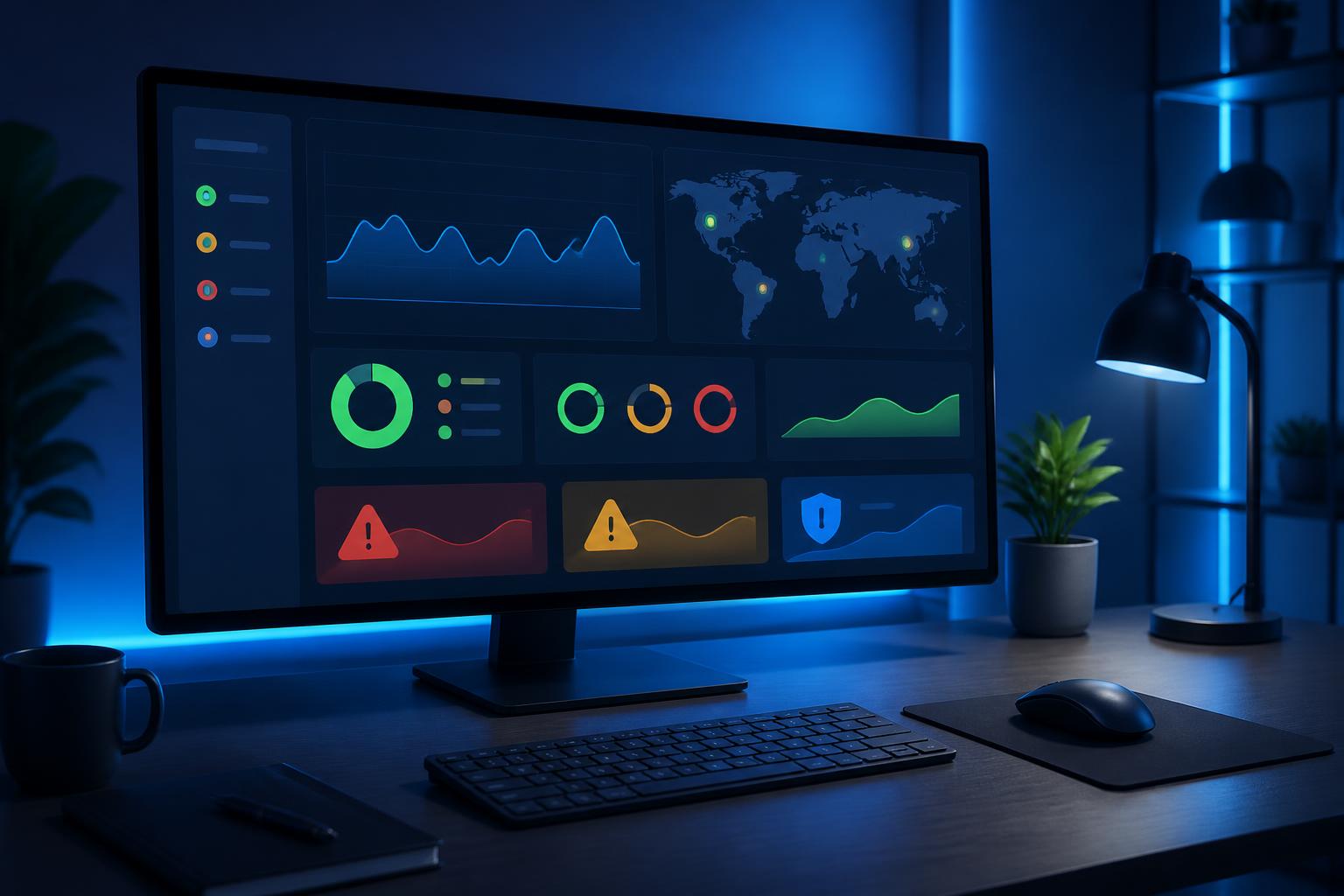
A website can run into problems at any time, including when no one is actively monitoring it. A server may stop responding, a certificate may expire, a database connection may slow down, or a small change to the source code may break a contact form, all of which can affect users. If they simply wait for customers to report an issue, businesses often learn about it only after the user experience has already been disrupted and the brand’s image has suffered to some extent.
Website monitoring software is designed to fill that gap. It performs scheduled checks, records website responses, and sends alerts when it detects unusual signs. However, its practical value does not lie in generating as many notifications as possible. A useful monitoring system must help the team understand where the problem is occurring, which areas are affected, and how urgently it should be handled. Therefore, choosing the software is only the first step; defining objectives, setting alert thresholds, and organizing the response process are what determine long-term effectiveness.
What does website monitoring software actually track?
At a basic level, website monitoring software sends a request to a web address and then checks the response it receives. If the website returns an error, responds too slowly, or cannot be reached, the system records the event and may send an alert through the configured channels. This type of check is suitable for detecting a website that is completely inaccessible, but it is not enough to reflect the full quality of its operation.
A website may still return a valid page even though an important function has stopped working. For example, the homepage may display normally while the registration form cannot submit data, the payment page cannot proceed to the next step, or the login area repeatedly reports an error. For this reason, many tools allow users to build specific test scenarios. The system can access a sequence of pages, confirm that necessary content is present, or check the behavior of an important functional flow.
In addition to accessibility, monitoring can focus on response time. A website that has not completely stopped working but responds unusually slowly can still frustrate users and increase the likelihood that they will leave before completing an action. Tracking response times at each stage helps the team recognize changes before the problem becomes an obvious incident.
Why are early alerts more important than checking only when an error occurs?
In website operations, the time when an incident is detected directly affects how it can be handled. An error identified early usually has a smaller impact and is easier to trace to its cause. Conversely, when an incident continues for a long time, many factors may change at once: traffic may fluctuate, system logs may be overwritten, users may perform additional actions, or the team may deploy temporary measures that make the analysis more complicated.
Early alerts also help distinguish a temporary error from a worsening trend. One slow response may result from a short-term fluctuation, but multiple consecutive slow responses during the same period indicate that a deeper investigation is needed. Monitoring software can retain a history of checks so that the team can compare the current situation with previous periods, rather than relying only on impressions or a snapshot of the system at the moment the error occurs.
Even so, early alerts do not mean sending notifications for every minor fluctuation. If the system continuously issues unimportant alerts, recipients will gradually lose trust in the information. This situation is commonly referred to as alert fatigue. When too many notifications appear without being linked to a specific action, staff may ignore serious alerts as well. A good configuration must balance sensitivity with the team’s practical ability to respond.
Set up monitoring according to the website’s level of importance
Not every page on a website has the same priority. The homepage, login page, contact form, administrative area, and revenue-generating steps generally require closer monitoring than infrequently visited content pages. Businesses should begin by listing the functions whose interruption would have a clear impact on customers or internal operations.
For an informational website, checking the accessibility of key pages may be an appropriate foundation. For a website with user accounts, additional attention should be paid to login, password recovery, and areas that require access permissions. For a system with forms or an ordering process, it is advisable to build an end-to-end test scenario rather than checking each page separately. The goal is to simulate the important actions users perform, but this must be designed carefully so that it does not create fake data or affect the production environment.
The monitoring scope should also include external components if the website depends on them. Email delivery services, payment systems, file-storage platforms, or analytics tools may cause a function to be disrupted even when the main server is still operating. Monitoring does not necessarily need to control every third-party service, but it should help the team recognize when an external dependency may be the cause of a problem.
Read alerts to find the cause, not merely to confirm an error
A valuable alert should answer at least several basic questions: which component is experiencing a problem, when did the incident begin, where was the impact detected, and how serious is it? A notification that merely says the website is not working is usually not enough for the recipient to decide what to do next. By contrast, an alert that includes the time, the checked address, the response type, and the history of retry attempts will better support the analysis process.
The team should also distinguish between errors at the interface layer and errors in the underlying service layer. A page that fails to load may be affected by the domain name, secure connection, web server, application, or database. Monitoring software cannot always identify the ultimate cause, but data separated by layer can help narrow the search. For example, if a static page still responds but a flow requiring a database query fails, the investigation will take a different direction than in a situation where the entire website cannot be reached.
Alert logs should also be linked to the history of changes. When an incident appears immediately after a code update, configuration change, or server migration, that information is an important clue. Monitoring tools do not replace version-control systems or deployment logs, but they can provide a timeline for comparison. Combining monitoring data with the history of changes is often more useful than examining each source of information separately.
Design a response process for after a notification is received
A notification is only the starting point. Businesses should clearly define who receives alerts, who has permission to check the system, and who is responsible for notifying relevant parties. In a small team, one person may perform several roles, but responsibilities still need to be established in advance. Otherwise, each member may assume that someone else is handling the issue, causing the incident to last longer than necessary.
A simple process can begin by verifying the alert. The team checks the website again from a different connection, determines whether the issue is recurring or merely temporary, and then compares the findings with server logs and recent changes. The next step is to assess the scope of the impact. If only a secondary function has failed, the response will differ from a situation in which customers cannot access the entire website.
After determining the priority level, the team needs to select an appropriate measure to reduce the impact. It may temporarily disable a faulty function, restore a stable version, adjust the configuration, or switch to a fallback option if one has been prepared. The goal of this step is to return the service to a usable state under safe conditions, rather than rushing to make multiple uncontrolled changes.
When the website is operational again, the work is not finished. Additional monitoring is needed to ensure that the error does not recur, while the cause, actions taken, and areas for improvement should be documented. This information becomes operational documentation for future incidents. Over time, the team can adjust alert thresholds, add test scenarios, and remove notifications that are no longer useful.
Criteria to consider when choosing software
The ability to configure checks is the first important criterion. The tool should support types of checks that match the website’s structure, from simple page checks to simulations of functional flows. The configuration interface should be clear enough for administrators to understand what the system is checking, how frequently it runs, and what conditions will trigger an alert.
Notification capabilities should also be evaluated against the actual workflow. A team may need email for routine events and a more urgent channel for serious incidents. The important thing is that each type of alert reaches the right person at the right time and includes enough information to begin handling the issue. A tool with many notification methods can still cause confusion if it lacks classification capabilities or is not configured appropriately.
Data history and reporting capabilities help businesses see trends instead of merely reacting to individual errors. It is worth considering how the tool stores response times, displays periods of downtime, and allows comparisons among multiple addresses or time periods. In addition, access permissions, account security, the ability to integrate with existing systems, and ease of use are also factors that should not be overlooked.
Businesses do not necessarily need to choose the most complex solution. A sufficiently capable tool that is configured correctly and checked regularly is often more useful than a feature-rich system that no one is responsible for operating. Before expanding its use, the business should test the tool on a few important pages or flows, observe the quality of the alerts, and only then incorporate it into the official process.
From technical monitoring to user experience
Effective website monitoring should not focus only on whether the server responds. Users care about whether they can read the content, log in, submit a request, or complete an action. Therefore, technical metrics need to be considered in the context of the actual user experience. A page that responds quickly but displays incorrect content is still a problem; a form that works but fails to send a notification can also result in a lost contact opportunity.
Businesses should begin with important user journeys and then turn them into appropriate checkpoints. This approach helps monitoring software serve business objectives instead of becoming a dashboard intended only for technical staff. When an alert is tied to a specific function, the team can more easily assess its impact and communicate the information to customer service, sales, or management.
Conclusion
Website monitoring software is an important layer of support in system operations, but it cannot resolve every incident on its own. The tool’s value comes from combining test data, carefully selected alerts, and a clear response process. Businesses should identify their most important functions, set up suitable checks, assign response permissions, and regularly review alert quality.
When implemented in this way, monitoring is no longer an activity in which the team waits for the website to fail before reacting. It becomes a proactive process that helps the team recognize changes early, reduce the time needed to find causes, and learn from every interruption. This provides a foundation for a more stable website and better protection of the user experience during daily operations.