Accessible Website Design: Expanding the Experience for Every User

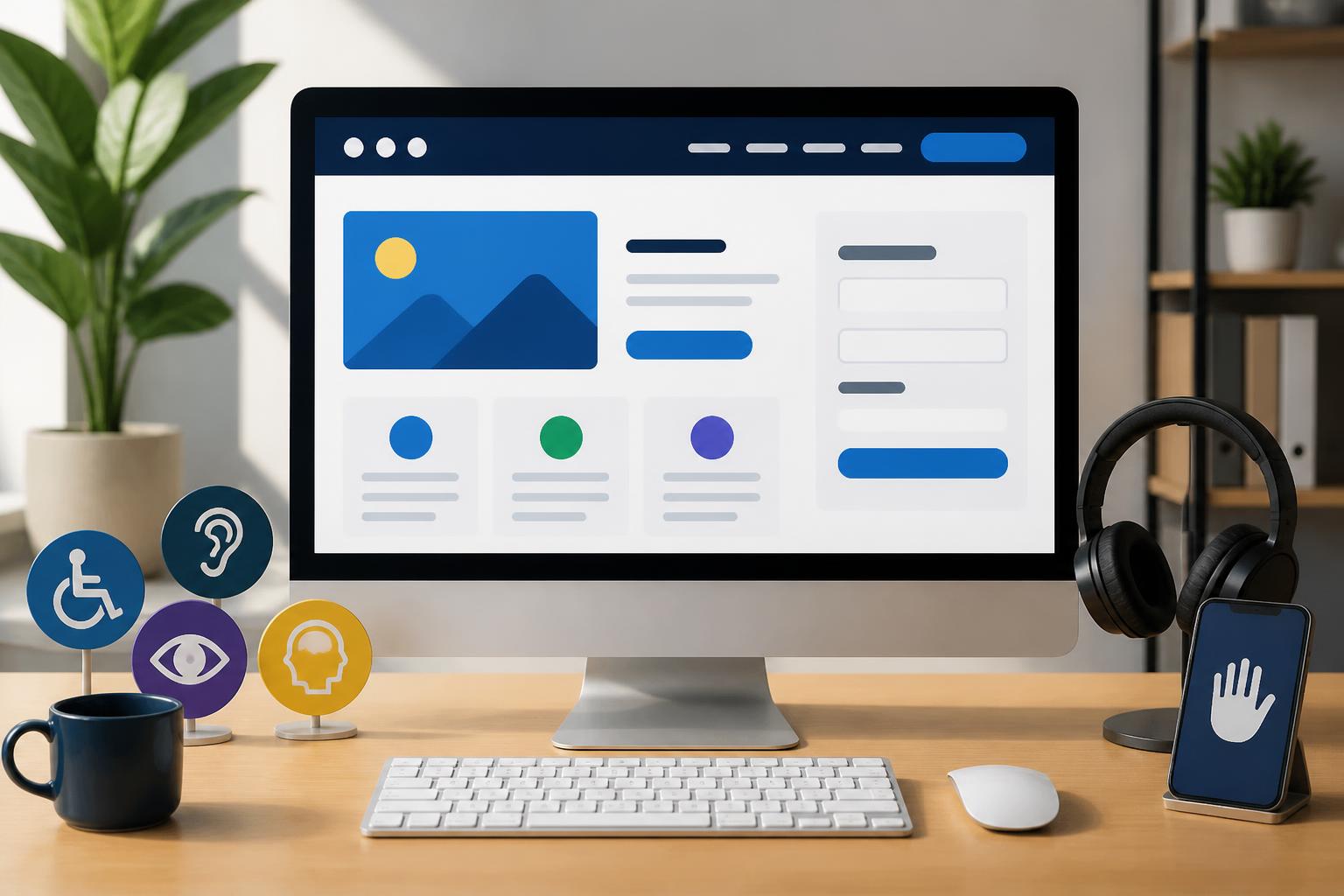
A website is considered effective not only because it has an attractive interface, fast loading speed, or leads users toward a specific action. It must also be clear and easy to use for many different groups of people, including those with limitations in vision, hearing, mobility, or information processing. This is the foundation of accessible website design—an approach that asks whether all users can read, understand, navigate, and interact with the site.
Accessibility is often misunderstood as a special requirement intended only for projects serving people with disabilities. In reality, accessibility improvements often benefit many people in ordinary situations. Someone using a phone in bright sunlight, someone who cannot turn on sound in a public place, an older person unfamiliar with new interface patterns, or someone accessing the site through an unstable connection all need a website with a clear and flexible presentation.
Accessible Design Begins with How We View Users
Accessible website design does not mean creating a simpler version for a separate group of people. A more accurate goal is to build an experience that can adapt to different needs, devices, and methods of interaction. Users may access a site with a mouse, keyboard, touchscreen, screen reader, or other assistive tools. If a website works well only through one method of use, the experience will quickly become restrictive.
To begin, the design team should consider the core tasks users need to complete. These might include finding product information, reading an article, filling out a form, booking an appointment, or submitting a consultation request. For each task, specific questions should be asked: Does the user know where they are? Can they recognize the next step? Do they understand the error message? Can they go back and correct information without having to start over? These questions help make accessibility part of product design rather than merely a final check at the end of a project.
Clear Structure Helps Users Find Their Way
An accessible website needs a logical content structure. Headings should reflect the hierarchy of information, helping readers scan quickly and helping assistive tools understand the relationship between sections on the page. The page’s main heading should be clearly identified, followed by lower-level headings in an appropriate sequence. Using headings simply to make text larger or for decoration can make the structure confusing for users navigating with assistive technology.
Menus should also be organized consistently across pages. Item names should accurately describe their destination rather than using overly general words. Links such as "See more" or "Learn more" can be confusing when they appear multiple times without context. When a short call to action is necessary, the surrounding text or an accessible label should clarify where the link leads.
In addition to the main menu, a website should provide appropriate orientation cues for pages with multiple layers of content. Breadcrumbs, page titles, the status of the selected item, and the location of back buttons all help reduce the amount of information users must remember. A good structure does not need to be showy, but it should always make clear where visitors are and how they can continue.
Colors and Images Should Support, Not Replace, Information
Color plays an important role in brand recognition and content grouping, but it should not be the only way to communicate a status. If a form uses red for errors and green for success without a text notification or suitable icon, some users may not recognize the difference. States should be described through multiple combined signals, with clear text as an important component.
The contrast between text and its background should also be considered from the moment the color palette is created. Thin text on a complex background, overly light gray, or buttons whose colors are too similar to their surroundings can all reduce readability. Design does not necessarily need sharply contrasting colors everywhere, but primary content, links, and interactive elements must stand out enough for users to recognize them without excessive effort.
Images should include alternative text when they convey information. This description should be concise and focus on the meaning of the image in its specific context, rather than merely listing visual details. For decorative images, it may be appropriate to mark them so assistive tools can ignore them and avoid adding noise when reading the content. Videos should also include captions if they contain dialogue or important information conveyed through sound.
Keyboard Navigation and Interactive Components
Many websites are designed primarily around mouse or touch interactions, even though not every user can conveniently use those methods. An accessible website should allow users to move through interactive elements with a keyboard. The navigation order must be logical, should not jump unexpectedly between areas, and should not trap users in a component from which they cannot continue.
The focus state of buttons, links, and input fields should be easy to recognize. Completely removing focus outlines to make the interface look cleaner can cause keyboard users to lose track of their current position. Instead, this state should be designed consistently with the interface system while remaining sufficiently prominent against the background and neighboring elements.
Pop-up windows, collapsible menus, and drag-and-drop components also need to be handled carefully. Users must know when an area has opened, how to close it, and where focus will return after it is closed. The close button should have an understandable name, not merely an icon without an appropriate label. For forms, each field needs a label associated with the correct input, and error messages should identify the problem and explain how to fix it.
Readable Content Is Part of Design
Accessibility does not belong only to interface code. The way content is written directly affects whether users can understand the information. Overly long paragraphs, vague headings, unexplained terminology, and nonspecific calls to action all increase cognitive load. Content should get to the point, use clearly structured sentences, and divide information into sections that are easy to follow.
Buttons and links should describe the action that is about to occur. "Download the price list," "Submit a consultation request," or "View the shipping policy" are generally clearer than a generic label. When users need to enter information, forms should request only the data that is necessary. If a field is required, this should be clearly indicated before or during entry, rather than only being reported after the user clicks Submit.
Automatic audio, automatically changing content, or automatic page refreshes without an obvious indication should also be limited. Unexpected changes can create difficulties for users reading with assistive tools or those who need more time to complete an action. When an action could result in data loss, the website should provide notice and allow users to confirm before continuing.
Testing Accessibility in the Design Process
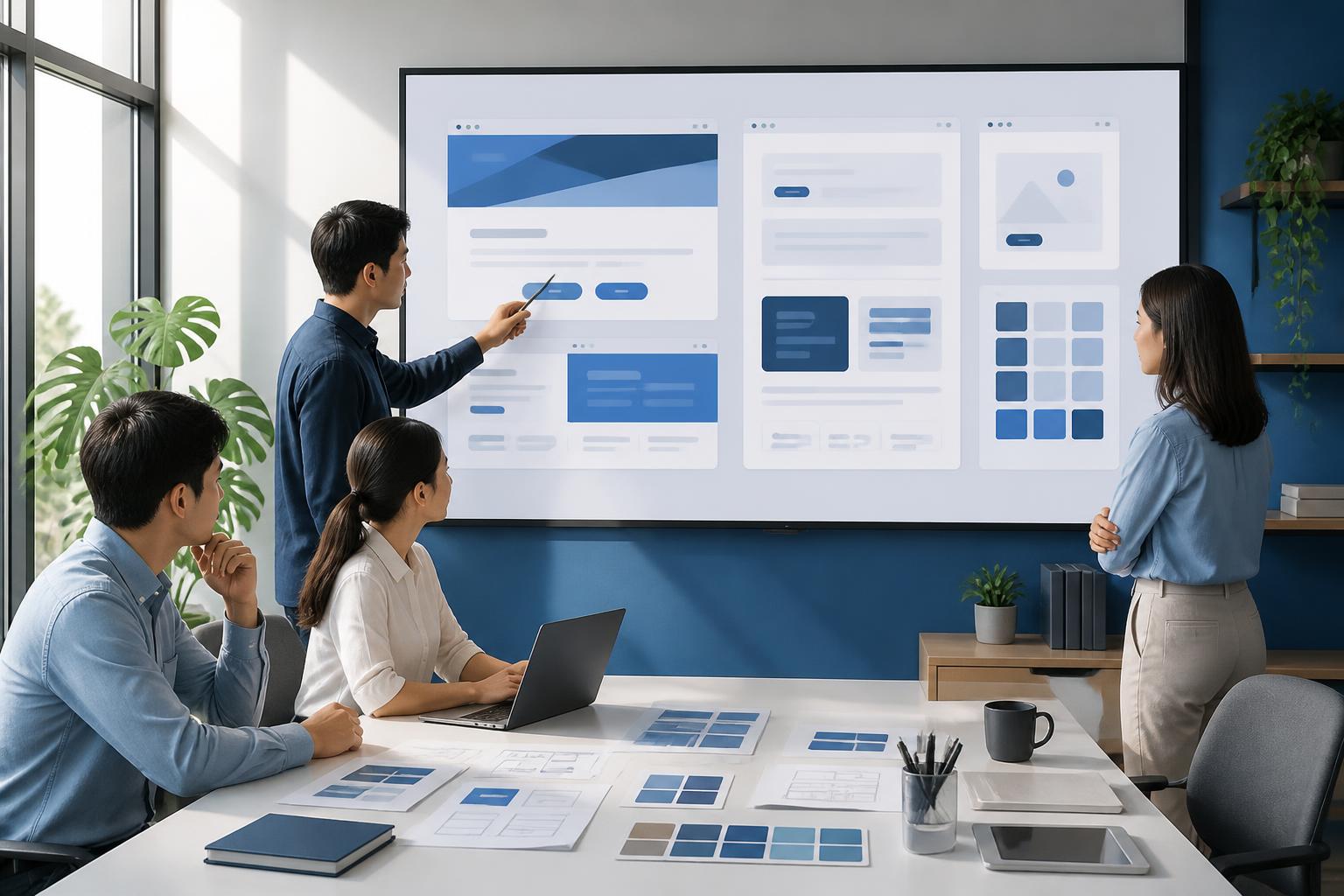
Accessibility is difficult to achieve if it is checked only after the website has been completed. During the sketching phase, the team can review the content order, the size of interactive areas, heading placement, and the task-completion flow. Once a visual design is available, color, contrast, interaction states, and error display should be considered. During development, practical testing will help uncover issues that a static design cannot show.
Some manual checks can be performed in every project. Try navigating a page using only a keyboard, zooming in on the content, turning off the sound, and observing whether the information remains complete. Testing with a screen reader or other suitable assistive tools can also reveal unlabeled components, illogical content order, and messages that are not communicated properly. Automated tools can help detect common errors, but they cannot completely replace evaluation through real tasks.
When possible, businesses should invite users with different needs and circumstances to participate in testing. Their feedback may reveal the gap between what the team believes is easy to use and the actual experience. The important thing is to view accessibility as a continuous improvement cycle. After the website is launched, customer support feedback, internal search data, and cases where users abandon forms can all suggest areas that need adjustment.
Long-Term Benefits for the Website and Brand
Investing in accessibility helps a website serve more people without necessarily creating a separate system. Clear structure, understandable content, well-guided forms, and transparent interaction states also make the ordinary experience more convenient. When users encounter fewer obstacles while finding information and completing tasks, trust in the brand has an opportunity to grow.
Accessible design also encourages teams to build products with greater discipline. Every component must have a purpose, every notification must have meaning, and every step in the journey must be explained clearly enough. This approach helps limit decisions based solely on appearance while creating a more consistent interface system as the website expands.
Ultimately, a website should not be evaluated only through interface screenshots on a design screen. Its value lies in whether users can access the content, understand the information, and complete their goals independently. By incorporating accessibility from the research stage through content development, interface design, and testing, businesses can create a product that is friendlier, more sustainable, and better suited to a wide range of usage situations.