Password Managers: How to Turn Login Habits into a Safer Process

Passwords remain a familiar part of most online activities, from website administration and email use to shopping, work, and personal data storage. The problem is that the number of accounts is growing rapidly while human memory is limited. When they have to manage too much login information themselves, users often choose easy-to-remember passwords, reuse them, or temporarily store them in insecure places. Password managers were created to address precisely this gap.
They are not merely places to store passwords. When set up correctly, the software can also help generate hard-to-guess strings of characters, fill in login information more quickly, remind users to review old accounts, and establish a controlled access process. Even so, a tool cannot completely replace secure habits. Users still need to understand how their data is stored, how the primary account is protected, and when additional authentication methods should be used.
Why is the traditional way of remembering passwords becoming increasingly inconvenient?
In the early days of internet use, a person might have needed only a few important accounts. Over time, each service began requiring its own login information. An email address might be associated with a cloud storage account, social media, collaboration tools, payment services, advertising platforms, and many other applications. For website administrators or people responsible for a company’s online operations, this list expands further because of accounts shared within the team.
When they do not want to remember too many passwords, users commonly fall into one of several familiar situations. They use the same password for multiple services, make only minor changes between accounts, or store information in text files, browsers, and note-taking applications without checking how well the data is protected. These methods create a sense of short-term convenience, but they also mean that an incident involving one account can affect others.
Password managers help separate “remembering passwords” from “using passwords.” Users only need to remember one master password to open the vault, while the software stores and provides the remaining information when needed. This approach reduces reliance on memory while making it possible to use a separate password for each service.
Notable software functions
Centralized but organized storage
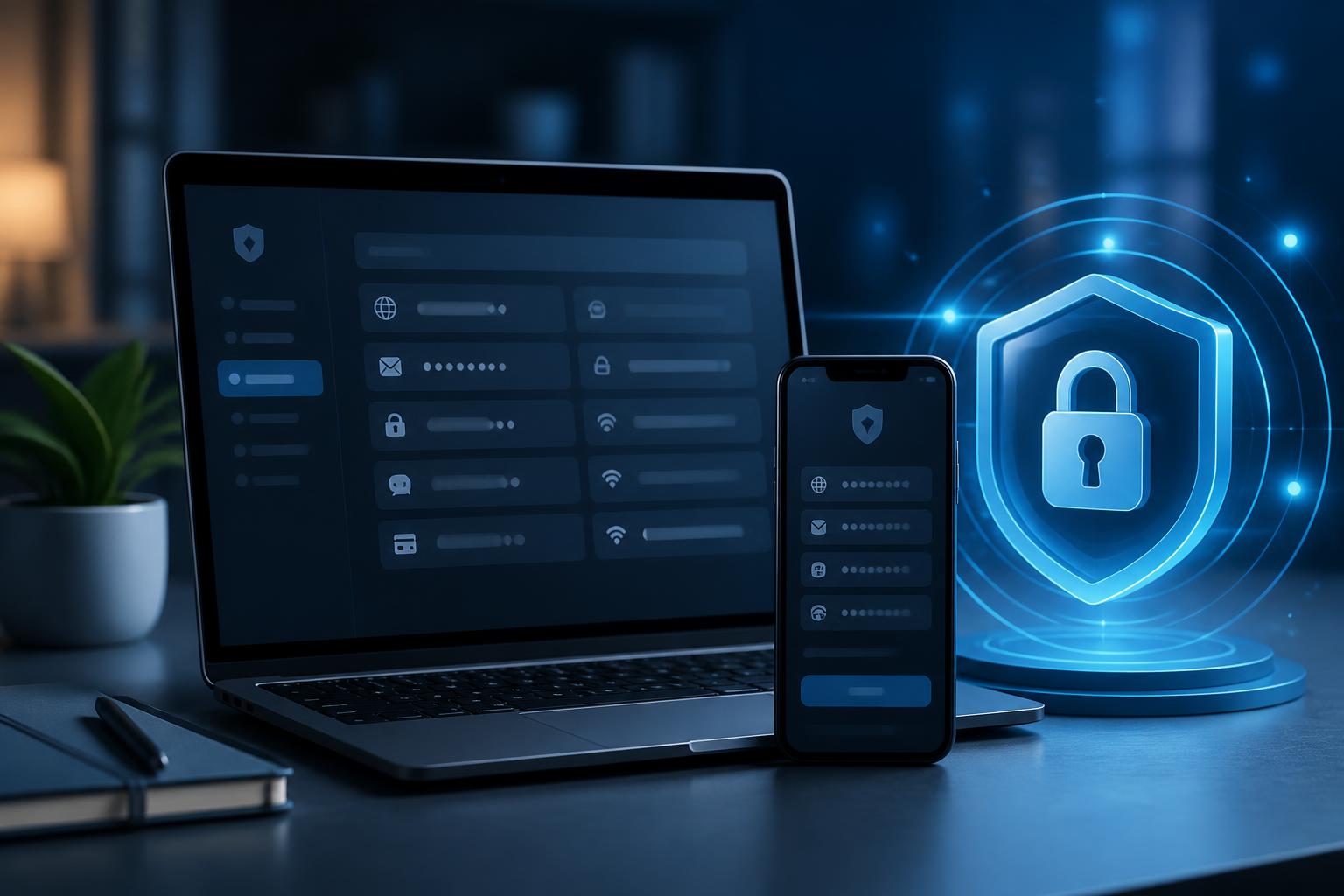
The most basic function is storing login information in a single data vault. A stored entry may include a username, password, website address, notes, and sometimes other account-related information. Organizing entries into groups helps users find the right data without having to search through old emails or numerous scattered files.
For small teams, the ability to distinguish between personal and work accounts is especially important. Not every member needs to know every password. Therefore, before choosing software, it is important to consider whether it supports permission management, controlled sharing, and revoking access when a member is no longer responsible for a task. This is a management requirement, not merely a matter of convenience.
Creating a separate password for each service
Many software products include tools for generating random passwords with lengths and character types selected by the user. The value of this function lies in reducing the need to think up passwords manually and limiting the habit of using phrases related to names, dates, or other easily guessed information. Once created, a password can be saved directly to the corresponding account entry.
It should not be assumed that creating an extremely long string makes every risk disappear. Passwords still need to be used with the correct account, not shared carelessly, and not entered on websites with suspicious addresses. The software helps reduce human error, but users still have to check where they are logging in.
Auto-fill and website recognition
The auto-fill feature shortens the login process, especially on devices used frequently. Some tools can compare a website address with the saved entry to reduce the risk of submitting information to the wrong site. However, users should not mechanically accept every auto-fill suggestion. When a domain contains unusual differences, the interface changes unexpectedly, or a link comes from an unfamiliar source, stopping to check is still necessary.
Support for multiple devices
The ability to synchronize data between computers and mobile devices provides convenience, but it also raises questions about how the data is transmitted and protected. Before enabling synchronization, users should read the provider’s policies, check how the data vault is protected, and consider which devices genuinely need access. An old, shared, or infrequently updated device can weaken the entire process.
The most important point is the master password
The master password opens the door to the vault of login information, so it should be treated as a critical layer of protection. It should not match the password of any other account, should not be an overly familiar phrase, and should not be stored in the same place as the data it protects. Users need to choose something they can remember over the long term but that others would find difficult to guess, while also avoiding sharing it through ordinary messages or email.
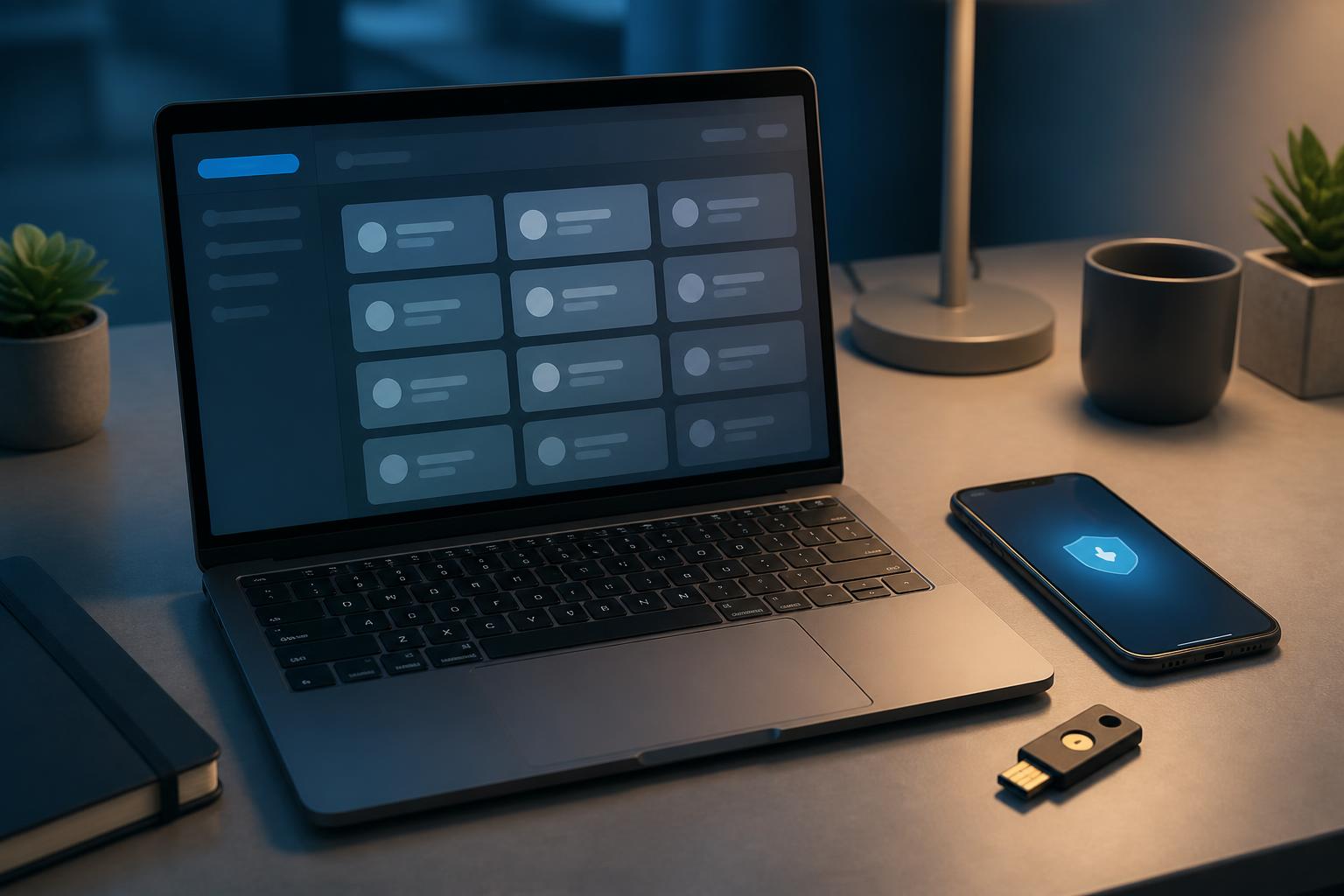
If the software supports multifactor authentication, users should consider enabling it for the primary account. Each method has different procedures and levels of convenience, so an appropriate recovery plan needs to be prepared. A good security process focuses not only on successfully logging in but also on situations involving a lost device, forgotten information, or an inability to access the verification method.
Recovery information needs to be stored carefully and reviewed regularly. Creating numerous unorganized copies can cause sensitive data to appear in too many places. Conversely, without any backup plan, users may be locked out of their own accounts. Balancing recoverability with the degree of data exposure is part of designing the process.
How to implement it for individuals and small teams
Instead of transferring every account at once, users can begin with the most important ones, such as their primary email, website administration account, and data storage services. They can then review reused passwords, accounts that are no longer in use, and login addresses that have changed. This helps keep the initial vault streamlined and creates an opportunity to remove unnecessary information.
For teams, principles should be agreed upon before accounts are shared. Each account should have a person responsible for it, a clearly defined scope of use, and a process for changing access rights. Passwords should not be sent in group chats simply to resolve a task quickly. When a member changes roles or leaves the team, access should be reviewed immediately rather than waiting for a problem to arise.
It is also useful to create a general list of important accounts without writing the passwords directly in that list. The list can indicate which services are being used, who is responsible, and which activities each account is associated with. This allows the team to conduct periodic reviews without turning the management document into a second secret vault.
Limitations that should not be overlooked
A password manager is still software, so it can encounter errors, be misconfigured, or become a target of attack. Concentrating data in a single vault makes it more streamlined but also makes the primary account more important. This is why users need to update the application, protect their devices, avoid installing extensions from unclear sources, and review the permissions granted to browser extensions.
Not every advertised feature is necessary for everyone. The ability to store notes, share data, synchronize multiple devices, or monitor account status is valuable only when it matches actual needs. A product with an easy-to-understand interface, a transparent recovery process, and clear permission management is often more worth considering than a tool with many functions that is difficult to control.
Users also need to distinguish between storing passwords and storing every type of sensitive data. Identity information, recovery codes, access keys, or private documents may require different protection policies. Before putting data into the software, determine what information truly needs to be stored, who has permission to view it, and when it should be deleted.
Turning the tool into a security habit
The long-term value of a password manager does not lie in a one-time installation but in consistent use. Whenever creating a new account, users should immediately save the information in the correct group, create a separate password, and check the website address before entering data. When their role at work changes, they should review the accounts they share. When a service is no longer used, the related data should be deleted or marked to prevent confusion.
Ultimately, software is only one layer in an account protection system. Updating devices, exercising caution with unfamiliar links, using additional authentication, and checking for unusual activity are still tasks that need to be carried out in parallel. By combining a tool with a clear process, users no longer have to make an extreme choice between convenience and security. They can log in more quickly, manage accounts more systematically, and respond more proactively to changes in the digital environment.