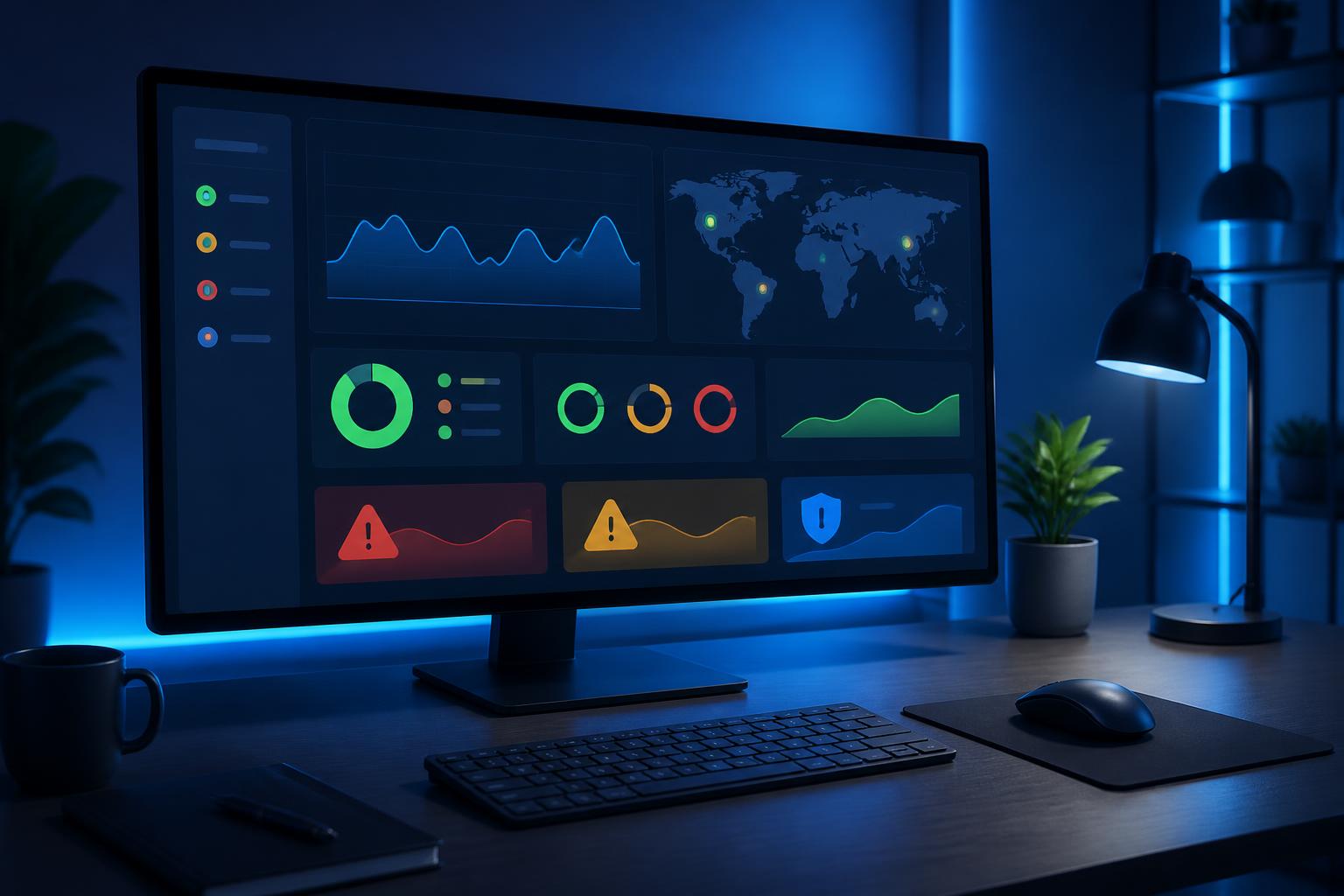
Website Monitoring Software: Identifying Problems Before Customers Leave


A website can experience problems at any time, including when no one is actively monitoring the server. A homepage that fails to load, a contact form that cannot be submitted, an expired security certificate, or increased response times can all cause visitors to leave before a business realizes there is a problem. For websites that support sales, receive requests, or provide services, even a few hours of downtime can disrupt operations and affect customer trust.
Website monitoring software is designed to address this gap. Instead of waiting for users to report an error, the system proactively sends inspection requests at regular intervals, records the results, and sends notifications when it detects signs of an abnormality. However, it is not a button that can automatically fix every problem. The true value of the tool lies in its ability to provide signals early enough, clearly enough, and reliably enough for people to make the right decisions.
How does website monitoring software work?
At a basic level, website monitoring software uses checkpoints to access configured addresses. The system can confirm whether a website is responding, check the server response code, measure loading time, and monitor certain important content on the page. If multiple consecutive checks show results that do not meet the set conditions, the tool will create an alert through an appropriate channel.
The important distinction is that one failed check does not necessarily mean a serious incident. The network between the monitoring system and the server may be unstable, a checkpoint may be temporarily inaccessible, or the server may respond slowly for a short period. Therefore, good software usually allows verification through multiple attempts or locations before sending an official alert. This approach helps reduce false alarms, which can easily cause teams to lose trust in the system.
Essential monitoring layers
Checking whether the website is still accessible
This is the most common monitoring layer. The tool sends requests to the website at predetermined intervals and records its ability to connect. In addition to determining whether the page can be opened, administrators should pay attention to the response code and wait time. A website that continuously returns server errors clearly needs attention, but a website that still opens while responding very slowly should not be considered to be operating normally either.
Checking the homepage is necessary but not sufficient. A system may open its introduction page normally while the login page, shopping cart, contact form, or payment area is experiencing errors. Therefore, addresses that are important to the user journey should be placed on a separate monitoring list.
Monitoring performance and response times
Accessibility monitoring answers only whether the website is operating. Performance monitoring goes further by observing whether the website responds quickly or slowly, whether loading times fluctuate, and which components commonly cause delays. This data is particularly useful when the website has not completely stopped working but the user experience has already deteriorated.
Response times can increase for many reasons, such as sudden traffic spikes, inefficient database queries, insufficient server resources, unsuitable caching configurations, or a slow response from an external service. Monitoring software cannot always identify the ultimate cause, but it helps indicate when the problem began and how severe its impact is, thereby shortening the investigation process.
Checking content and functionality
A website may still return a successful response while the content inside it has changed unintentionally. Content monitoring tools can search for a required phrase, confirm that an important component is present, or detect when a page returns content that differs from what was expected. This layer of checking is useful for websites with forms, login pages, service notifications, or automatically updated content.
For functions involving multiple steps, a business may need a testing scenario rather than simply accessing one address. For example, the system can simulate opening a page, entering test data, and confirming the returned result. The closer the scenario is to actual behavior, the more valuable the monitoring data becomes. Even so, it must be designed carefully so that it does not create fake orders, send emails to the wrong recipients, or generate unwanted data.
Monitoring certificates and domains
An expired security certificate can cause browsers to warn users and interrupt secure connections. An expired domain or an incorrect resolution configuration can also make a website inaccessible even while the server is still operating. Therefore, alerts related to certificate and domain expiration should be considered part of the monitoring plan, rather than the sole responsibility of the technical department.
Alerts are useful only when someone is responsible
Many organizations install monitoring software but still miss incidents because alerts are sent to a mailbox that few people check or to a channel with no one on duty. Notification settings need to be tied to specific responsibilities. High-severity alerts can be directed to the operations team through a channel that receives a rapid response, while periodic reports and minor changes can be sent by email.
Alert content also needs to contain enough information for the recipient to begin investigating. A notification that merely says the website is down is less useful than one specifying which address encountered the error, when it was detected, how many verification attempts were made, the type of response, and the most recent response time. If the system retains history, the person handling the issue can also compare it with previous abnormalities instead of starting from scratch.
Businesses should divide alerts by priority. The main website, payment page, or request intake system may require an immediate response. A secondary page or testing environment may only need to be recorded for handling during business hours. This classification reduces alert pressure and helps the team focus on the issues with the greatest impact.
Read the data to find causes, not just count errors
A monitoring report may show how many times a website has experienced an interruption, but that number does not tell the whole story. The timing, duration, scope of impact, and relationship to recent changes all need to be considered. If incidents often occur after a new version is deployed, the cause may lie in the source code or configuration. If response times increase during specific time periods, the team should examine traffic, queries, and server resources.
Long-term trends are also valuable. A website that has never completely gone down but whose response times are continuously increasing may still be approaching its operational limits. Historical data helps a business identify problems before they become obvious incidents. This is the difference between proactive monitoring and only responding when someone complains.
For data to be meaningful, related events such as system upgrades, server migrations, changes to caching configurations, or campaigns that attract large amounts of traffic should be documented. When these milestones are viewed alongside monitoring charts, the team has a stronger basis for distinguishing an intentional fluctuation from an unforeseen error.
Criteria for choosing website monitoring software
First, identify the websites that need protection and the importance of each component. A simple informational page may only need accessibility and certificate checks. An e-commerce platform or service portal will need additional functionality and performance monitoring, incident logs, and a reliable alerting mechanism.
Configurability is just as important as the number of features. The tool should allow adjustments to the checking interval, alert conditions, timeout period, number of verification attempts, and notification channels. If all alerts are locked into a rigid configuration, the tool may become too sensitive or miss important situations.
Consider how the software stores data and controls account access. Testing scenarios may contain sensitive information, especially when they need to simulate logins. Businesses should limit test data, assign user permissions, and review the provider’s data-retention policies before putting the system into operation.
Finally, assess the ability to export data, view history, and integrate with internal processes. A tool that is easy to install but does not support analysis or coordinated incident response will quickly become a place where disconnected alerts accumulate. Simplicity at the start is valuable, but scalability should still be considered if the website becomes increasingly important.
Establishing a response process after an alert
Software is only one part of the system. When an alert is received, the team needs to know that the first steps are to verify the issue from another network or device, check the scope of the impact, review recent changes, and then decide whether to restore service, adjust the configuration, or contact the infrastructure provider. This sequence should be documented in a concise guide so that the person on duty does not have to guess under pressure.
Once the website is operational again, the incident should not be considered over. The team should record the most likely cause, the resolution time, the indicators that led to its detection, and the measures taken to prevent a recurrence. If the alert was not early enough or generated too many false positives, the monitoring configuration should also be adjusted. Each such incident is an opportunity to improve both the tool and the process.
Conclusion
Website monitoring software helps businesses move from waiting for customers to discover errors to proactively observing their own services. The tool can check accessibility, performance, content, functionality, and related components such as certificates and domains. However, effectiveness does not come from enabling as many alert types as possible. It comes from choosing the right points to monitor, setting reasonable thresholds, and clearly assigning responsibility for handling issues.
When combined with historical data and a specific response process, website monitoring becomes a foundation for reducing incident detection time, supporting root-cause analysis, and protecting the user experience. It is an investment in the continuity of digital operations, rather than merely a technical tool used to report that a website is experiencing problems.