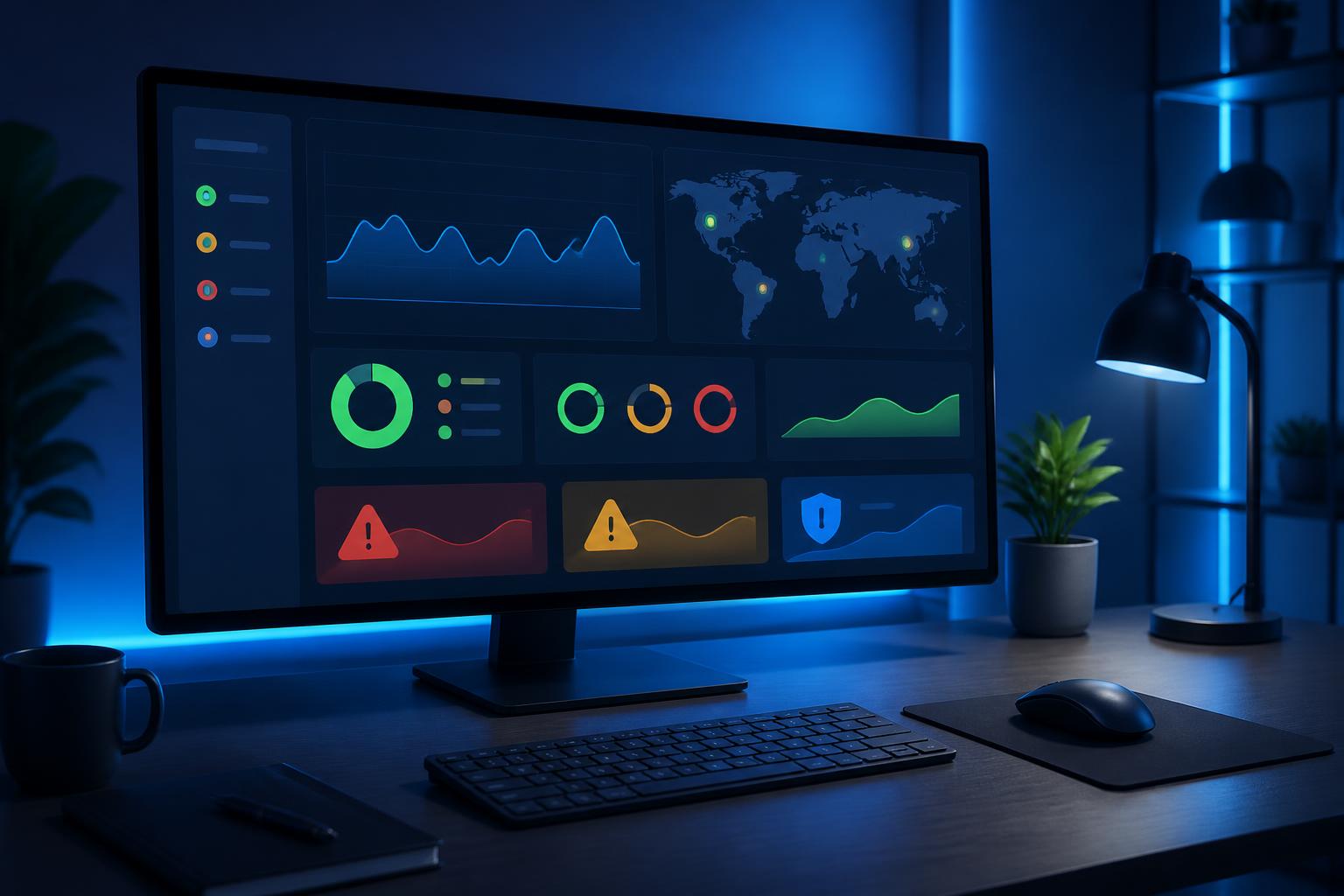



Proactive Website Monitoring: Detecting Issues Early Before Customers Leave


A website that operates normally most of the time can still experience problems when a business least expects them. A homepage that fails to load, a sign-up button that leads to a broken link, a contact form that fails to submit data, or an expired security certificate can all cause visitors to leave before the business realizes there is a problem. If the business only waits for customers to report an issue or for an employee to happen upon it, the response time is often already prolonged.
Proactive website monitoring is an approach that continuously checks a website’s important components, from accessibility and response time to the status of key functions. It is not a replacement for maintenance or security, but rather an observability layer that helps the team understand what is happening and where action is needed. For e-commerce websites, service-introduction websites, information portals, or internal systems, the ability to detect issues early has a direct impact on user experience and business operations.
Why shouldn’t you rely only on visual website checks?
Manual checks are still necessary, especially when updating the interface, content, or new functionality. However, this method depends on when the check is performed and who performs it. An employee may open the website in the morning and find everything normal, while the issue may actually occur at night, affect only a particular geographic area or device, or involve a specific process.
In addition, many errors cannot be identified simply by looking at the homepage. The server may still return the interface while response times have increased significantly. The payment page may still be displayed but fail to complete a transaction. Notification emails may still be generated but fail to reach the recipient’s inbox. An important link may return an error only after the user performs a particular sequence of actions. Systematic monitoring helps shift issue detection from a passive state to an observable and repeatable process.
Components that should be monitored
Accessibility and response codes
The most basic check is determining whether the website can be accessed. A monitoring system can send requests to one or more important addresses at an appropriate interval, then record the response code, wait time, and connection status. If the website does not respond, responds too slowly, or returns a server error, an alert should be sent to the person responsible.
However, a valid response code does not mean that everything is working correctly. An incorrectly configured error page may still return a successful response even though its actual content does not serve users properly. Therefore, monitoring should combine connection checks with basic content checks, such as confirming that an important element still appears on the page.
Response time and stability
A website does not have to go completely offline to cause an impact. A sudden increase in loading time can disrupt the process of reading content, searching for products, or submitting a consultation request. Tracking response times over time helps identify abnormal trends, such as a decline in speed after a code change, the installation of an additional extension, or an adjustment to the server configuration.
It is important not to draw conclusions from a single measurement. Results can be affected by the network, the testing device, or temporary conditions. Time-series data is more useful because it allows comparison with the normal state and helps identify changes that recur.
Security certificates and domains
An expired SSL/TLS certificate can cause browsers to warn users and interrupt access. An expired domain or inaccurate DNS configuration information can also prevent the website from resolving to the correct address. These issues are relatively easy to prevent if there is an advance reminder mechanism and a clearly assigned person responsible.
Alerts should not be sent only when the certificate or domain has already expired. A notification sufficiently far in advance gives the team time to review the renewal process, confirm payment information, and assess related services. For important assets, it is advisable to maintain a list of expiration dates and responsible individuals rather than relying on personal memory.
Functions that create value for the business
For many websites, the homepage is only the starting point. Functions with a more direct impact may include contact forms, login, search, shopping carts, appointment scheduling, or request-submission processes. If the business monitors only the homepage, it may overlook errors in the steps customers use to generate revenue or make contact.
Function checks need to be designed carefully so they do not create false data, send emails by mistake, or trigger unwanted transactions. The process can begin with safe steps such as opening a page, checking input fields, confirming navigation buttons, and stopping before the final submission step. For important processes, the technical team should build a testing environment or a dedicated testing mechanism to balance reliability and operational risk.
Good alerts should help people take action
A system that sends too many alerts can create notification fatigue. When every minor error is marked as urgent, the person responsible may find it difficult to distinguish an issue requiring immediate attention from one that can be reviewed during working hours. Therefore, alerts should be categorized according to the level of impact, duration, and affected component.
Every valuable alert should answer basic questions: where did the issue occur, when did it begin, what did it look like, what was the result of the most recent check, and who needs to receive it? If possible, the notification should also link to the relevant resolution guide or checklist. A short alert with context is often more useful than a generic notification stating that the website is experiencing an error.
The alert channel should also match the nature of the website. Not every issue requires an after-hours phone call, but errors that prevent orders from being received or make the entire website inaccessible may require a faster response process. This should be agreed upon in advance, including a backup person for situations in which the primary contact is unavailable.
From issue detection to controlled recovery
Monitoring is only the first step. When an alert is received, the team needs to verify the issue before changing configurations or deploying a fix. Checking from another source, testing on an appropriate device, and cross-referencing logs can help distinguish an actual error from a false alert or a localized problem.
After determining the scope of the impact, the first priority is to protect the user experience and data. In some cases, it may be possible to temporarily disable a faulty function, display an appropriate notice, or redirect traffic to a more stable version. Multiple undocumented changes should not be made simply to restore service as quickly as possible, because this can make it harder to identify the cause and create additional risks.
At the end of the process, the team should record when the issue was detected, its symptoms, the actions taken, and the cause if it has been identified. This information helps the team recognize recurring patterns, adjust alert thresholds, and improve procedures. An issue that has been resolved but not learned from may still return in a similar form.
Implementing according to importance
Not every website needs a complex monitoring system from the outset. A business can begin by making a list of important pages and functions, determining a reasonable checking frequency, setting up alerts for website inaccessibility, and tracking certificate expiration dates. It can then expand to response times, page content, interaction steps, and metrics appropriate to its operating model.
During implementation, it is necessary to distinguish between collecting technical data and monitoring personal information. Tests should minimize the use of real data, avoid storing unnecessary sensitive information, and restrict access to logs. Effective monitoring does not mean collecting everything; it means collecting enough information to detect, diagnose, and address problems responsibly.
A website is a constantly changing system. Code is updated, providers are replaced, marketing campaigns increase traffic, and user behavior may differ from initial predictions. For that reason, the set of checks also needs to be reviewed regularly. An alert that was once useful may no longer be appropriate after the website structure changes.
Conclusion
Proactive website monitoring is not only intended to detect when a page goes offline. Its greater value lies in the ability to see early signs of abnormality, protect important functions, and help the team respond based on information rather than guesswork. When combined with maintenance, security, backups, and incident response procedures, monitoring forms a more reliable operational foundation.
Businesses do not need to start with an overly complex system. A clear asset list, a few appropriate checks, prioritized alerts, and a clearly assigned response process can already make a significant difference. The ultimate goal is for issues to be detected before they become negative experiences that customers have to report themselves.